
How to Find the S/N on a CR-V's Radio
To get the correct unlock code, you will need the radio serial number from your Honda CR-V's radio unit.
You can usually find it in one of two places. Common labels to look for: S/N, SN, Serial, Serial Number.
1. Viewing CR-V's S/N on the Infotainment
Accessing the Serial Number in Honda CR-V
The CR-V uses Honda's standard radio serial display system, which works across all generations from 2007-2025. You don't need to remove the radio in most cases — the serial appears right on the screen.
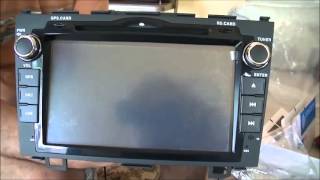
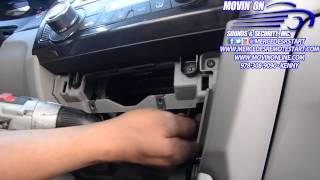
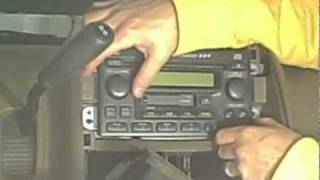
Quick Display Method:
- Power on the radio — You'll see "CODE" if it's locked.
- Press and hold buttons 1 and 6 simultaneously for 2-5 seconds.
- Read the 10-character serial — Format is typically
U1234L5678orT00AM1234567.
CR-V Specific Notes:
- 2017-2022 CR-V (5th gen) — All trim levels (LX through Touring) use the 7-inch Display Audio system with the 1+6 button method.
- 2023+ CR-V (6th gen) — The new Google Built-in infotainment may store the serial in Settings → About → System Information. Check there first before trying button combinations.
- 2012-2016 CR-V (4th gen) — Both the base radio and the touchscreen Display Audio support the 1+6 method.
- 2007-2011 CR-V (3rd gen) — Older CD/MP3 radios work with 1+6, though some Canadian models may require holding the buttons slightly longer.
Physical Removal: If needed, the CR-V radio removal requires removing the trim panel around the radio (held by clips) and unscrewing 4 mounting bolts. However, this is rarely necessary since the button method works on nearly all units.
2. Finding the Serial Number on the Radio Unit
The serial number is usually located on a sticker attached to the head unit.
Step 1: Turn off the vehicle.
Step 2: After that, remove the dashboard.
Step 3: Then unscrew the radio brackets.
Step 4: Carefully pull the radio forward partially (Be careful not to damage the cables that the unit is connected to).
Step 5: Search for the serial on the rear of the unit.
Step 6: Write down the full number carefully and come back here so that we can generate your code.
Important: Be careful not to mix the Serial Number for the Part Number!
Honda Radio Removal if On-Screen Fails
If the on-screen method fails, you can remove the Honda CR-V radio using DIN removal tools or by removing the surrounding trim panel. The serial is on a label on the top or side of the radio unit. Be careful with the trim clips — they can break if forced.
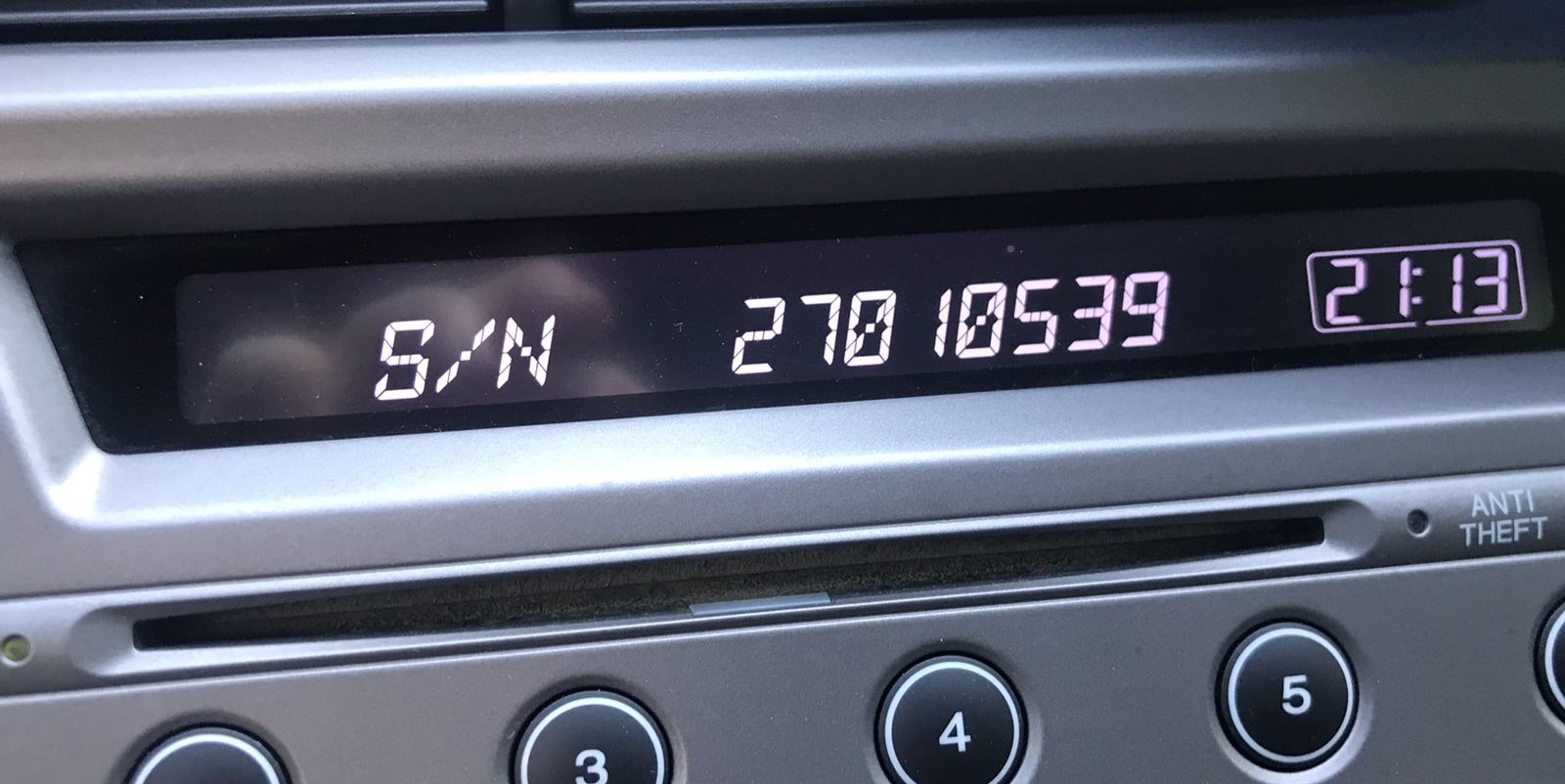
Example: Honda CR-V serial number label location
Typical Honda CR-V Serial Formats
The radio uses a serial in U####L#### format (e.g. U1234 L5678). Navigation systems may show a GNA or HBM prefix. This serial is essential for code generation.
When a Radio Unlock Code Is Needed?
Many owners encounter radio lock problems on their CR-V after power loss.
Below are the most typical situations when this can happen.
Radio Asking for Code After Battery Change
A disconnected battery is the most common reason a Honda CR-V radio asks for a code.
Even a momentary voltage drop is enough to trigger the built-in anti-theft lock.
Other Situations
- Installing a used head unit will require the original anti-theft code.
- A blown fuse can cause the Honda CR-V radio to request a security code.
- After an ECU or software reset, the radio may enter security mode.
- Jump-starting the vehicle can reset the radio, requiring the unlock code.
Things to Try First
Before you pay for it, you should check a few places where the code is often already written down.
Some owners find their Honda CR-V radio code without needing any tools or paperwork.
Here are the easiest things to check first.
Check the Owner's Manual and Paperwork
- On the radio chassis if the unit was previously removed.
- In the user guide, often on a separate page.
- On a sticker in the glove compartment.
- Near the trunk lining, where some manufacturers place radio labels.
- In the maintenance records provided with the car.
Can You Get a Honda CR-V Radio Code from the Dealer?
Dealerships can retrieve your radio code by checking the VIN in their system.
They typically require proof of ownership before sharing the security PIN.
This is the official way to restore access to the factory radio.
Disadvantages:
- You may need to contact service support during business hours.
- The lookup is often not instant and may require waiting.
- Dealers frequently charge a service fee (It may cost more than 100$).
- Some imported or older radios may not be in their database.
How to Enter the Radio Code on Honda CR-V
Once you have the unlock code, it's time to enter it into the Honda CR-V's radio.
The locked radio will usually show a blank screen with dashes.
Use the preset number buttons to dial in each digit, then press OK to activate the head unit.
To unlock your Honda CR-V radio with your code:
- Turn on the ignition — The radio shows "CODE" or "Enter Code".
- Use preset buttons 1 through 5 to enter each digit:
- Button 1 = first digit (press 1-9 times)
- Button 2 = second digit
- Button 3 = third digit
- Button 4 = fourth digit
- Button 5 = fifth digit
- Confirm by pressing and holding button 6 for 2-5 seconds.
For 2023+ Touchscreen Models: If your CR-V has Google Built-in infotainment, it may display a numeric keypad on screen. Simply tap the digits and press "Enter".
Lockout Warning: After 3 incorrect code entries, the radio locks for 1 hour. Keep the ignition ON throughout the entire waiting period — turning it off resets the timer to the beginning.