Everything You Need to Know About Getting a Radio Code
Tutorials, tips, and step-by-step guides for unlocking your car radio
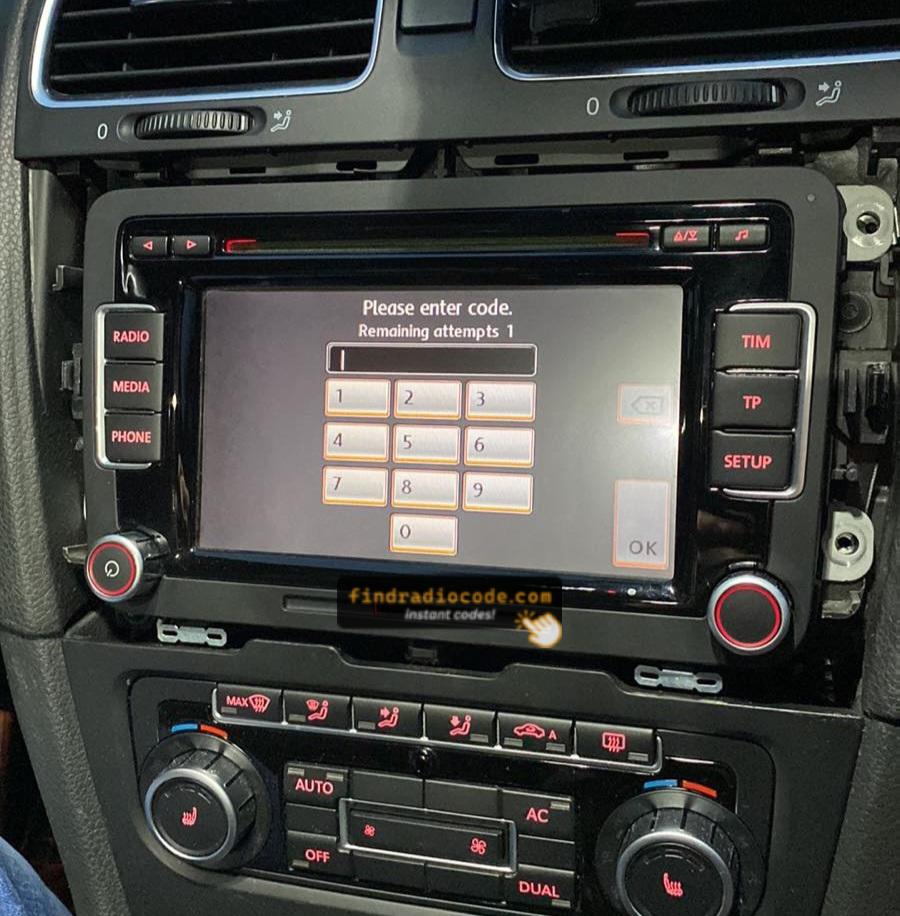
- VW, Audi and Skoda SAFE Mode
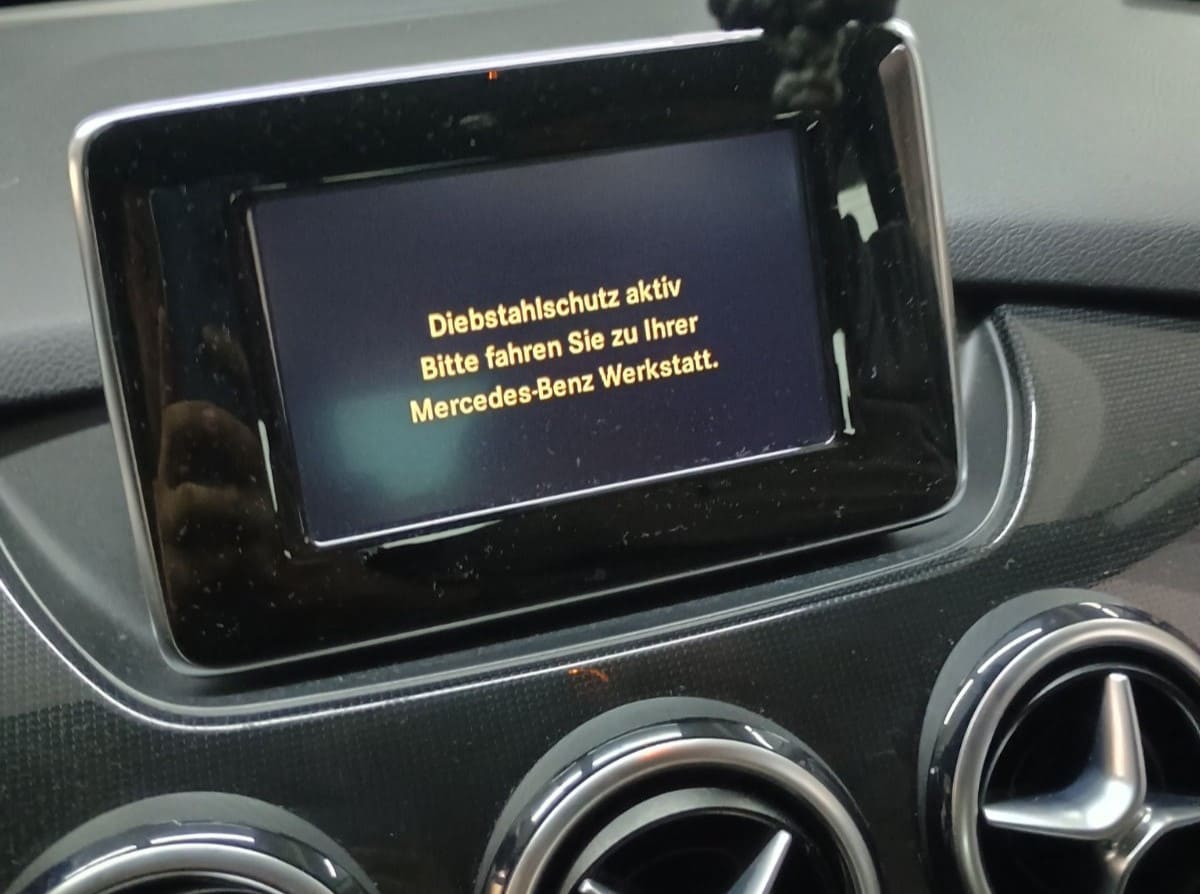
- Mercedes-Benz Radio Code Guide
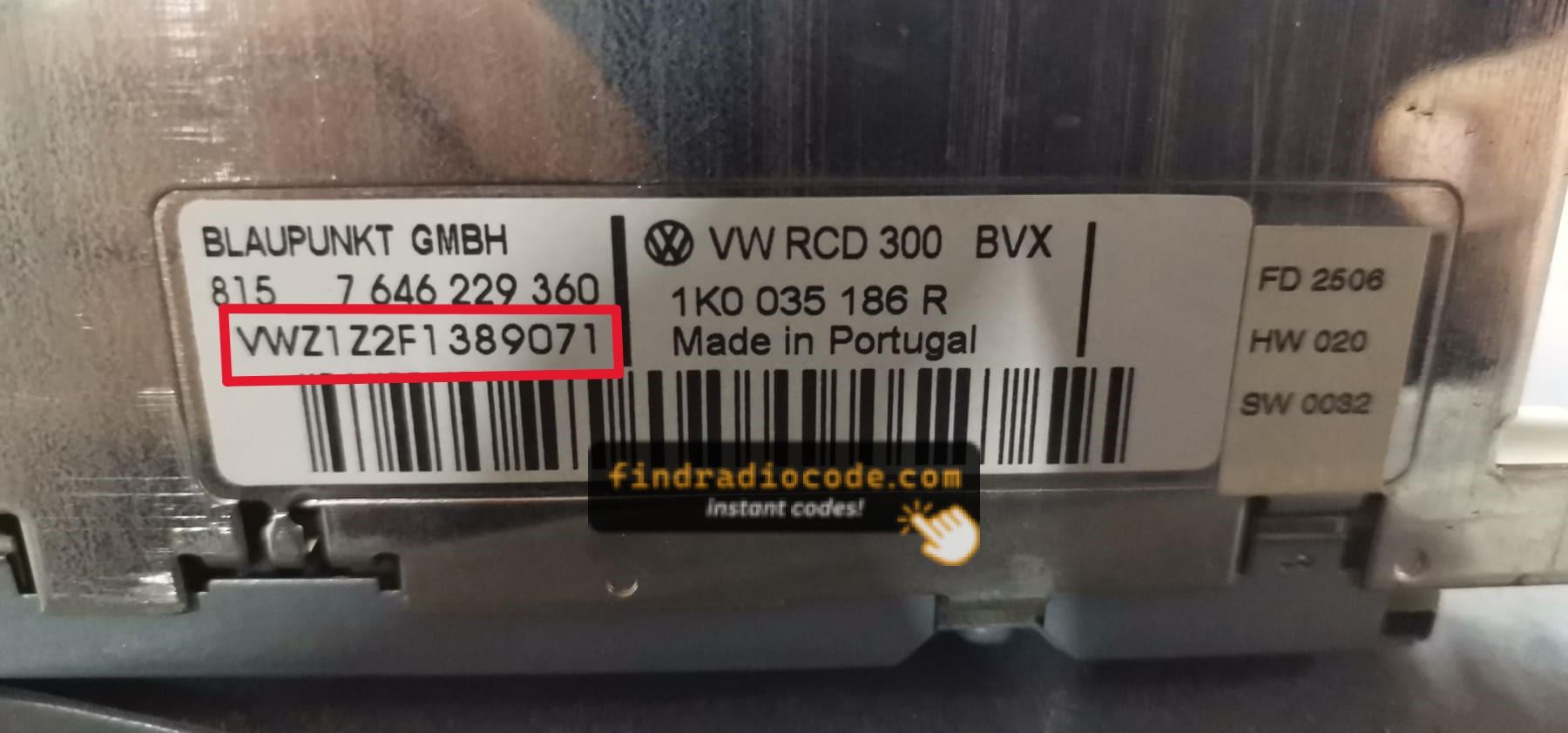
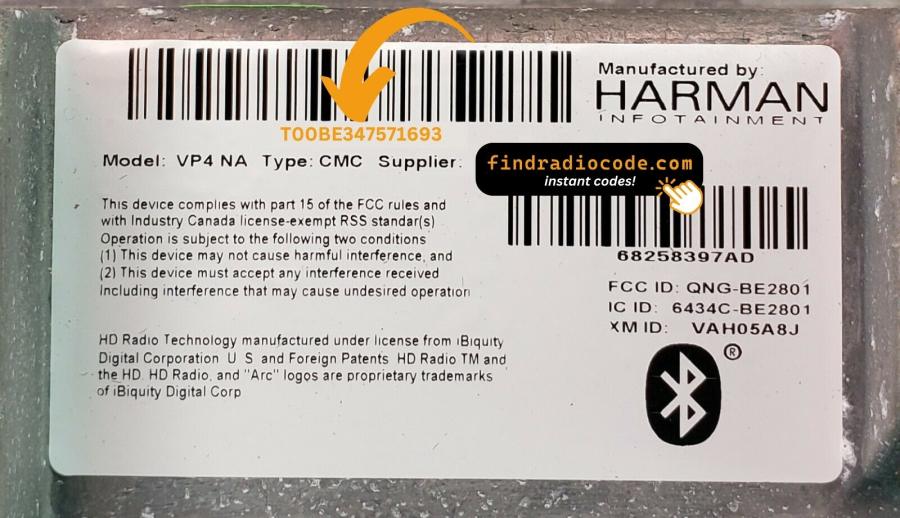
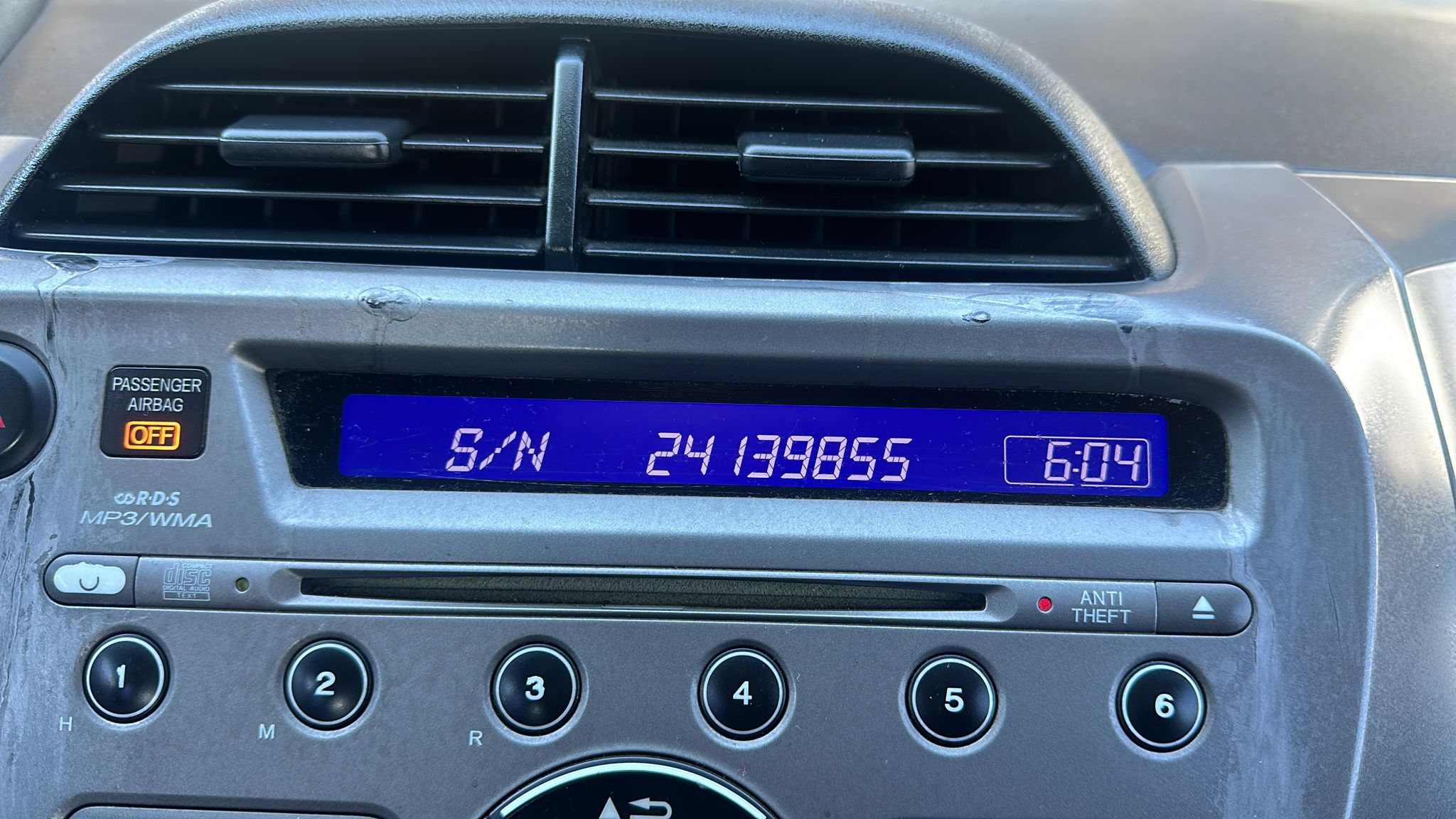
- How to Find Your Car Radio Serial Number
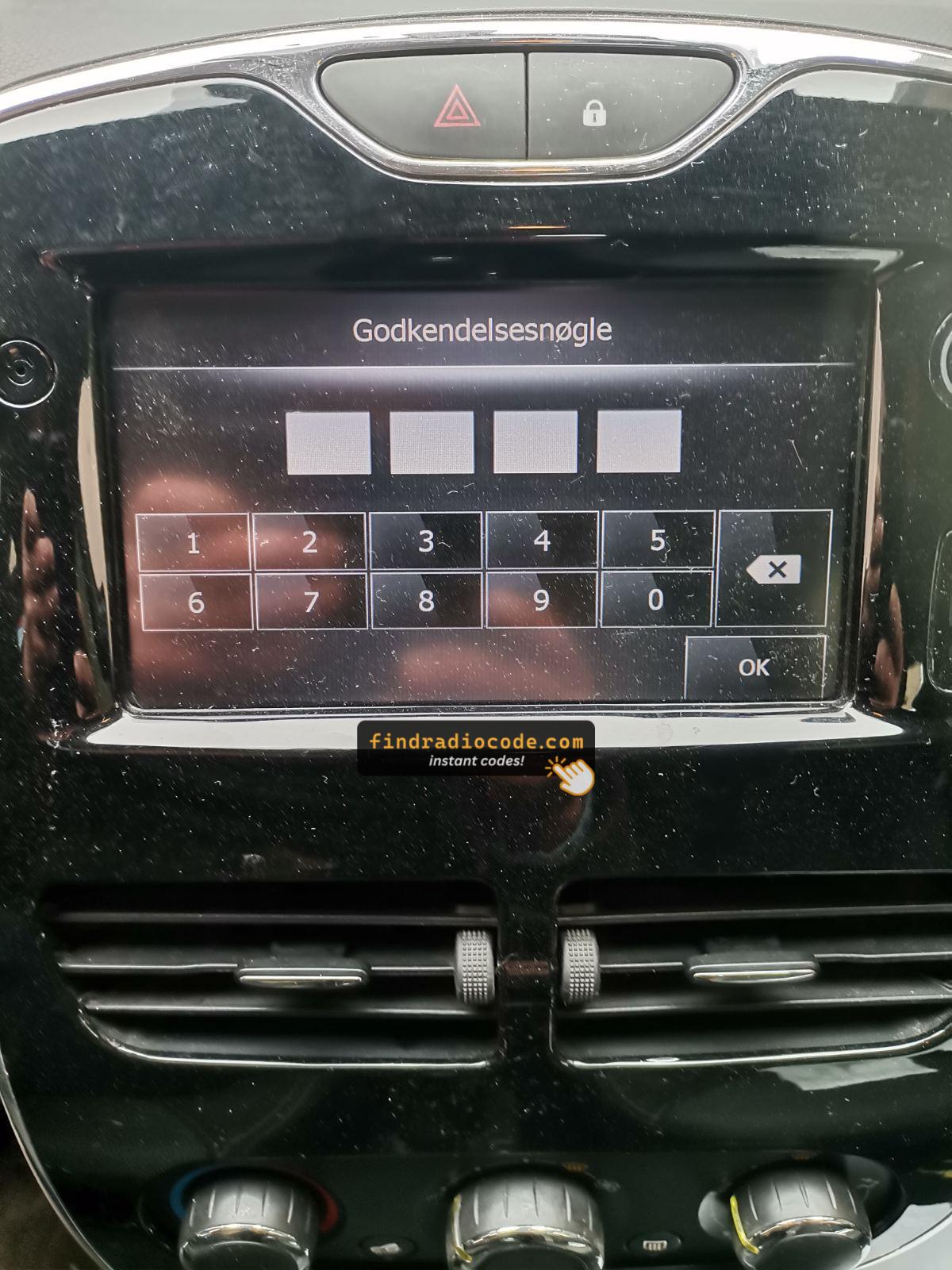
- Renault and Dacia Pre-Code System
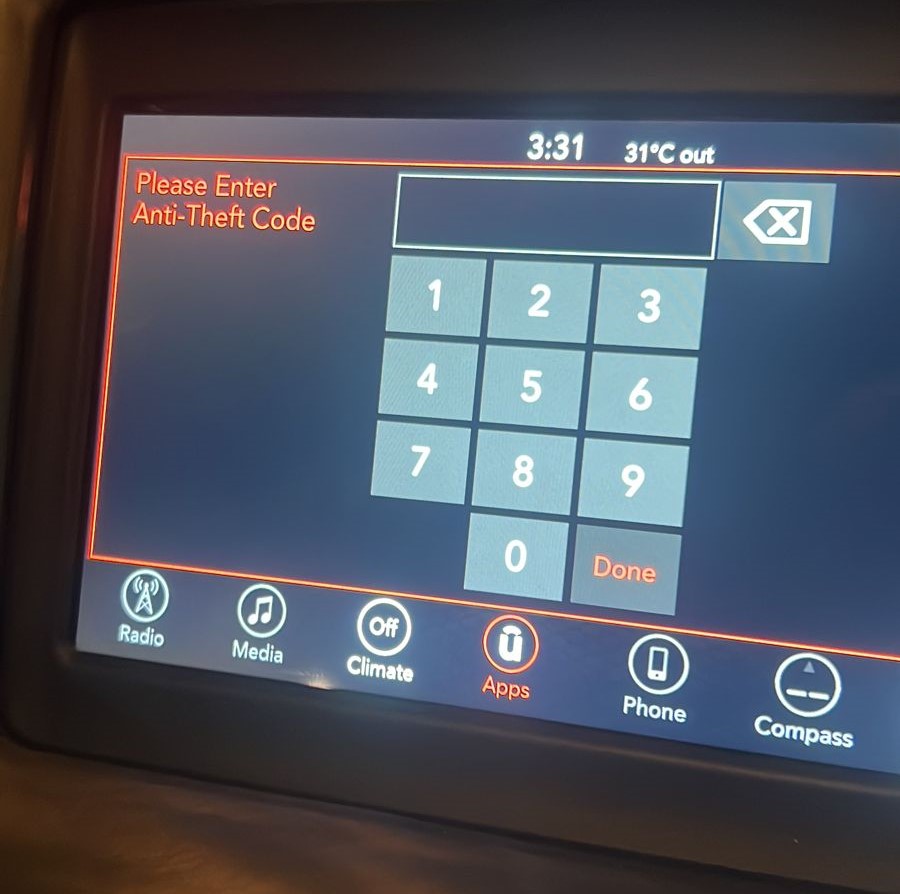
- Jeep Anti-Theft Code Reset and Radio Security Code
- Used or Replacement Uconnect Radio Asking for a Code
- How to Enter a Honda Radio Code (and Fix CODE ERROR E)
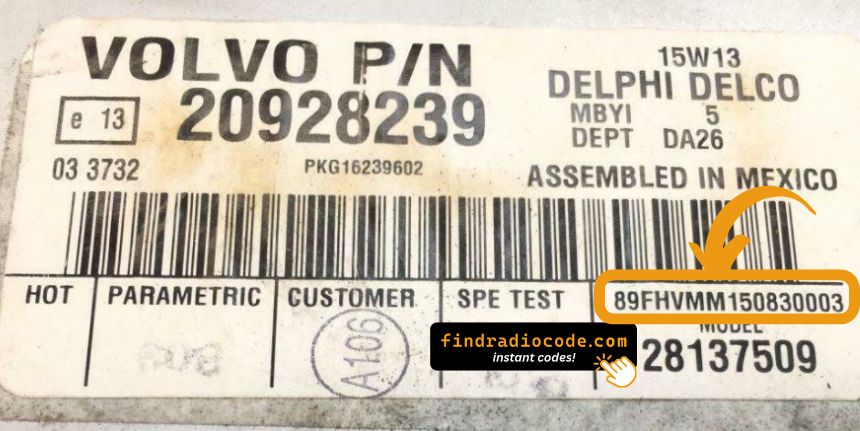
- Volvo Truck Radio Code Reset and Volvo Car Radios
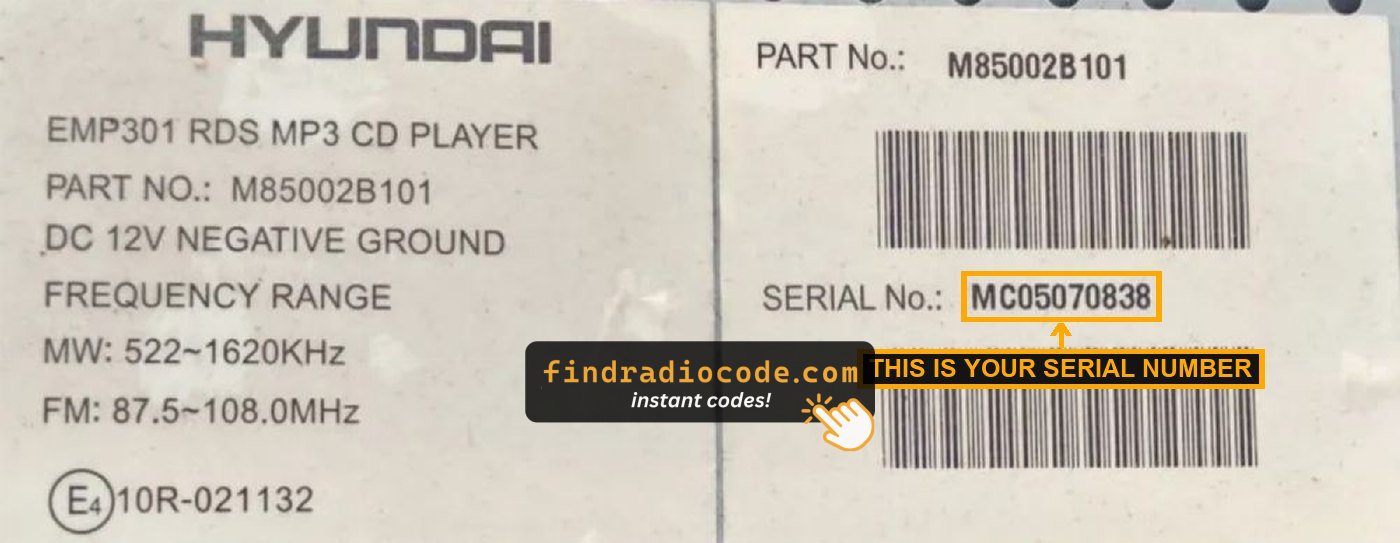
- Hyundai Radio Code Guide
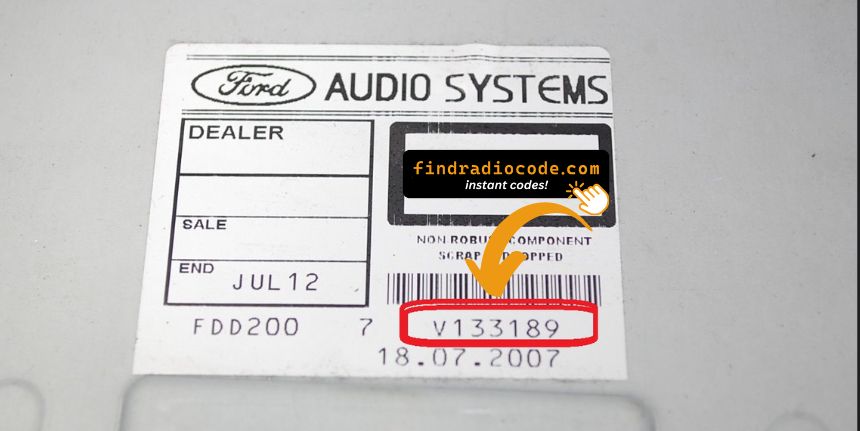
- Ford Radio Code by Serial Number
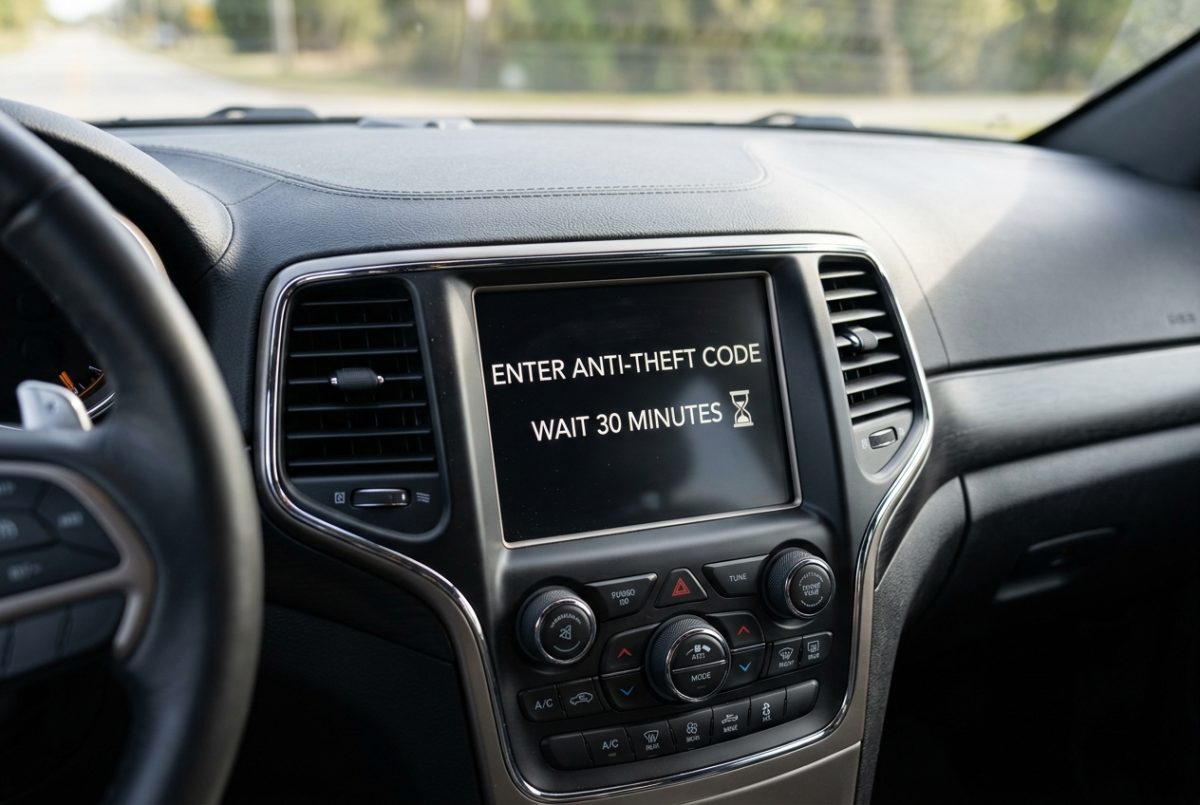
- Radio Says "Wait 30 Minutes"? Uconnect and Other Radios
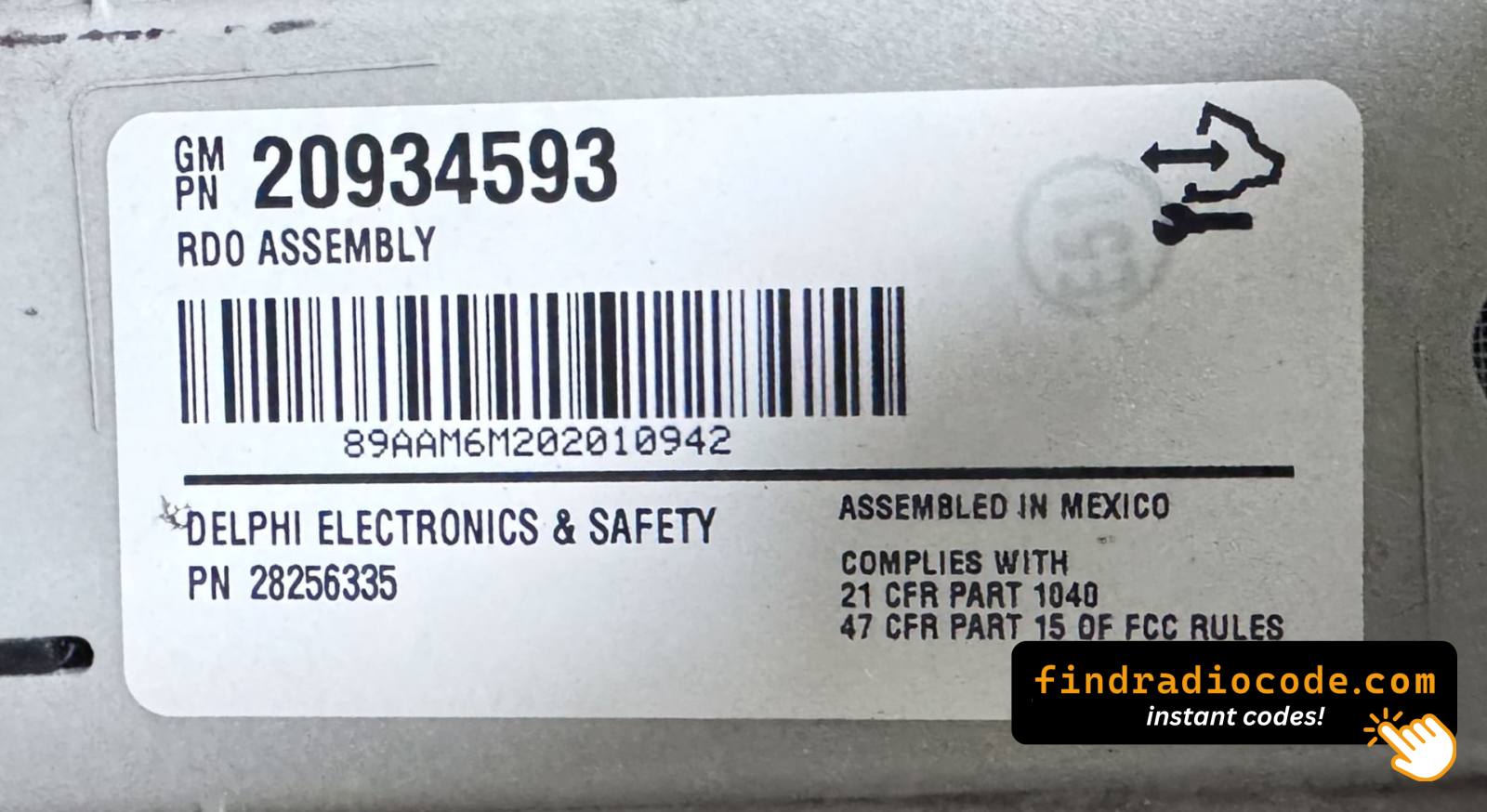
- Chevy, GMC or Buick Radio Says LOCKED? How to Fix It
- Uconnect Radio Removal by Vehicle and Year (Ram, Jeep)
- Uconnect Dealer Mode: Read the Serial Number on Screen
- How to Check If a Website Is Not a Scam
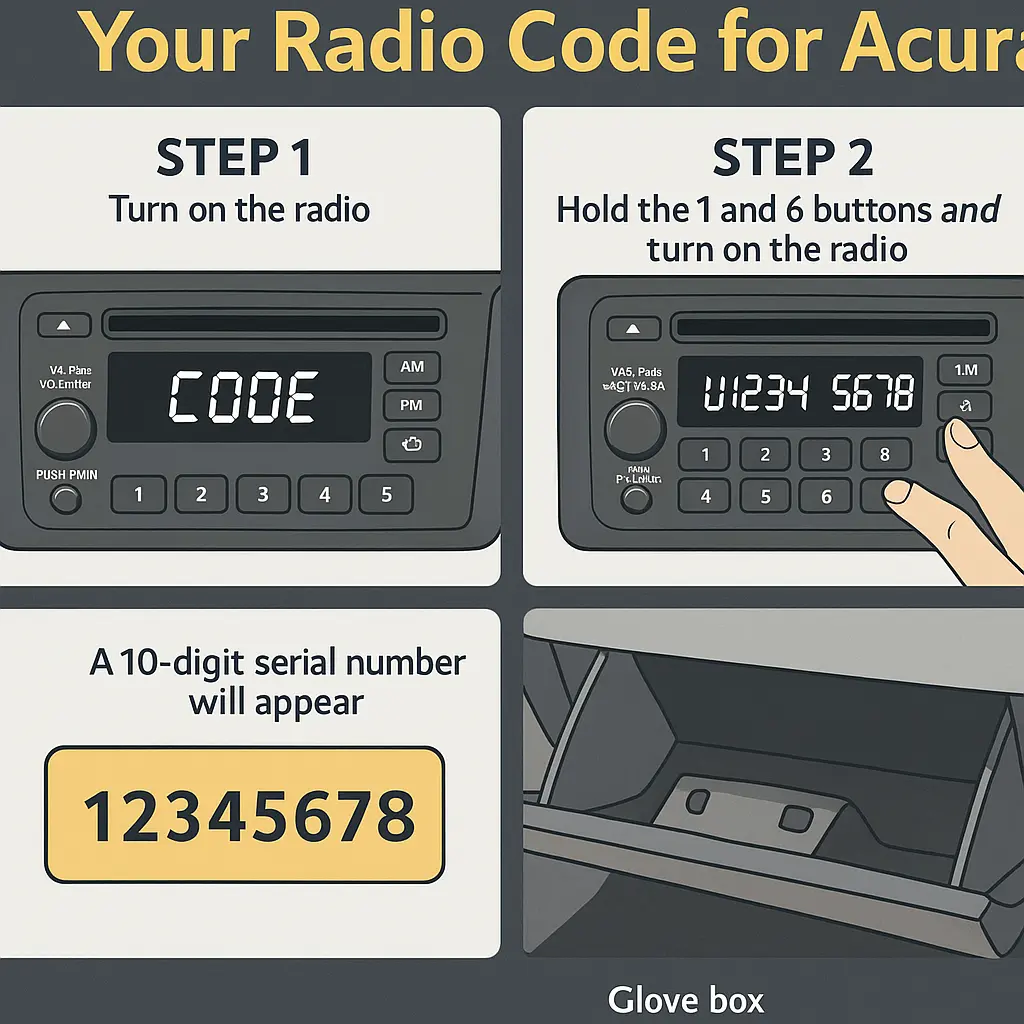
- Acura Radio Code Not Working? Reset, Find and Enter It
- Earn $3 Per Sale: Affiliate Program
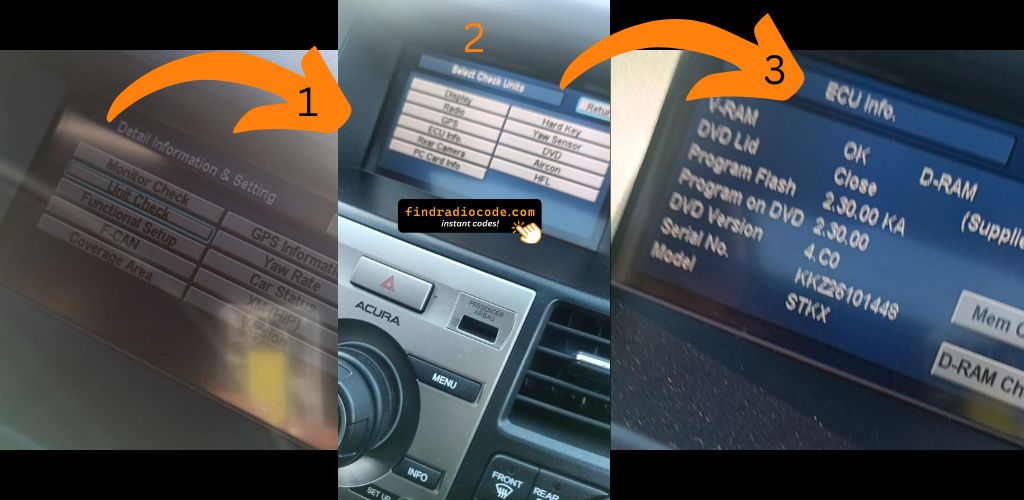
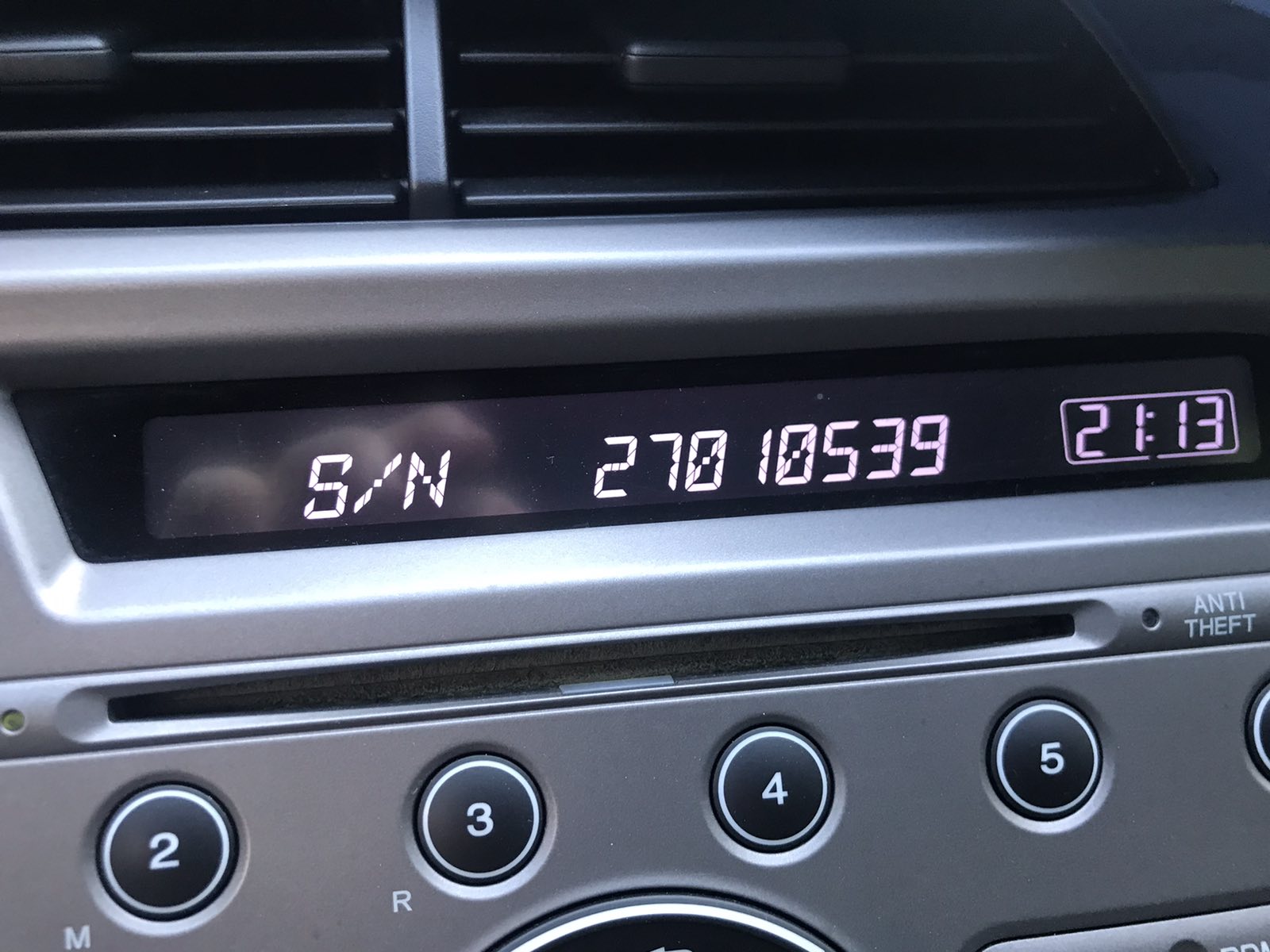
- Honda and Acura Radio Serial Number and Navigation Code
- Unlock Your Uconnect Radio Using Serial Number
- Get Serial Number from the Screen - Zero Disassembly
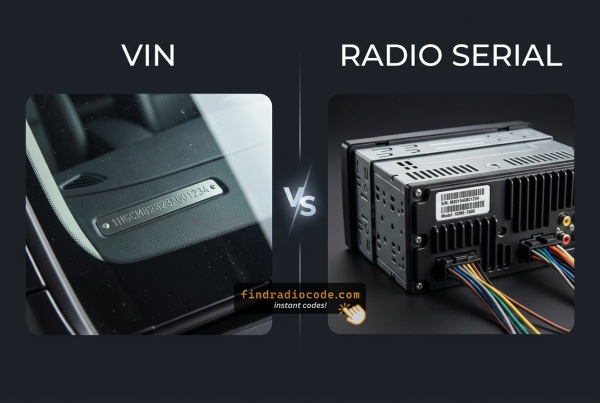
- Can You Get a Radio Code From the VIN? Brand by Brand
- How Car Radio Anti-Theft Codes Work
No articles found. Try a different search term.
Free
Free car radio tools
Small, free tools that get the details right before you pay for a radio code. They work in your browser and need no account.
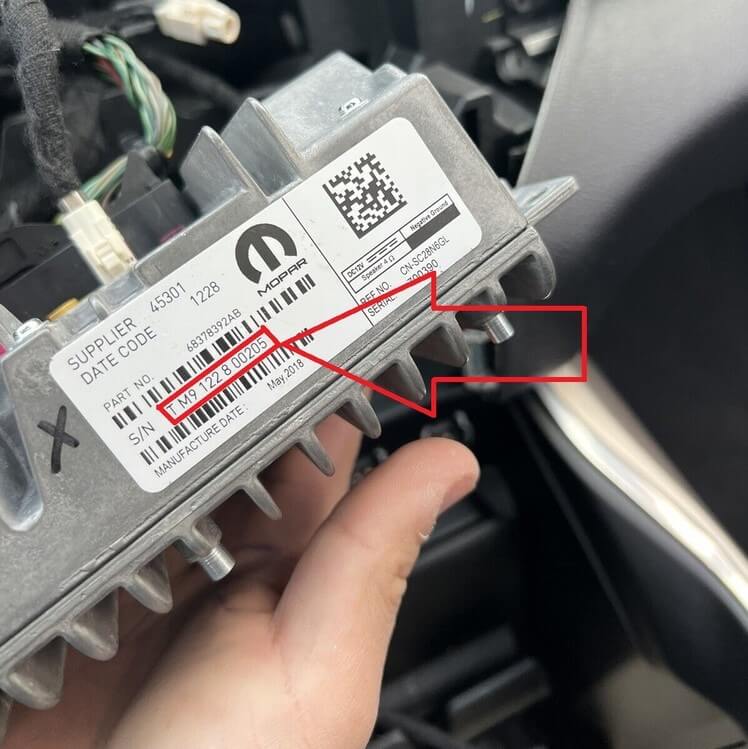
Barcode scanner for radio serial numbers
Photograph the label on your radio and read the serial number straight from its barcode, QR code or Data Matrix. No more mixing up 0 and O. The photo never leaves your device.
Open
Free Ford radio code (M and V serials)
Enter the M or V serial of your Ford radio and get the 4-digit unlock code on the spot. Free, no signup.
Open
Free Renault radio code from the precode
Enter the precode your Renault or Dacia radio shows, one letter and three digits, and get the unlock code on the spot.
Open