Ford Radio Code by Serial Number
Locked out of your Ford radio after a battery change? Here is how to get your 4-digit unlock code from the radio serial number alone - no dealer visit and no VIN.
Get your Ford radio code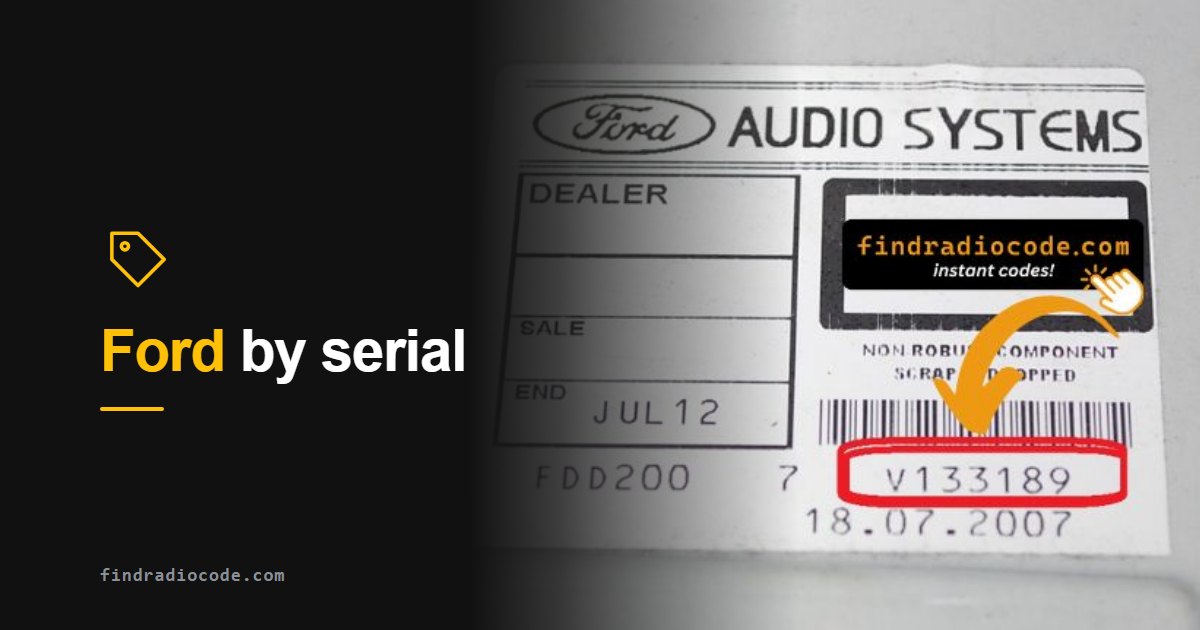
Watch: how the serial-number unlock process works
What is a Ford radio code?
Ford factory radios carry a built-in anti-theft lock. The moment the radio loses power - a battery replacement, a flat battery, or the unit being pulled for a repair - it locks itself and shows CODE or ENTER KEY CODE on the next start. To bring it back to life you enter a 4-digit code that is permanently linked to the radio's unique serial number. The code never changes for that serial, and once entered the radio works normally again.
This covers the radios Ford fitted for two decades: the 6000CD, 4500 RDS, 5000C, the Sony premium units, Visteon and Panasonic supplied radios, and Blaupunkt TravelPilot navigation units.
When do you need a Ford radio code?
- Battery replacement - by far the most common cause; even a brief disconnect triggers the lock.
- Flat or dead battery - a fully drained battery has the same effect.
- Radio removed for repair - cutting the radio's power activates the anti-theft on reinstallation.
- Used car or replacement radio - a second-hand unit will ask for the code tied to its own serial.
How to find your Ford radio serial number without removing the radio
Most Ford radios let you read the serial on screen without removing anything. Switch the ignition and the radio on first, because the unit has to be powered for the button combination to work:
- Ford 6000CD / Sony: turn the radio on and hold preset buttons 1 and 6 together for a few seconds. The serial (for example
V197905) scrolls on screen. If nothing shows, try holding 2 and 6 for the M-prefix variant. - Ford 4500 RDS: hold buttons 2 and 6 together; the serial starts with
M. - TravelPilot / navigation: pull out the serial tab on the right side of the unit, or hold 2 and 6 on some models. These often start with
BP.
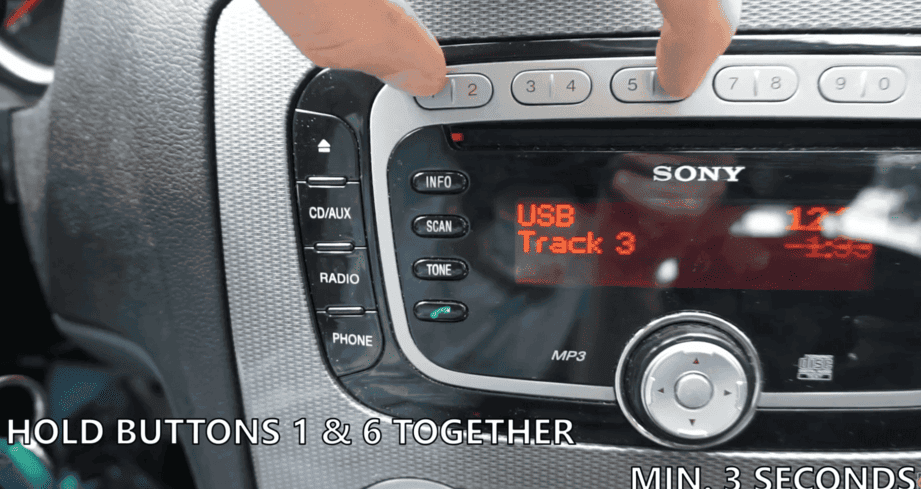
Hold 1 + 6 - serial appears
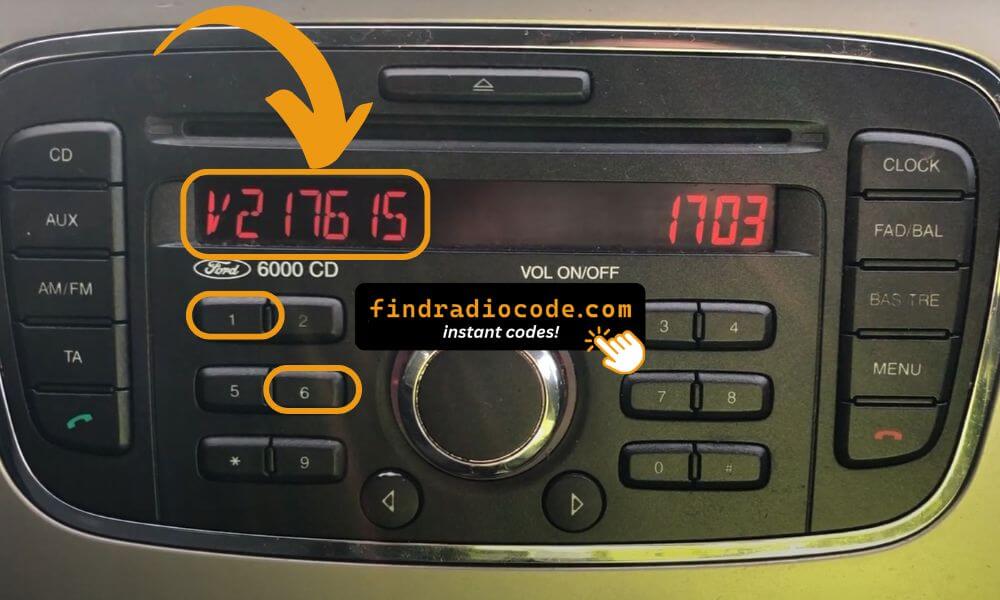
Ford 6000CD on-screen serial
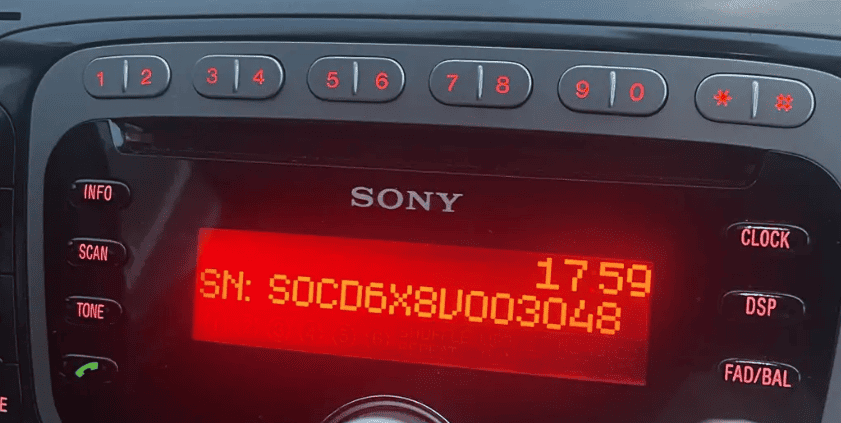
Serial on the display
If the screen method does not work, gently pull the radio out with a set of Ford release keys and read the label on the top, side, or back of the unit. The serial always begins with M, V, or BP - do not confuse it with the longer Ford part number printed on the same label.
Is your serial the letter M or V followed by six digits? Our free Ford radio code tool gives you the code for those at no cost. Other Ford serials use the form further down.
Match your radio label
Compare your label against these real customer photos to confirm the serial format:
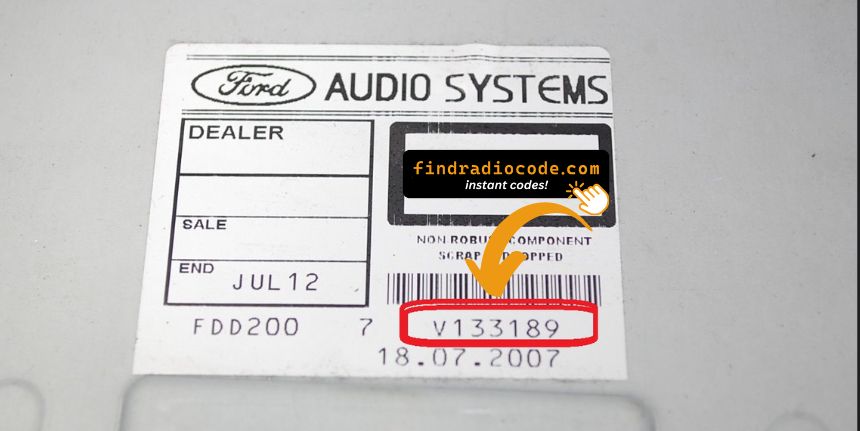
V... 6000CD
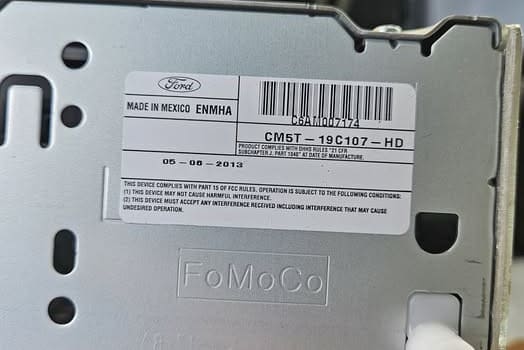
M... Visteon
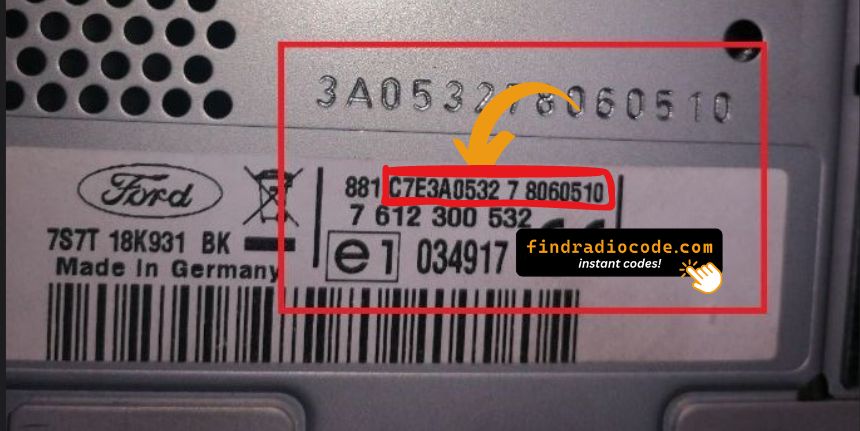
BP... TravelPilot
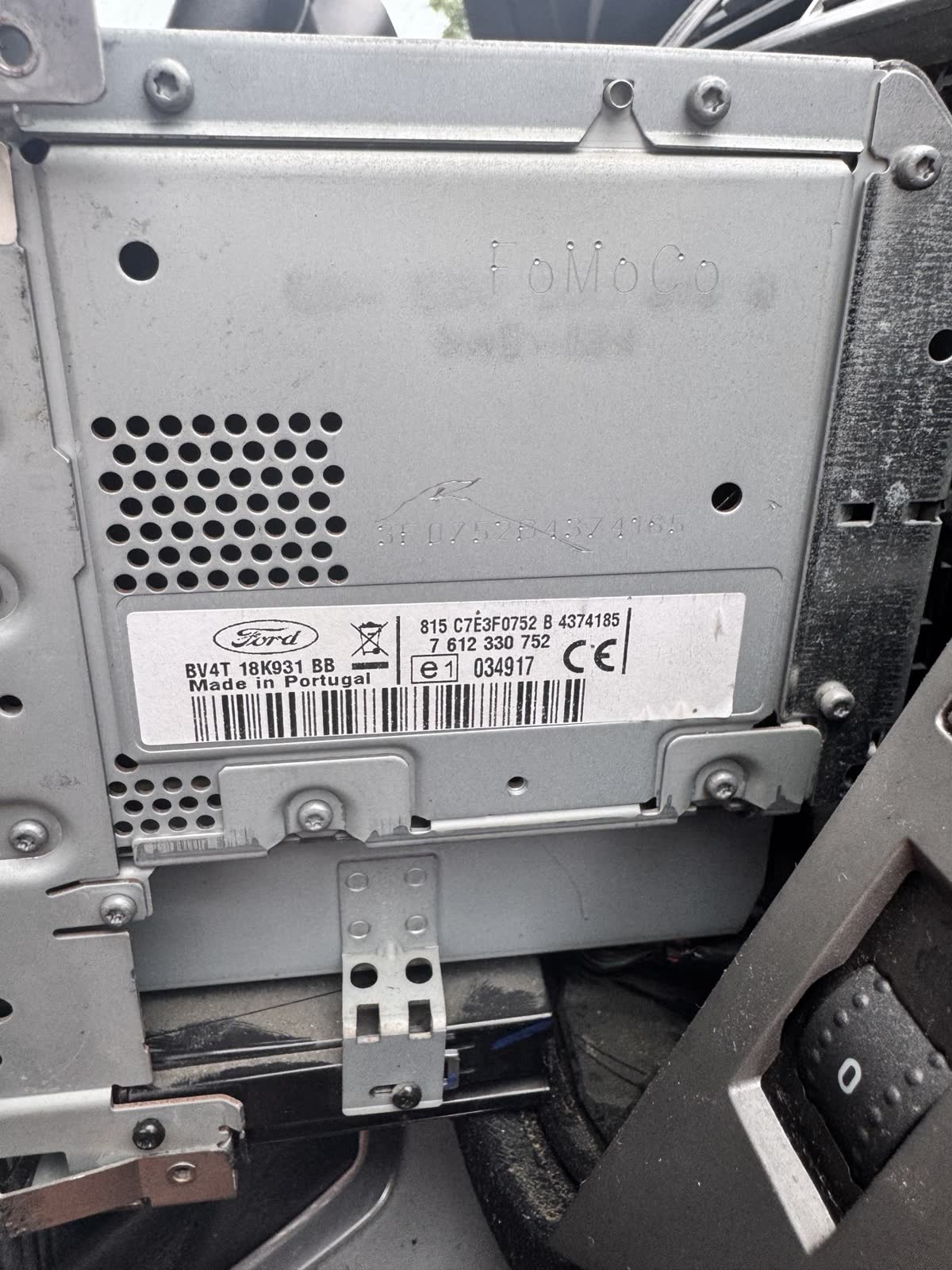
815 C7E3F... TravelPilot HS MCA
Video guides: get your serial on screen
Short demonstrations for the main Ford radios. Find the one that matches your unit, read off your serial, then enter it above to unlock from $9.99.
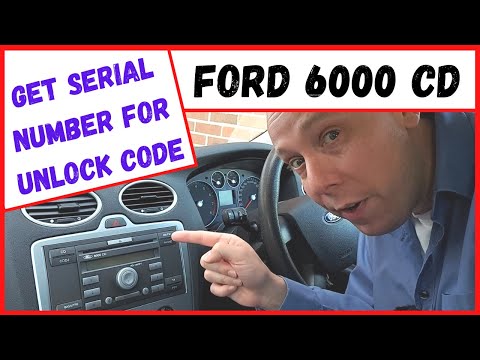
Ford 6000 CD (Focus Mk2)
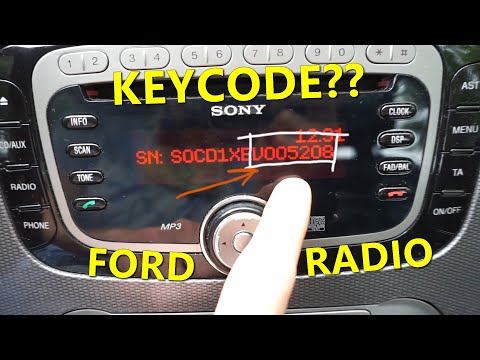
Ford Sony & 6000 CD - without removal
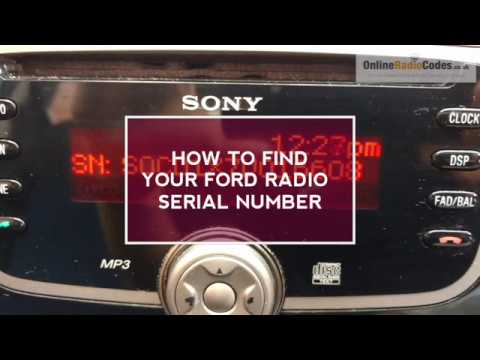
Ford radio serial shown on the display
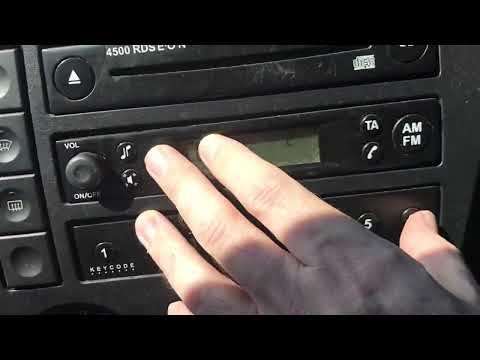
Ford 4500 RDS - show serial
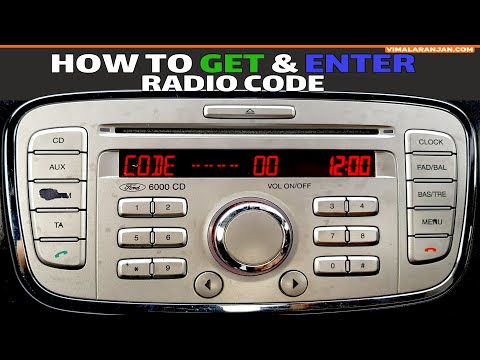
Focus / Mondeo / C-Max / S-Max / Galaxy
Focus / Fiesta / Transit
These are helpful demonstrations from the YouTube community, not FindRadioCode videos.
How to enter the code on a Ford 6000CD (and similar units)
Ford's audio handbook uses the same counting method on the 6000CD, 5000C and 6006CDC: each preset button drives one digit, and preset 5 stores the code.
- Turn the ignition to ON and switch the radio on. The display shows CODE - - - -, CODE 0000 or ENTER KEYCODE.
- Press preset 1 repeatedly until the first digit of your code shows.
- Do the same with preset 2 for the second digit, preset 3 for the third and preset 4 for the fourth.
- Check all four digits on the display against your code.
- Press preset 5 to confirm. On the older 1500 RDS, Ford's handbook uses the AM/FM button instead.
- If the display goes back to CODE, the code was not accepted and you may try again straight away. If it shows WAIT, see the next section.
Sony units with a full 0-9 keypad work slightly differently: you press the numbered button for each digit and the display steps through the four positions on its own.
Ford radio code not working or says LOCKED?
Ford radios count wrong codes and slow you down after each one. Ford's own handbooks explain what each message means:
- CODE, CODE 0000 or ENTER KEYCODE - the radio is ready for the code. Enter it on presets 1 to 4 and confirm with preset 5.
- WAIT - a wrong code started a timer. Leave the radio switched on: switching it off starts the wait all over again. The wait doubles with each wrong code (1 minute, 2 minutes, 4 minutes and so on).
- WAIT 30 - the unit is locked for 30 minutes. Let the timer count down to zero; when CODE comes back, enter the code again.
- LOCKED or LOCK 10 - ten wrong attempts. Ford's handbook says the unit is now permanently inoperative and you must contact a Ford dealer. Waiting or entering more codes will not bring it back.
If a code you trust keeps failing, check these before the next attempt:
- The serial was misread. An O typed in place of a 0, or the long part number used instead of the M, V or BP serial, gives a code for a radio you do not have.
- The radio has been swapped. A code from the old paperwork belongs to the radio the car was built with. A replacement or second-hand unit needs the code for its own serial.
- The code was never confirmed. Setting the four digits does nothing until you press preset 5.
A wrong code does not damage the radio, but every one counts toward Ford's limit of ten, so check your serial before each attempt.
Does a newer Ford (SYNC 3 / SYNC 4) need a code?
Usually not. Ford's SYNC 3 and SYNC 4 touchscreens are VIN-paired - the unit authenticates itself to the vehicle and never asks for a code. If your Ford booted straight to the SYNC home screen after a battery change and never showed CODE, a traditional radio code most likely does not apply. Radio codes are for the CD-based head units and OEM radios listed above. If you are unsure, check Settings → General → About SYNC - if the menu opens normally, the system is not locked.
Can you bypass a Ford radio code?
No - and you should not try. "Free generator" apps, hacked firmware and universal-code tricks either return wrong codes that push the radio into lockout, or risk bricking the unit. The safe route is the correct code for your exact serial. That is what we calculate.
Get your Ford radio code now
Enter your M, V, or BP serial and receive the code instantly on screen and by email.
Radio code pages for these models
Not sure which radio you have? Browse Ford radio codes by model
Ford radio code FAQ
Related guides
- Ford radio code by serial number - all Ford models and radio types
- Find your radio serial number on screen
- Radio says WAIT 30 minutes - what the timer means across makes
- How car radio anti-theft codes work