From Locked Radio to Working Code in 4 Steps
A step-by-step look at what happens when you order a radio code from FindRadioCode - and what runs behind the scenes the moment your payment is confirmed.
The 4-Step Process
No accounts, no waiting, no dealer appointment. You stay in control from start to finish.
Find Your Radio Serial Number
Your radio has a unique serial number that we use to calculate the unlock code. The location depends on your car and radio model. There are typically three ways to find it:
- Display method: On many radios you can read the serial directly on the screen using a specific button combination.
- Sticker on the unit: Remove the radio from the dashboard - the serial is printed on a label on the side or top of the chassis.
- Glove box or owner manual: Some manufacturers print the serial on a card stored with the vehicle documents.
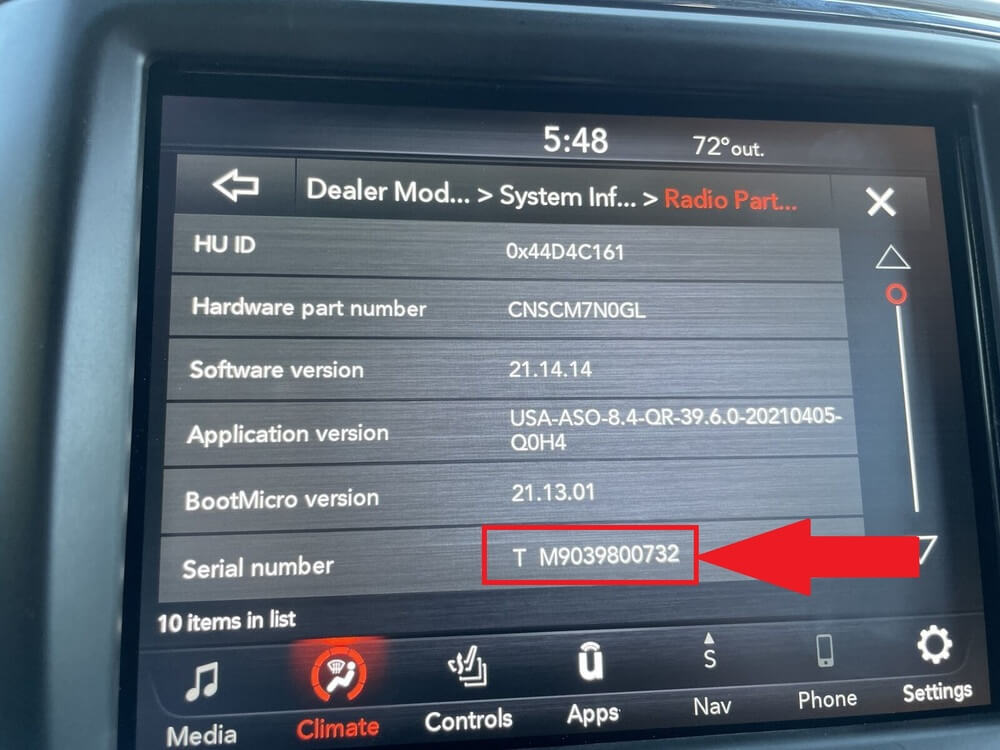
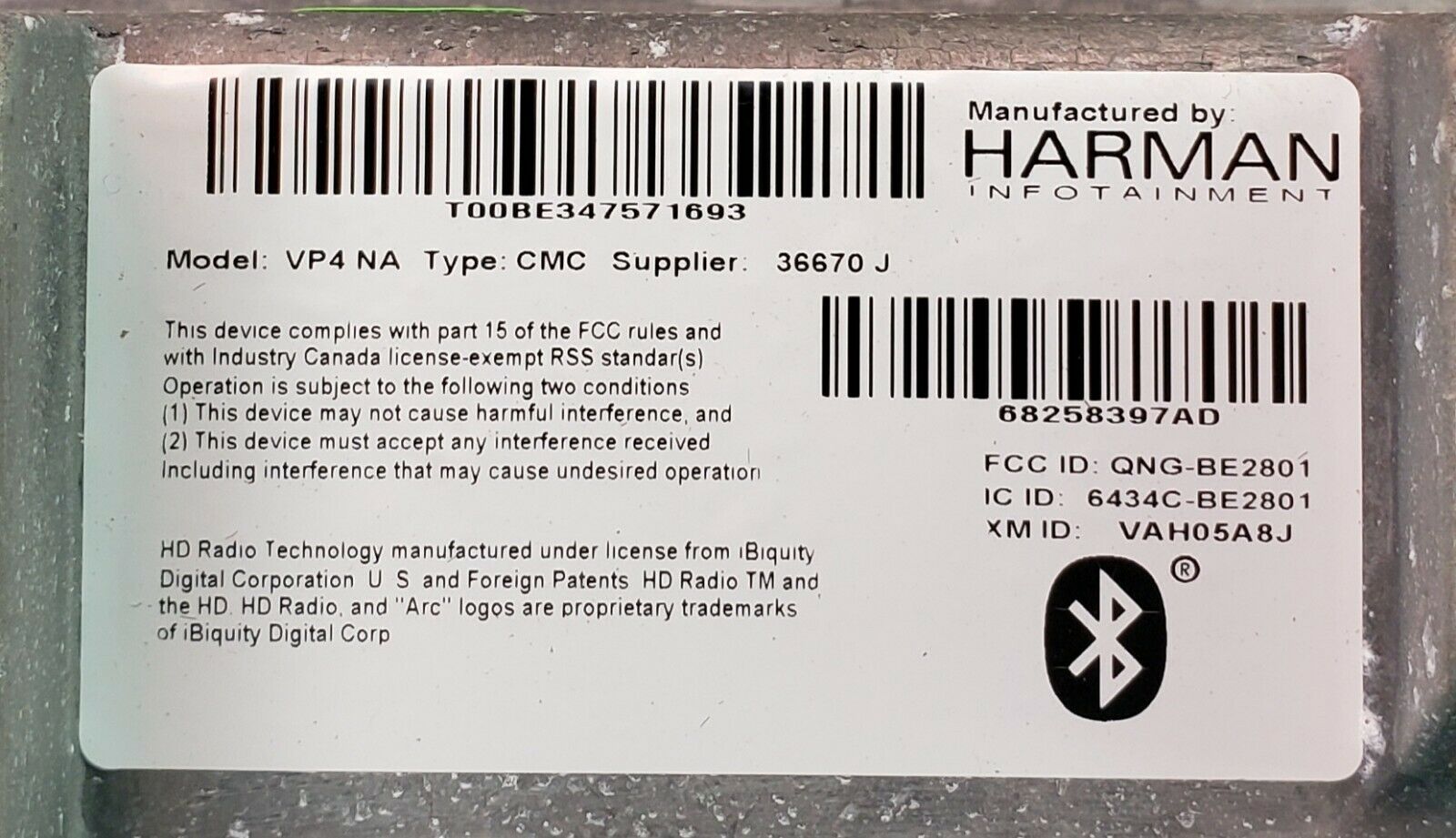
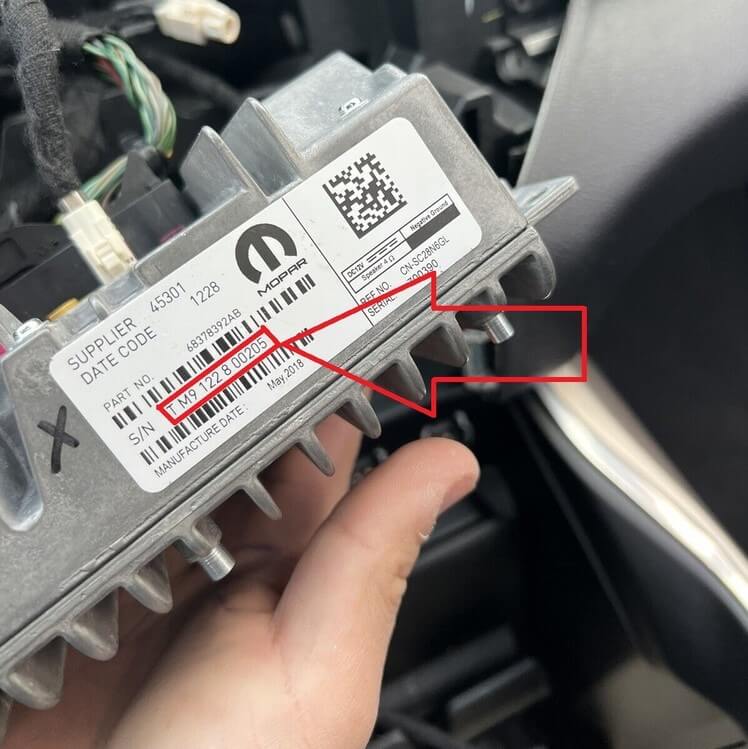
We have free step-by-step tutorials for every supported brand. Our serial number validator also tells you immediately if the format is wrong, so you do not waste money on the wrong input.
Read Serial Number GuidesEnter Serial and Email on Our Homepage
On our homepage you type the serial number and your email address. That is all we need - no name, no phone, no account registration. Our smart validation instantly checks whether the serial matches a known manufacturer format and shows the exact price for that radio before you pay.

Our homepage input field with smart validation
You see the price and you can proceed to checkout.
You get a clear error with suggestions - no charge, no order created.
Pay Securely Through Stripe
Checkout is handled by Stripe via LemonSqueezy, the same payment infrastructure used by Amazon, Shopify, and millions of other businesses. You can pay with credit card, debit card, or supported wallets. We never see or store your card data - it goes directly to Stripe's PCI-compliant servers.
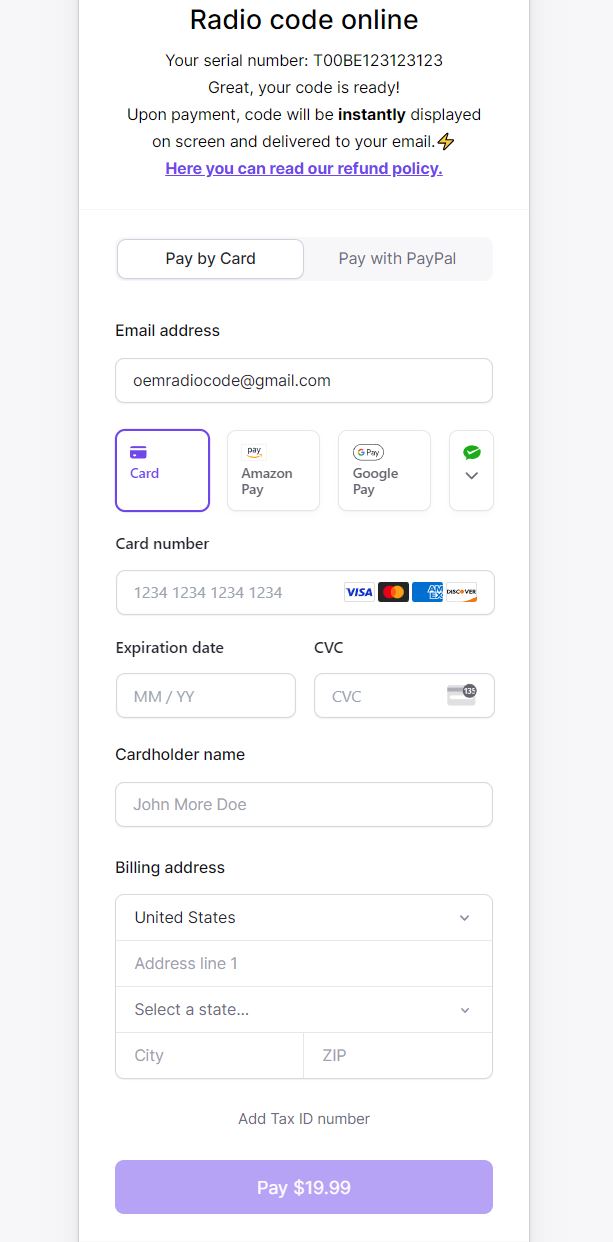
Stripe-powered checkout with multiple payment methods
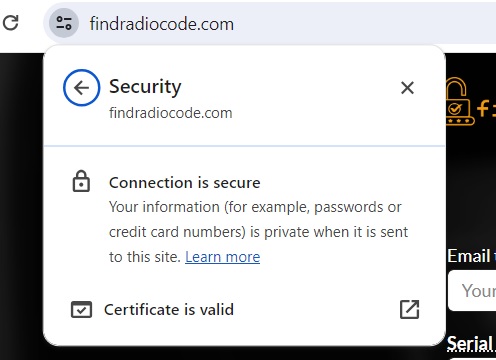
Verified SSL certificate on every page
TLS + tokenized payments end-to-end.
We never see your card number.
Email confirmation right after payment.
Get Your Code on Screen and by Email
The moment Stripe confirms your payment, our decode engine kicks in. The unlock code is displayed instantly on the success page and sent to your email automatically. You can then enter it into your radio using the radio's physical buttons (we have a guide for that too).
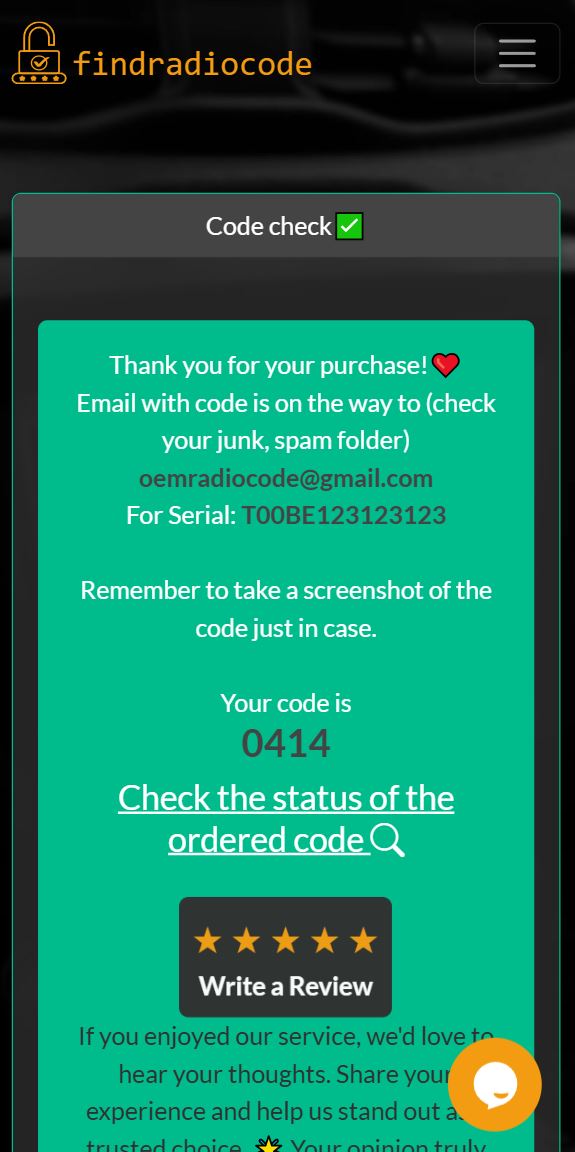
Success page with the code visible immediately
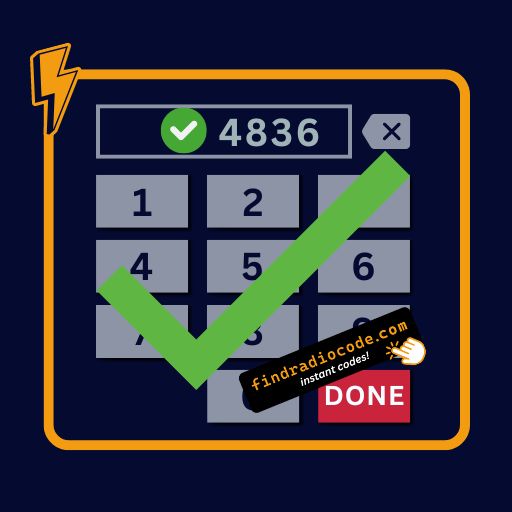
The same code typed into the radio - and it works
What Happens in Those Few Seconds
From the user's side it looks like magic - you click pay, your code appears. In reality, multiple things run in milliseconds the moment your payment clears:
- Webhook trigger: Stripe sends a confirmed-payment webhook to our server.
- Serial validation: Your serial is re-checked against the manufacturer's specific format rules.
- Algorithm match or database lookup: The decode engine selects the right algorithm for your radio family (Honda, Chrysler, Ford, etc.) or, for older platforms, queries our internal database of pre-mapped serial-to-code records.
- Code generation: The unlock code is calculated using seed values, checksums, and encoding logic specific to that brand - or retrieved from the matched database entry.
- Delivery: The code is rendered on the success page and emailed to you simultaneously.
What you see as a 3-second response is the result of years of engineering manufacturer logic and testing against real radios - that is why we can do this instantly while a dealer needs an appointment.
Real Serial Numbers We Decode Every Day
Here are real examples of the formats our engine recognizes - sticker labels, display screens, and engraved IDs across major manufacturers.
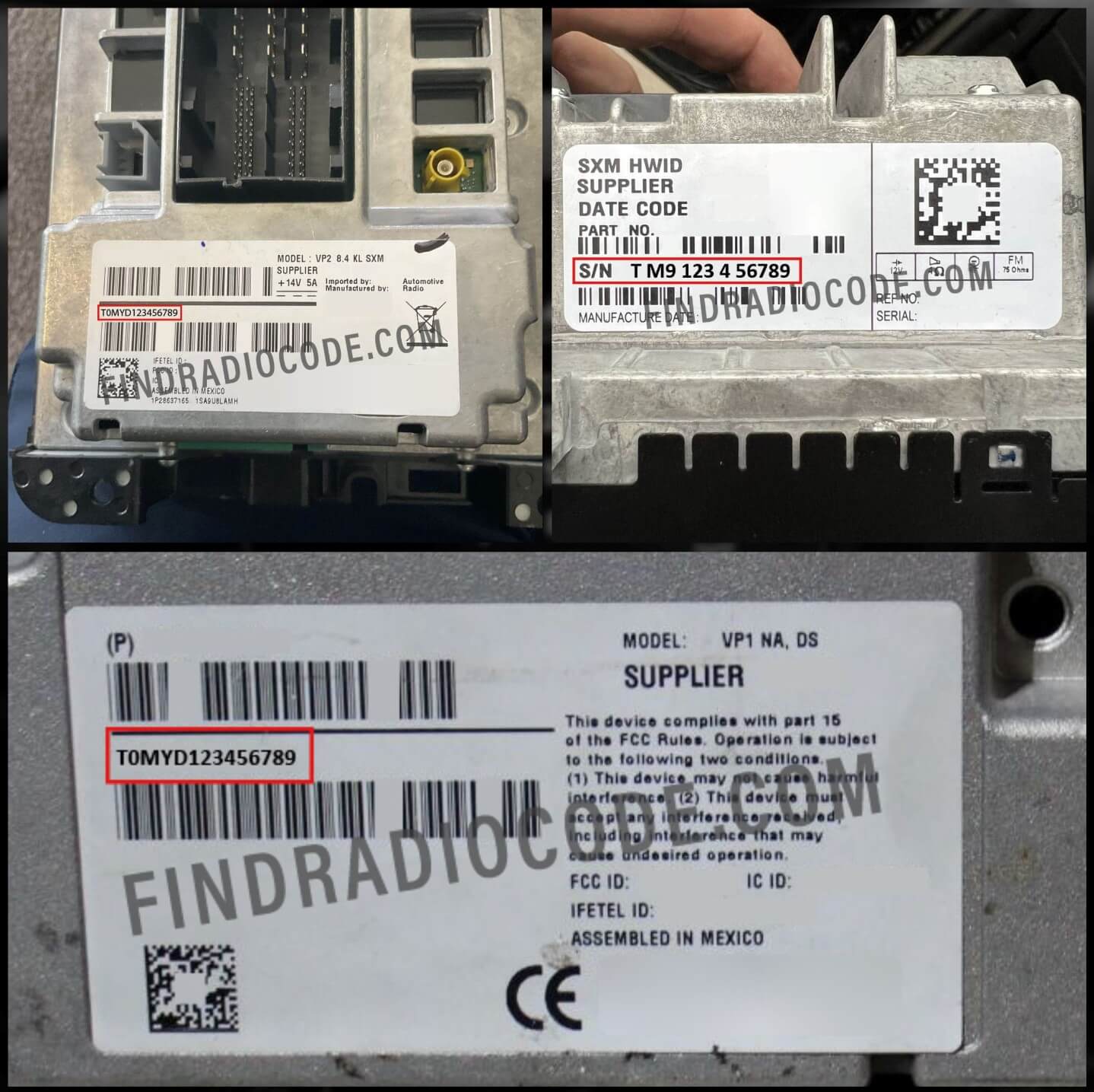 Chrysler / Dodge / RAM / Jeep
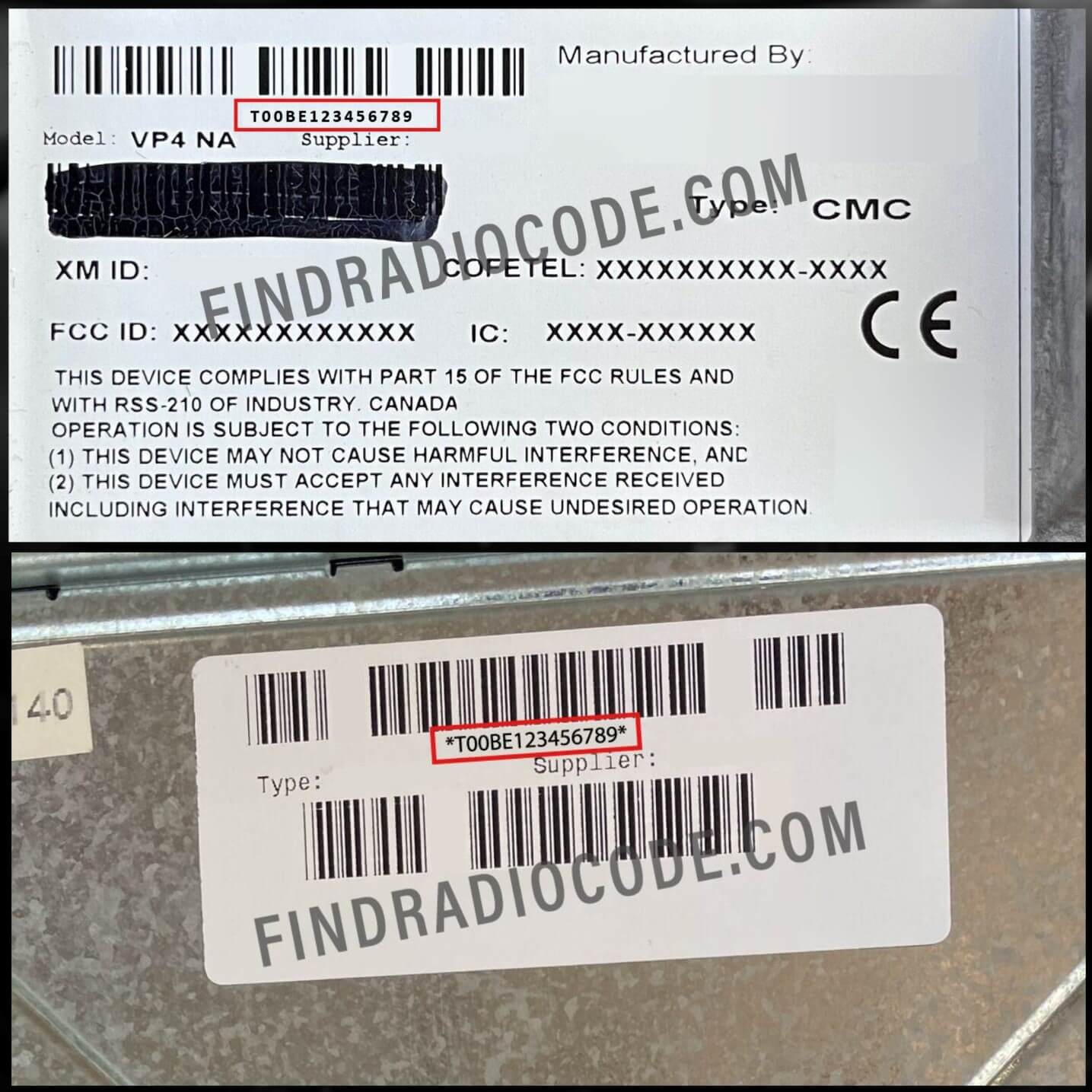 Harman / MyGig / VP4
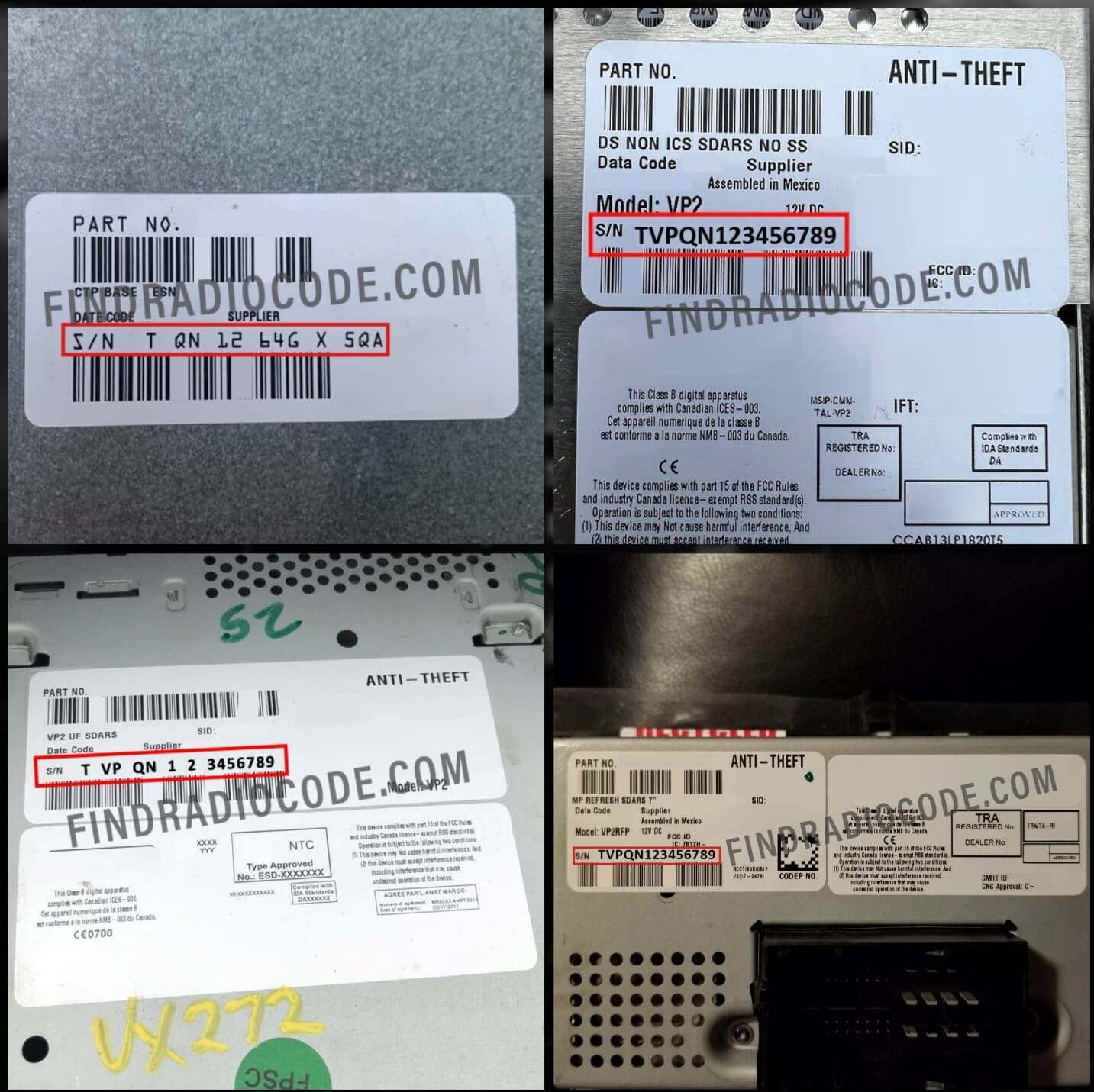 Continental VP2 / VP3
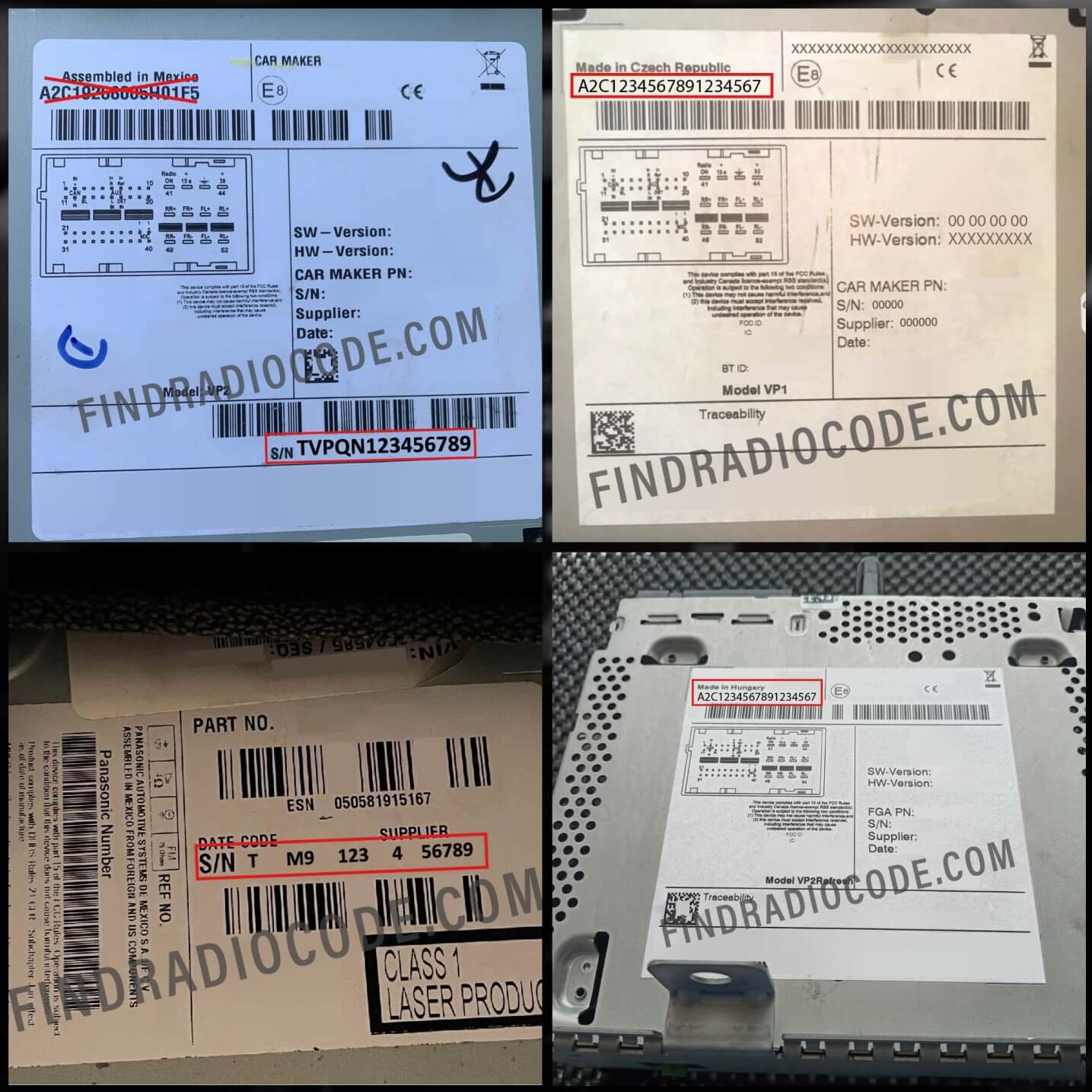 A2C Continental
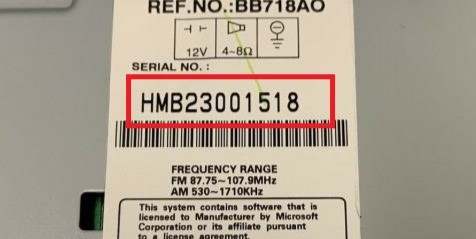 Honda / Acura
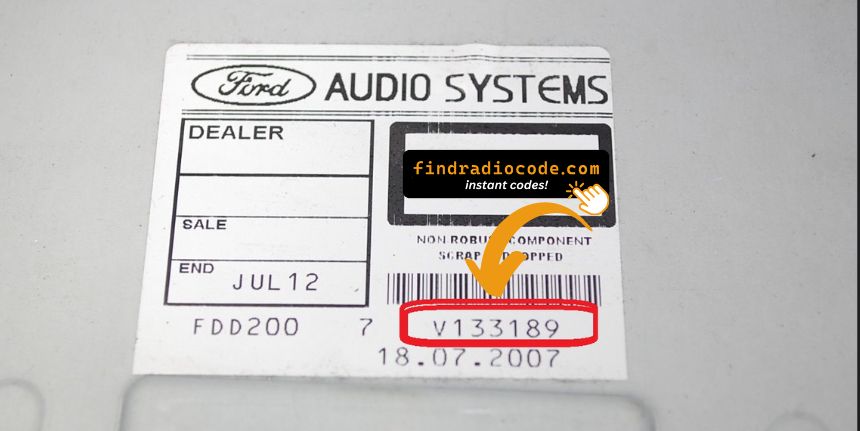 Ford V-serial
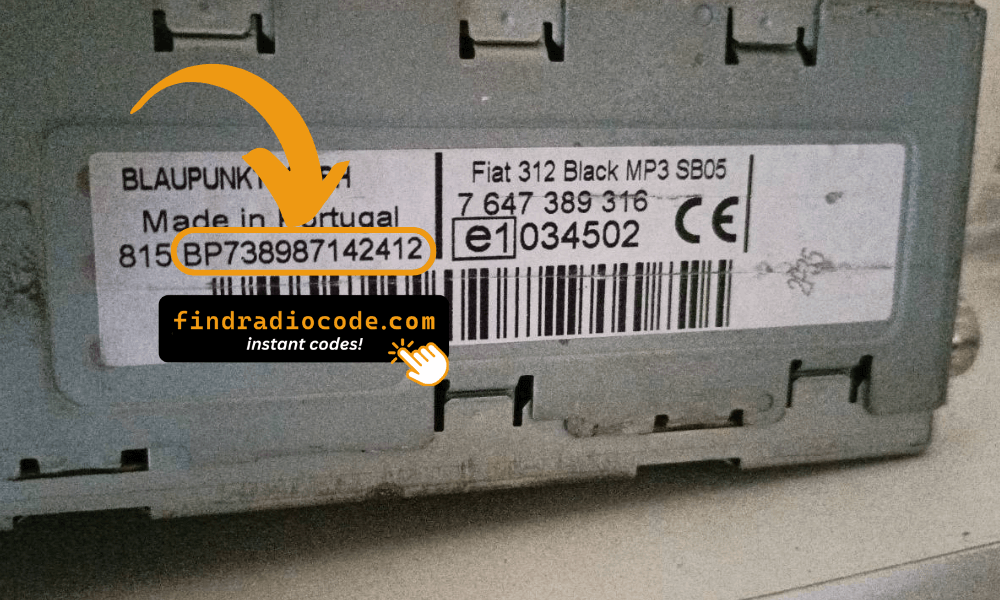 Fiat / Lancia / Blaupunkt
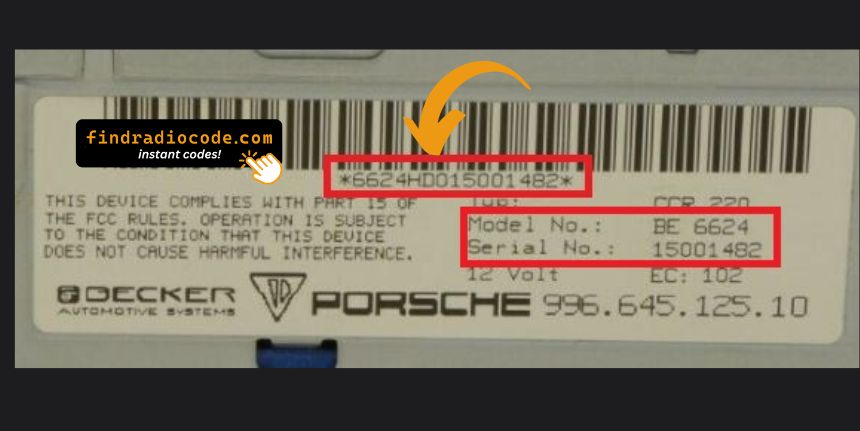 Porsche
If your serial does not match any of these formats, our validator will tell you immediately - before you pay.
How Fast Is "Instant"?
Most codes are delivered in seconds. A few require manual lookup - we tell you upfront before you pay.
Instant Delivery
For supported radio platforms the code is calculated and delivered in seconds:
Typical delivery: under 10 seconds from payment confirmation.
Manual Lookup (Same Day)
A small number of radios require a manual lookup against manufacturer databases. If your serial falls in that group, the homepage tells you before you pay. Delivery is typically within a few hours during business hours.
You are never charged without knowing the delivery method.
What If the Code Does Not Work?
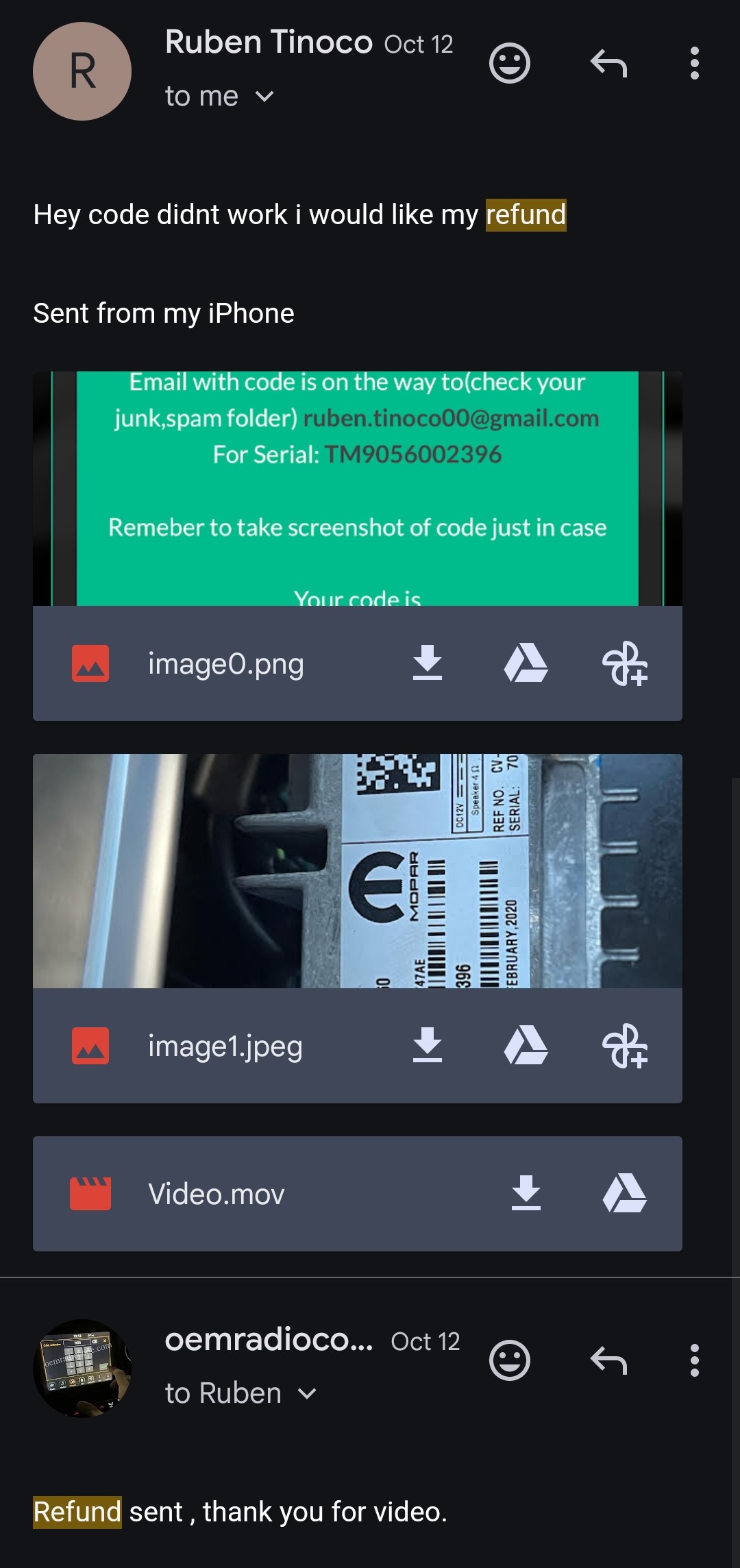
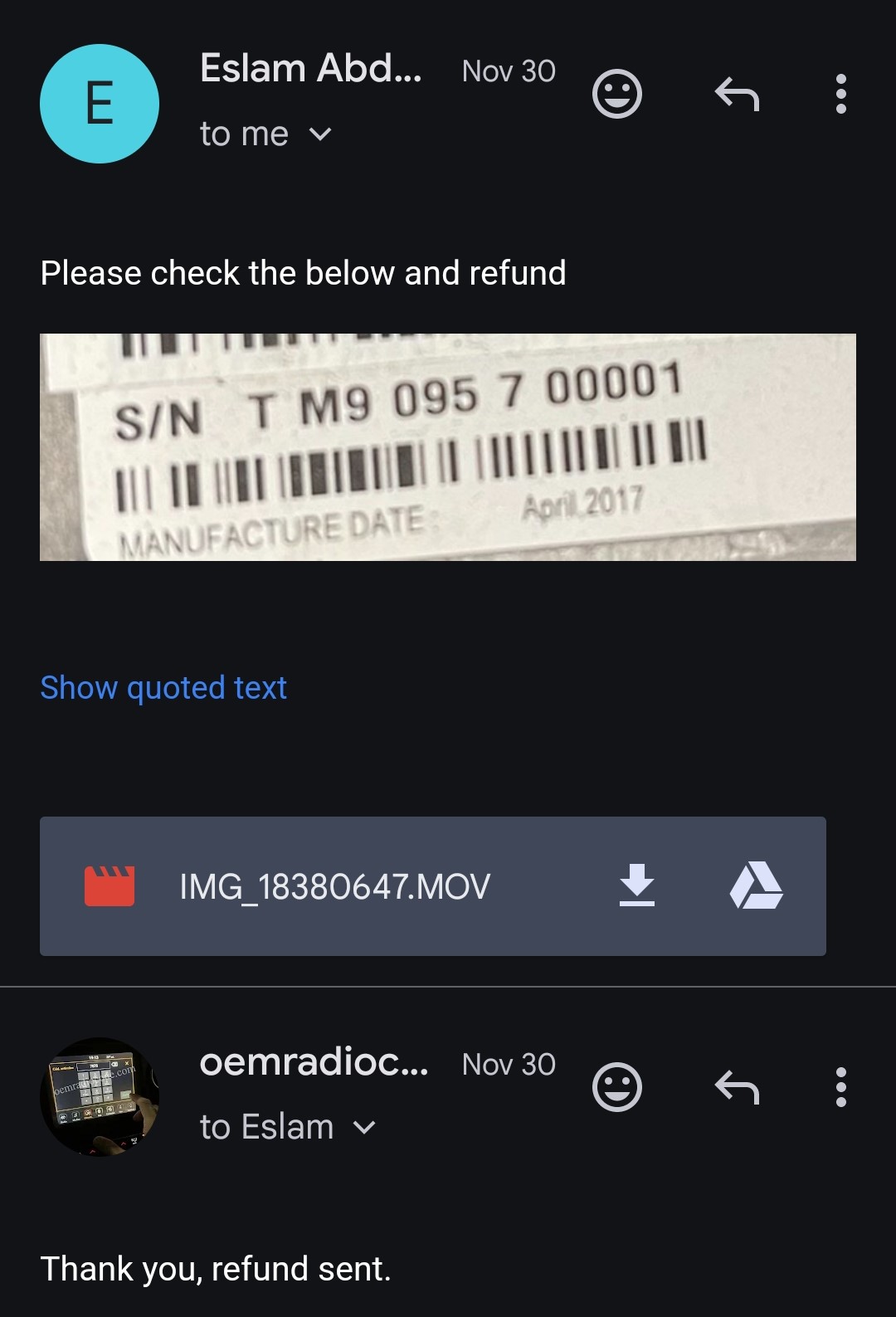
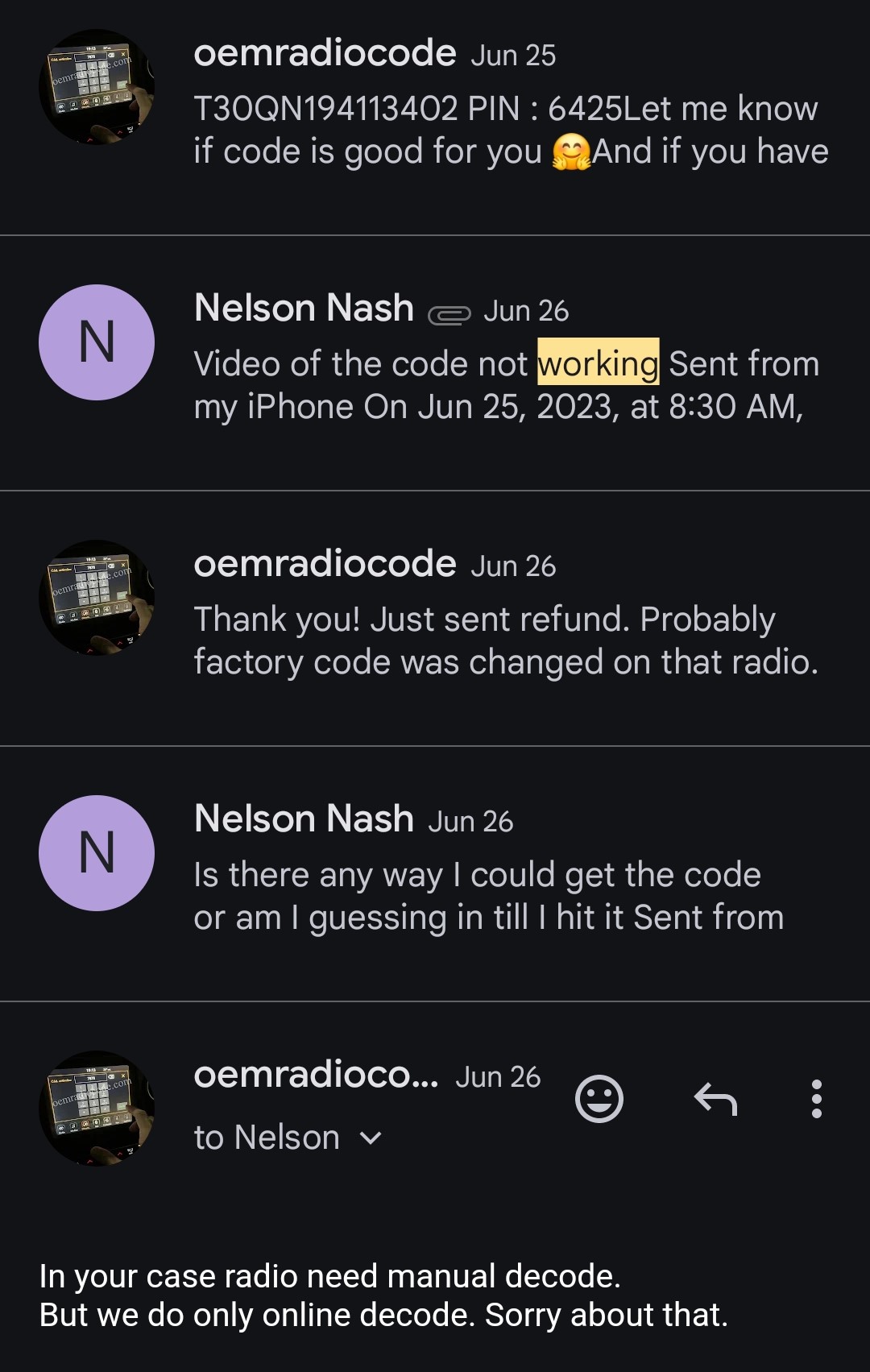
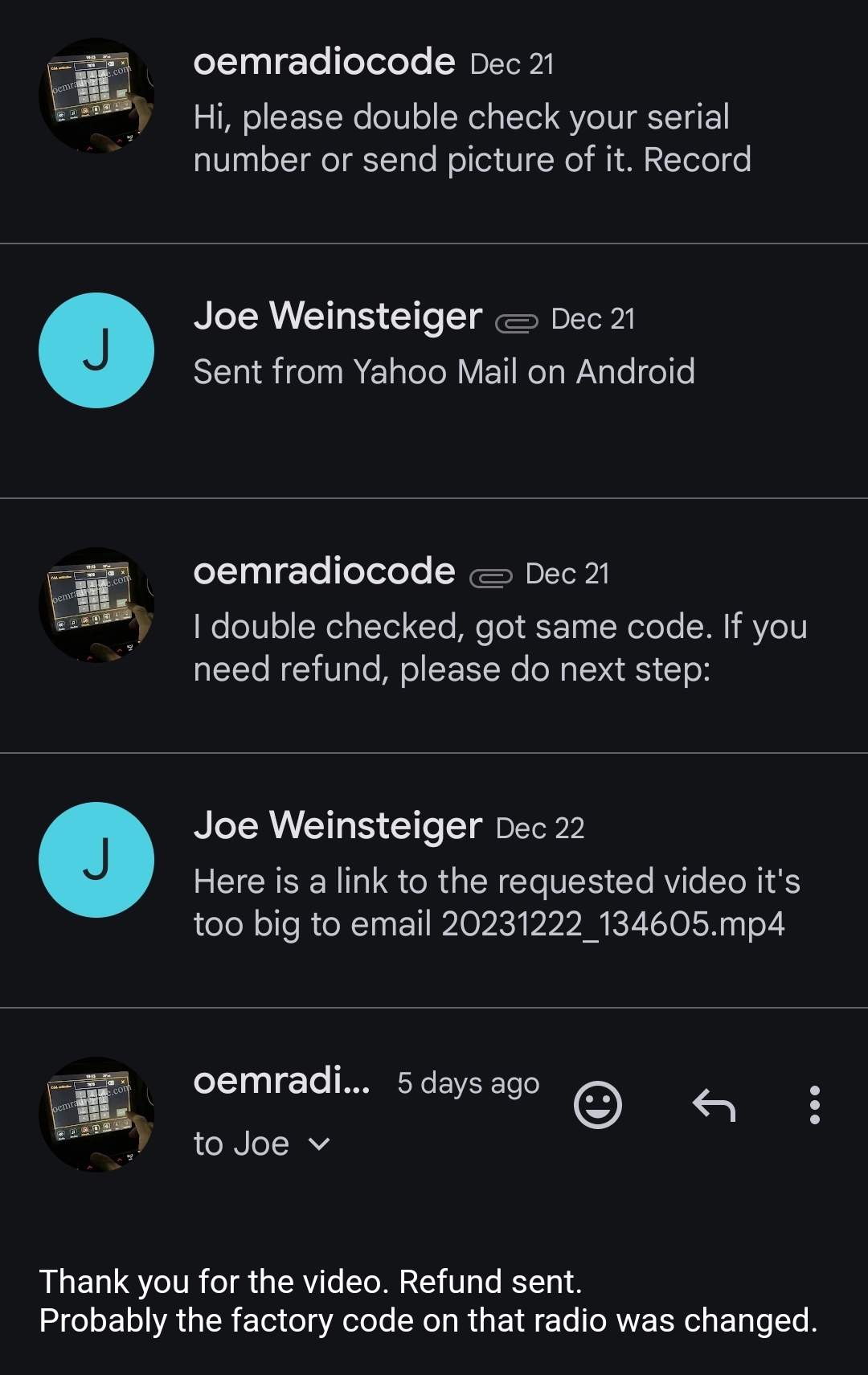
Our accuracy is very high, but no system is perfect. If the code we send does not unlock your radio, you get a full refund - no arguments, no fine print. Send us proof - a short video of you entering the code with the radio serial number clearly visible - and the money is returned to the same card you paid with.
Read Full Refund PolicyReal refund proof screenshots from our records
FindRadioCode vs. The Dealer
Same result - your radio working again - but two very different experiences.
FindRadioCode
- Code delivered in minutes
- Order from home, any time of day
- Up to 80% cheaper than dealer pricing
- No appointment, no waiting room
- 100% refund if the code fails
- Same code reusable for lifetime of the radio
Dealer Visit
- Schedule an appointment, often days out
- Drive in, drop off, pay shop labor
- Premium pricing tied to dealer labor rate
- Some dealers refuse to look up older radios
- No structured refund if it fails
- Have to come back if it happens again
See Real Customers Use Their Codes
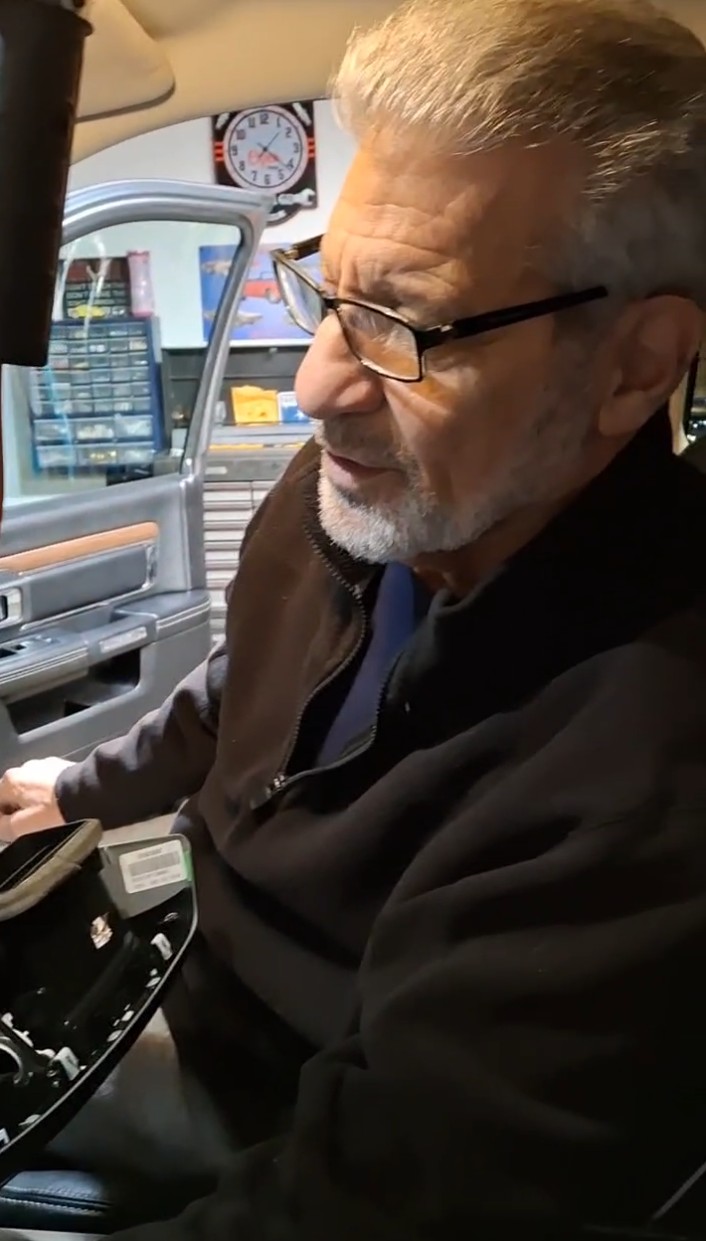
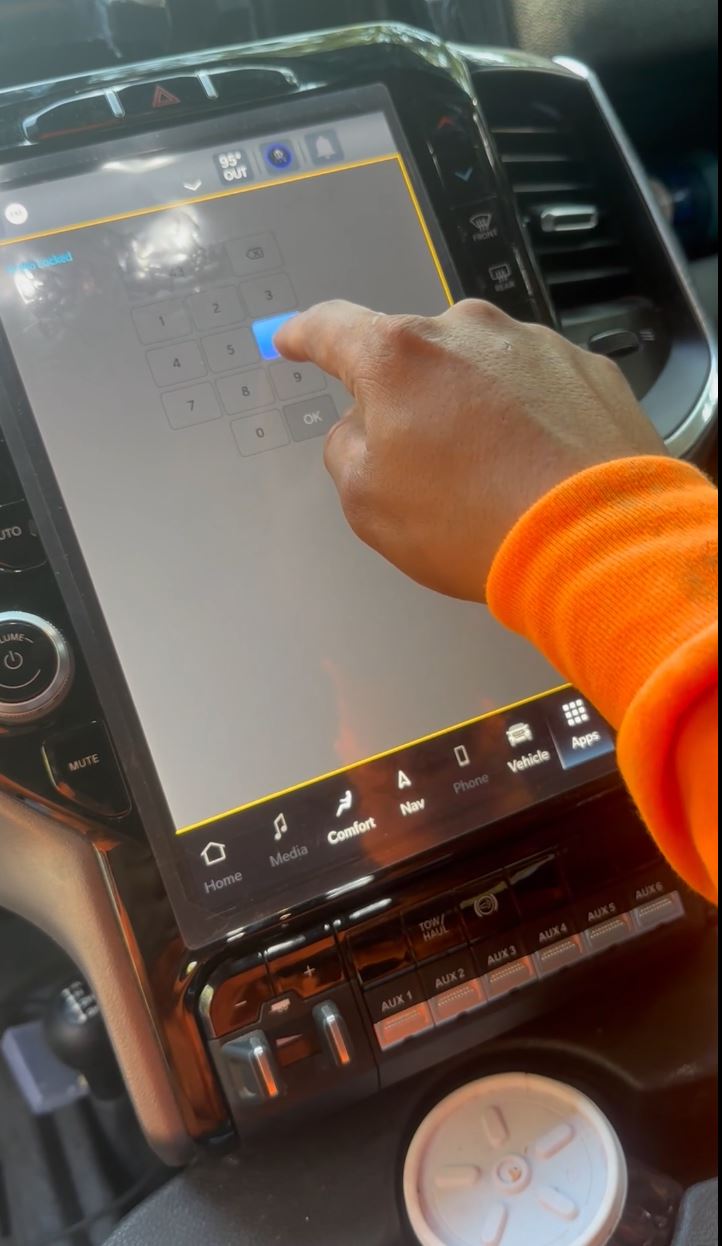
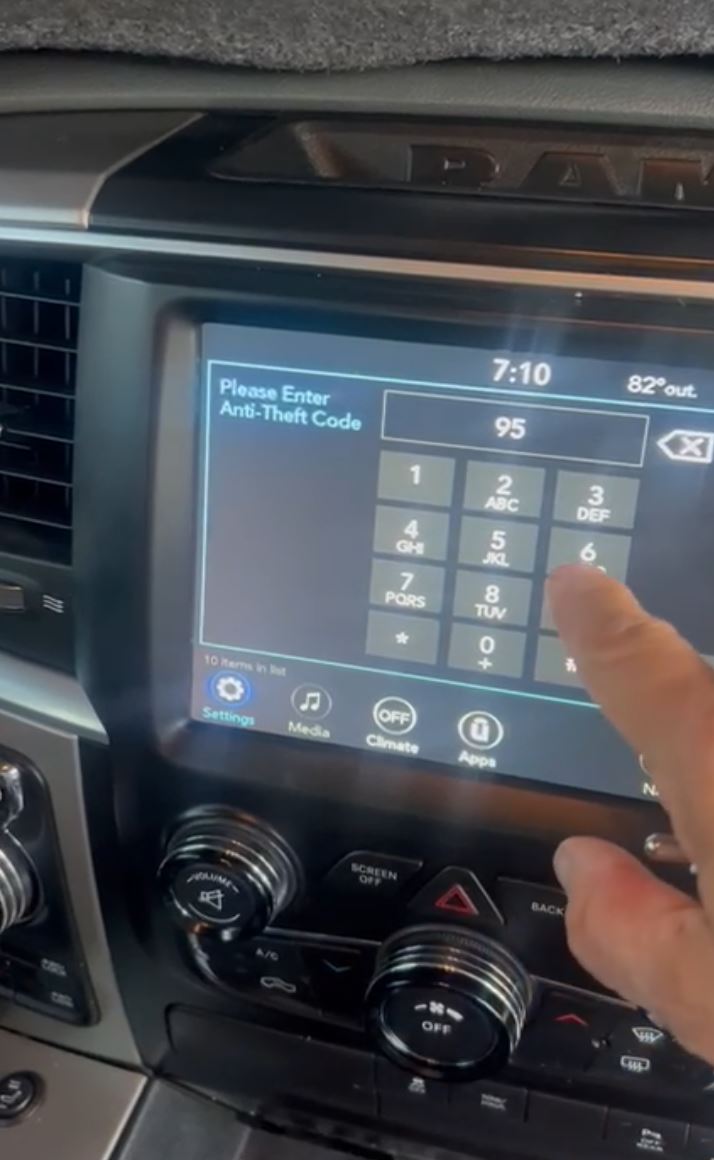
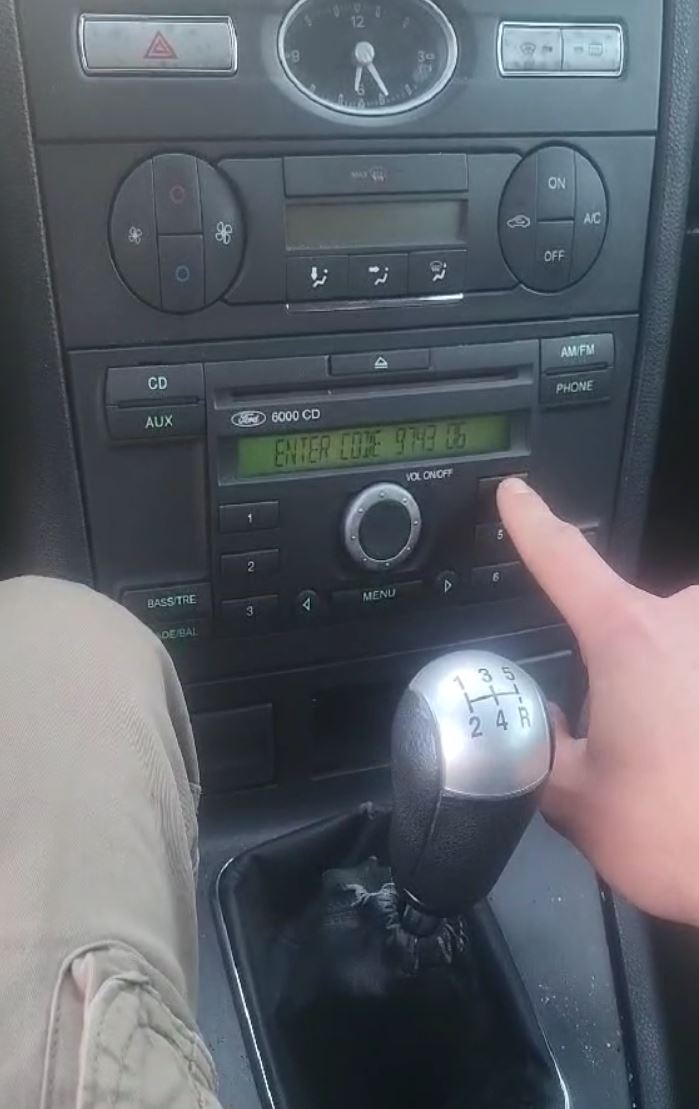
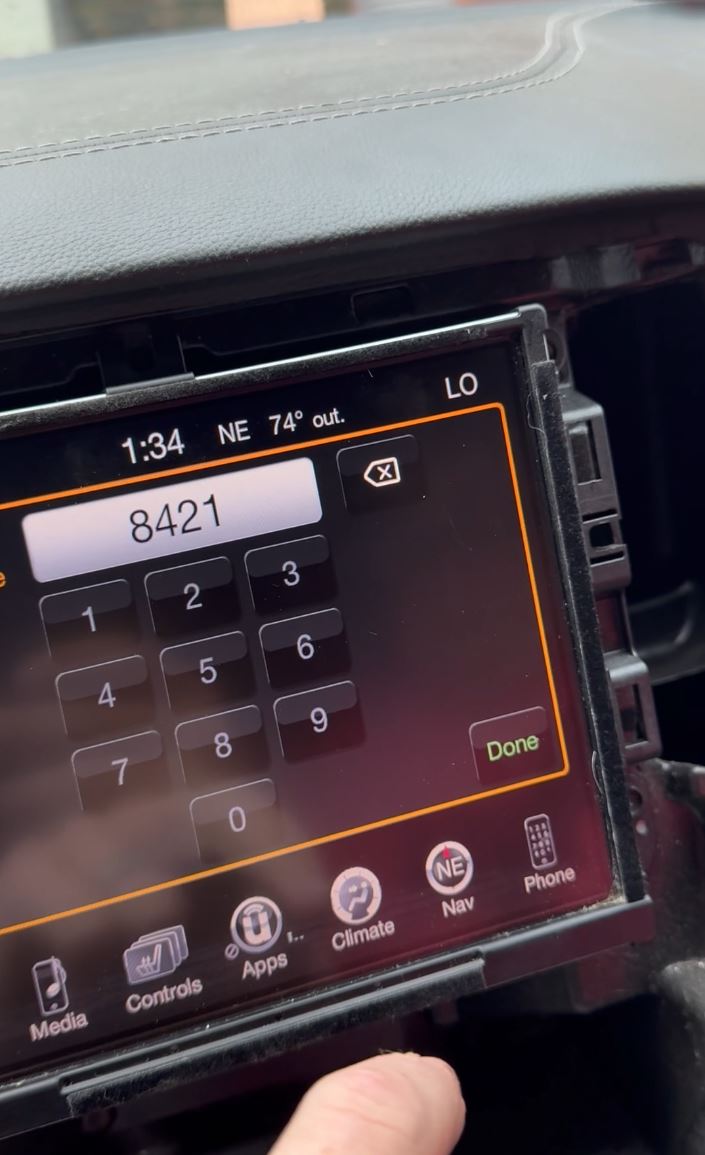
Short clips sent in by real customers - radio unlocked, screen working, thank-you messages on camera. No actors, no scripts.


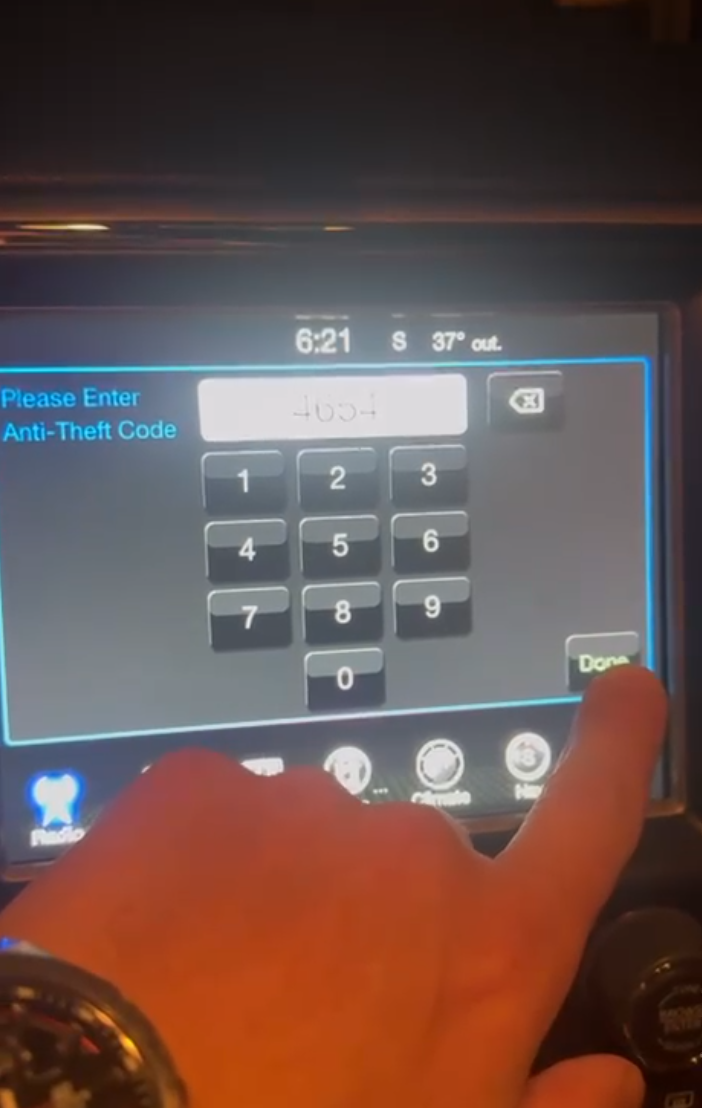
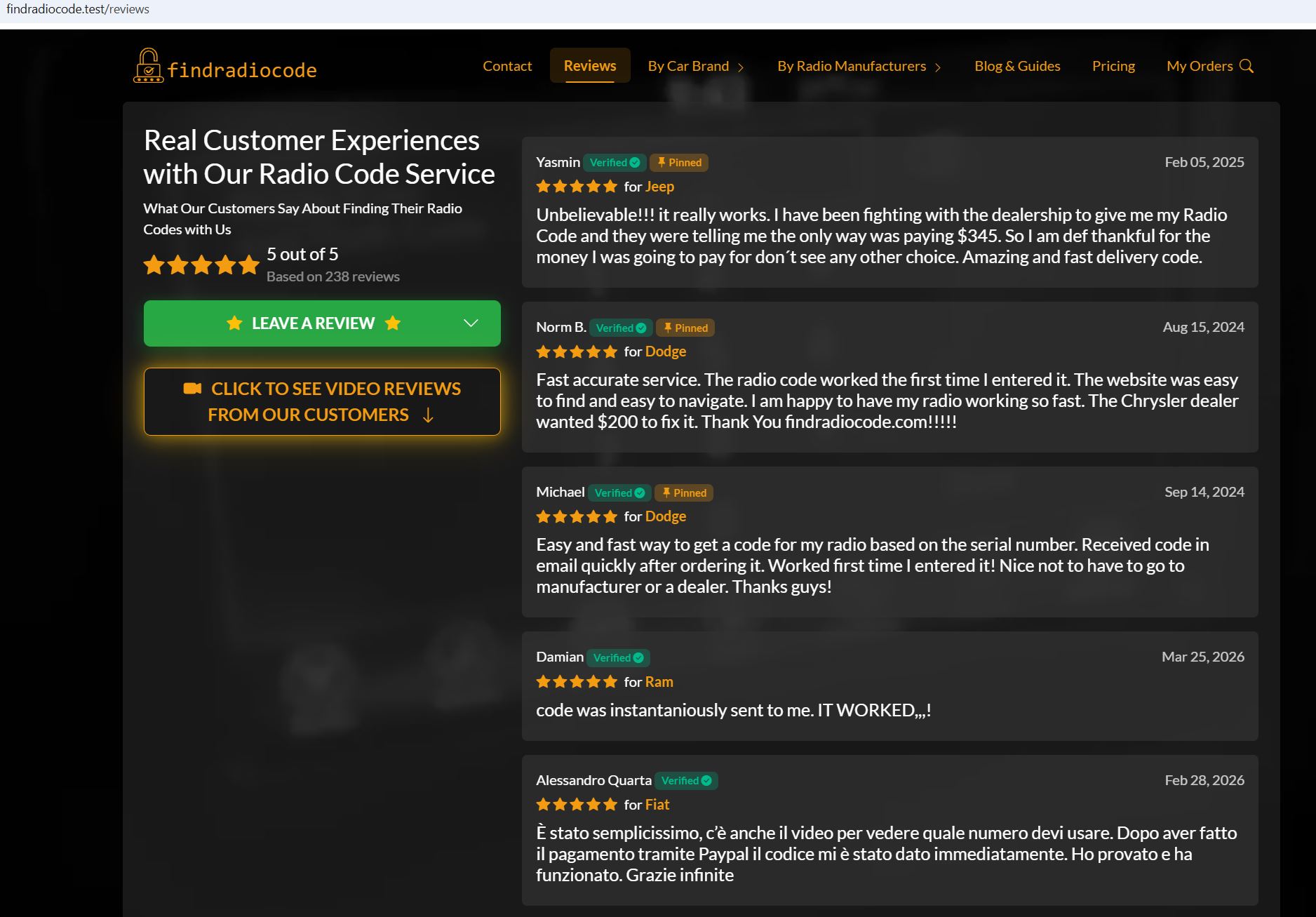
Trusted by Real Customers
Verified reviews on our website, video tutorials with thousands of comments, and customer feedback going back to our eBay days.
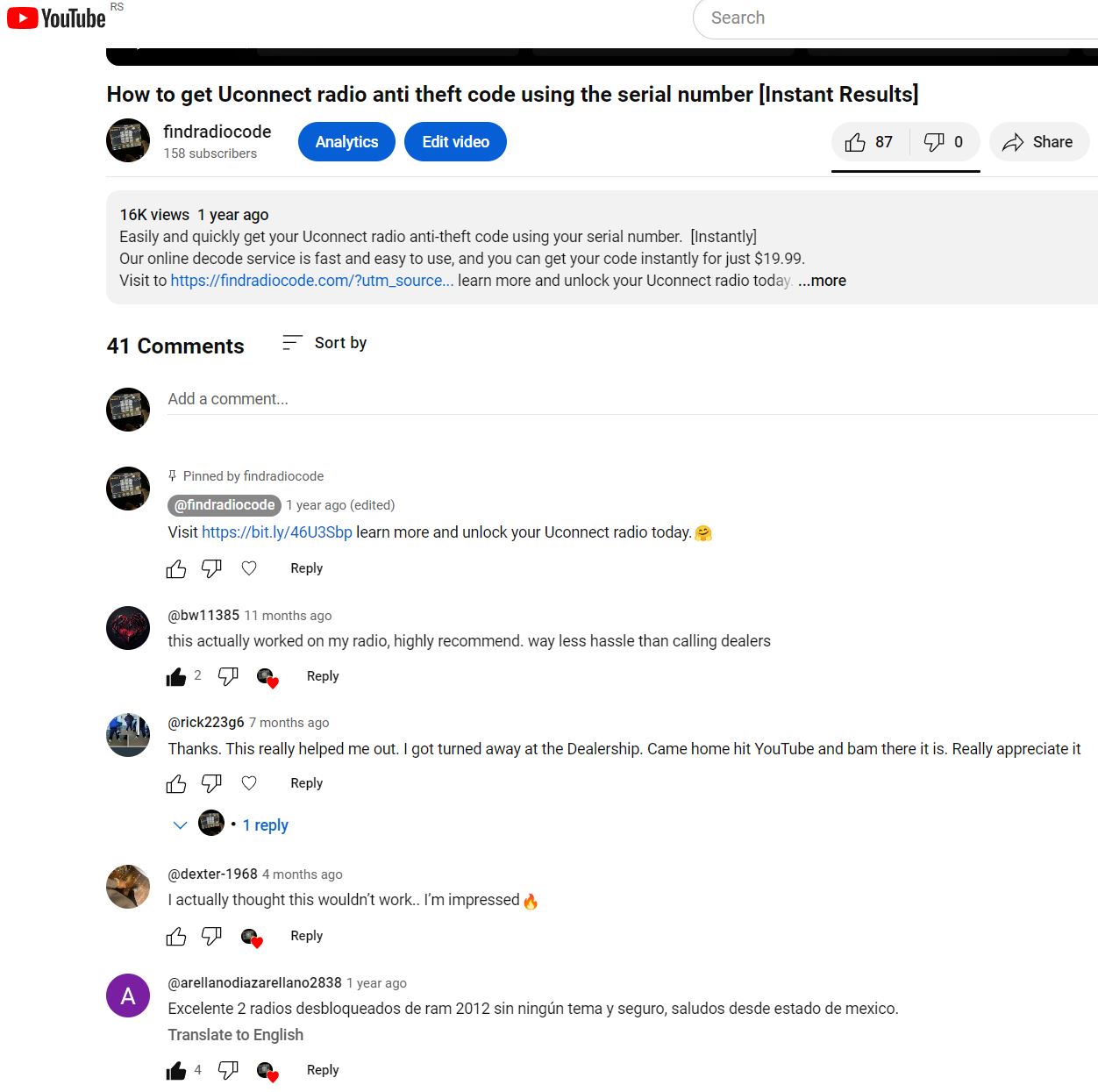
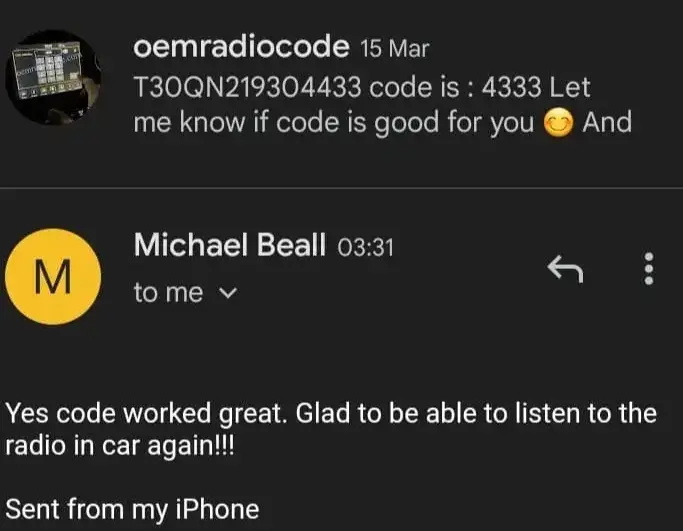

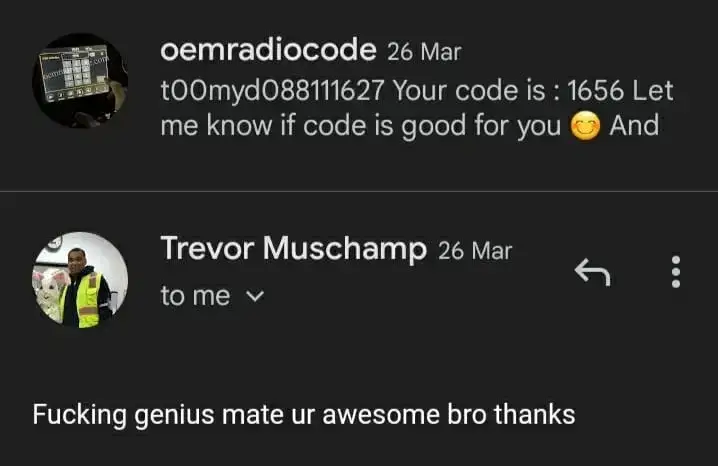
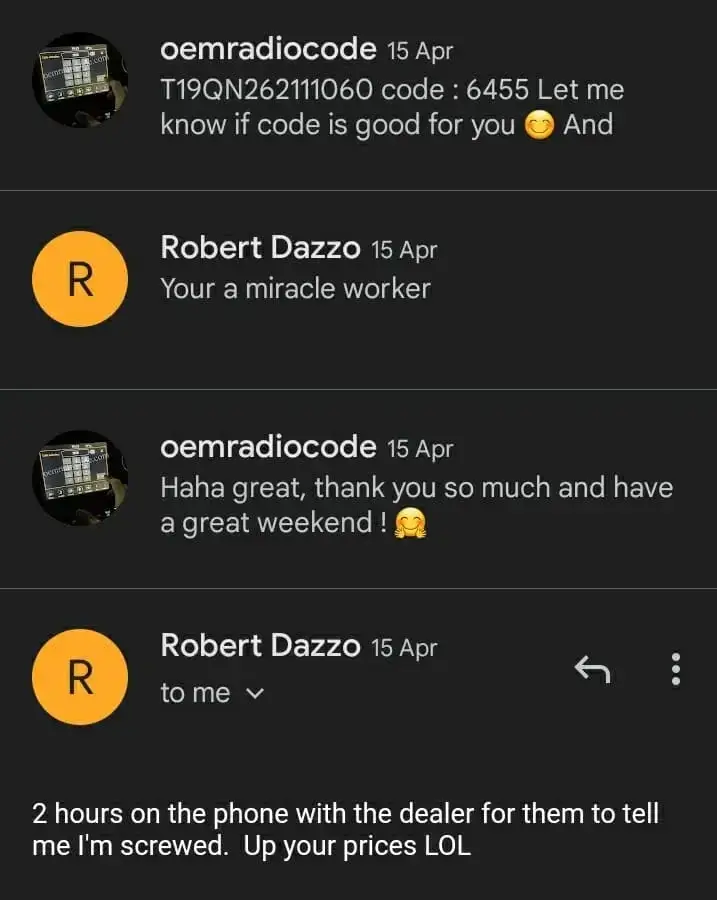
Real email feedback from our customers across our 8+ years online
Common Questions, Answered
Want to know how to find your serial, what happens if the radio is in safe-mode lockout, or how long it takes to type the code into your radio? Our FAQ covers it all.
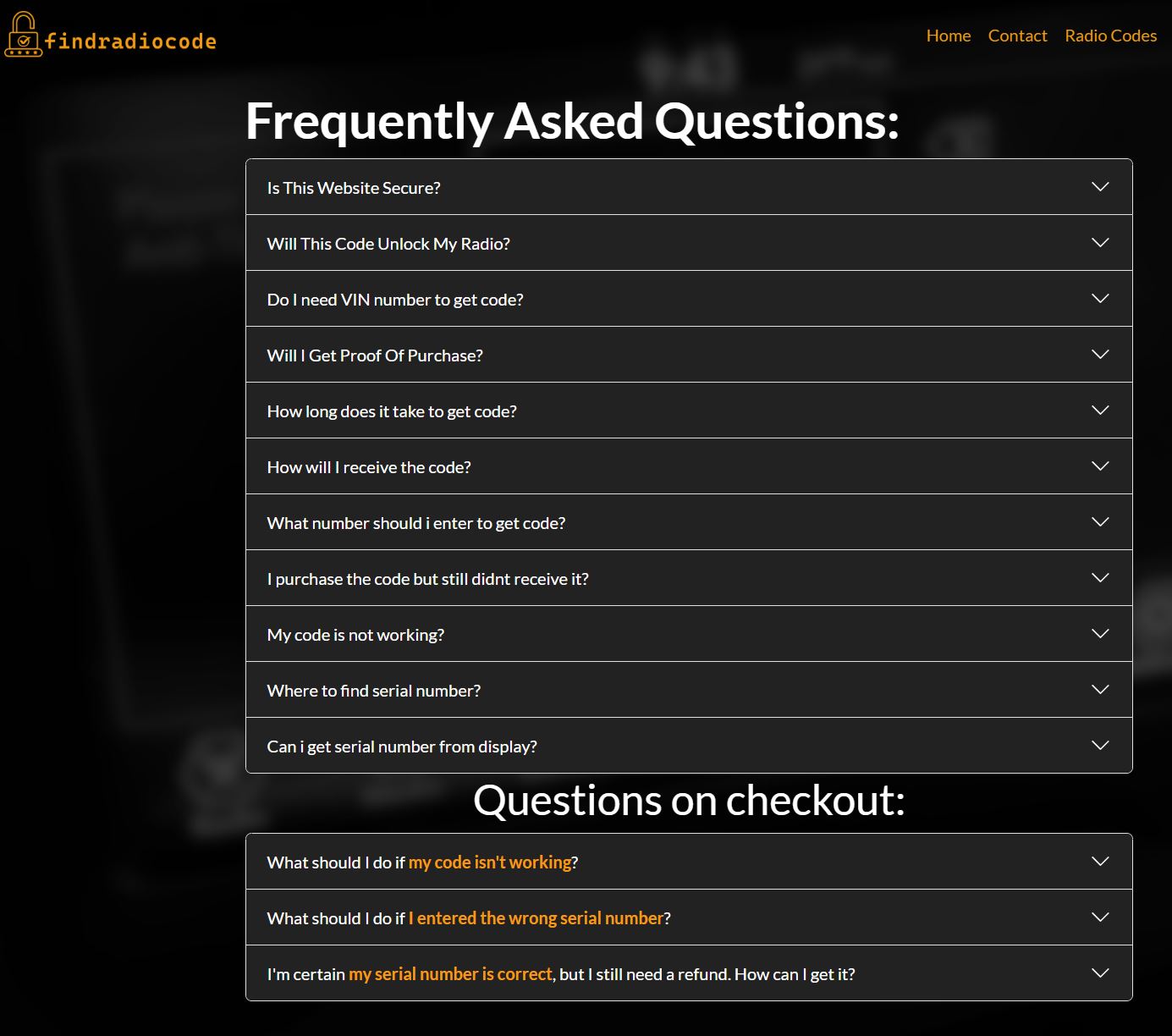
Our full FAQ page with every common question covered
Ready to Unlock Your Radio?
Enter your serial number on the homepage and follow the 4 steps above. Code in minutes, full refund if it fails.