The Uconnect Radio Still Says "Wait 30 Minutes" But It Has Been Over an Hour
If your Uconnect radio still displays "Wait 30 Minutes", first check the waiting instructions for the installed unit. Time elapsed since the first message does not by itself prove that the software is frozen. An anti-theft lockout and a frozen display need different checks.
July 22, 2026 Updated: October 14, 2026
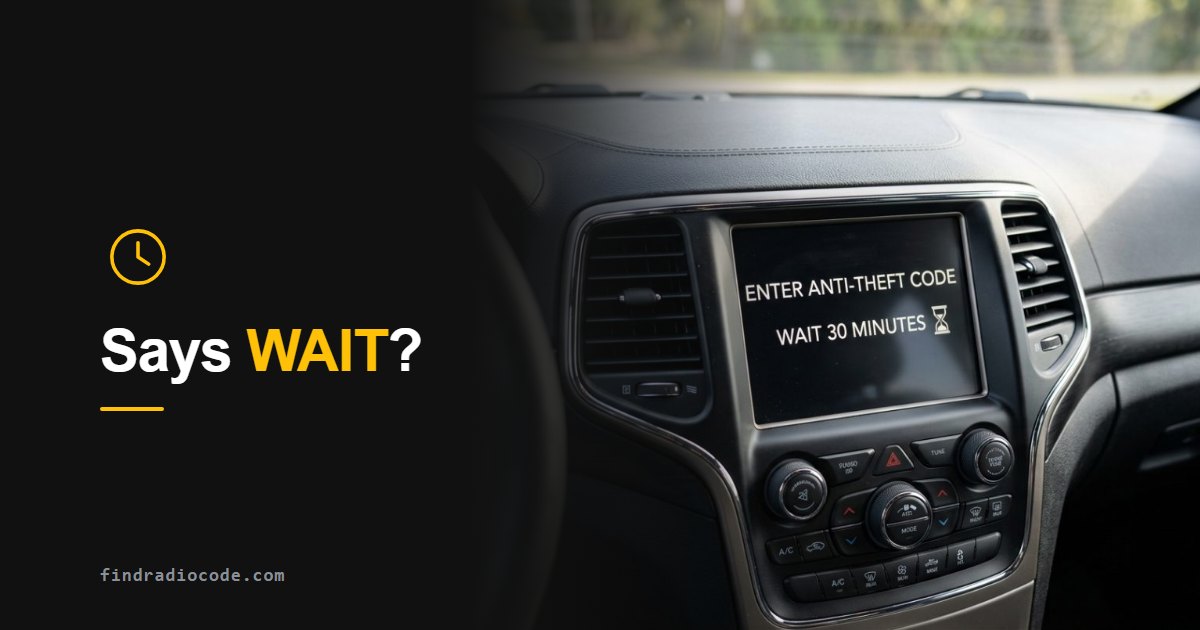
First: Complete the Required Waiting Period
Follow the waiting period and power conditions specified on the display or in the instructions for your radio. Do not keep submitting codes while entry is blocked. If the message remains after you have completed the required procedure, record the radio model, software version and exact message before seeking further troubleshooting.
The exact wording depends on the radio. Some Uconnect touchscreens show "Incorrect Code. Radio locked. Please wait 30 minutes", with the remaining time on screen, after earlier misses showed "Incorrect Code. Please Try Again". Older Chrysler, Dodge, Jeep and Ram radios show a plain WAIT on the display instead.
The most common case: on many Uconnect radios this message appears after the third wrong code, and the 30 minutes count only while the ignition stays in RUN. Switching the ignition off before the time is up can start the count again on these units. Other radios use different limits, so if your screen shows another time or instruction, follow that.
Not a Uconnect radio? Fiat, Ford, Nissan, BMW, Becker, Volvo and Honda units use their own lockout messages and wait times - jump to the table for other car radios.
Security Lockout or Frozen Display?
A waiting message can represent an active security lockout. A display that does not respond can also require software or hardware diagnosis. A restart is a troubleshooting action; it does not retrieve the anti-theft code or establish that the waiting period has been completed.
Important: a restart does not give you the radio code. If the radio asks for a code, that code is recovered from your radio serial number.
First Work Out Which Uconnect You Have
Menus and restart options differ between Uconnect generations and software versions, so start by identifying the unit:
- Uconnect 430 / 430N (RB5 / RHB): 6.5 inch screen framed by physical buttons and two knobs, common in 2009-2016 Jeep, Dodge, Chrysler and Ram.
- Uconnect 5.0 / 8.4 (RA2 / RA3 / RA4): 5 or 8.4 inch touchscreen with climate buttons below it, roughly 2013-2017.
- Uconnect 4 / 4C: gloss edge-to-edge 7, 8.4 or 12 inch screen, roughly 2017-2021.
- Uconnect 5: 2021+ vehicles, fast Android-based interface, screens up to 12.3 inches.
Restart Options for Your Uconnect Radio
Use only a restart or reset procedure documented for your radio. Button combinations and menu options vary by generation and software version; do not work through unrelated methods by trial and error. Identify the unit using the Uconnect radio-information guide and consult the Mopar owner manuals for your vehicle.
Restart and Reset Options in the Settings Menu
If your radio offers reset options, read the description of each one before using it. On supported systems, Restart Radio reboots the unit, while Restore Settings, Clear Personal Data and Factory Reset have different effects. A factory reset can remove settings and personal information. Menu names and availability vary; use the instructions for the installed radio.

How to reset the 8.4 inch Uconnect system from the menu

How to hard reset a Uconnect 5 system
Forced Restart From the Radio Faceplate
Some Mopar owner manuals document a forced restart from the radio buttons for a frozen screen. These are the two we have checked; use each one only on the unit it names:
- Uconnect 3 with 5-inch display: push and hold the VOLUME & On/Off button for approximately 10 seconds. The manual says this resets the radio manually and can also recover the screen from freezing (2022 Ram 2500/3500 owner manual).
- Uconnect 5 NAV with 12-inch display: push and hold the Power button on the radio faceplate for a minimum of 15 seconds (2022 Wagoneer owner manual).
A restart does not retrieve the anti-theft code and does not end a code-entry waiting period. For any other unit, check the owner manual for your vehicle and radio.
Owner Videos of Other Resets
These owner videos show resets on specific radios: a two-knob soft reset, an engineering-menu reset, a 430 / 430N factory reset and a screen-corner hold. Each one applies only to the radio shown and its software version, so check that your radio matches before following one. A reset does not retrieve the anti-theft code or end a code-entry waiting period.
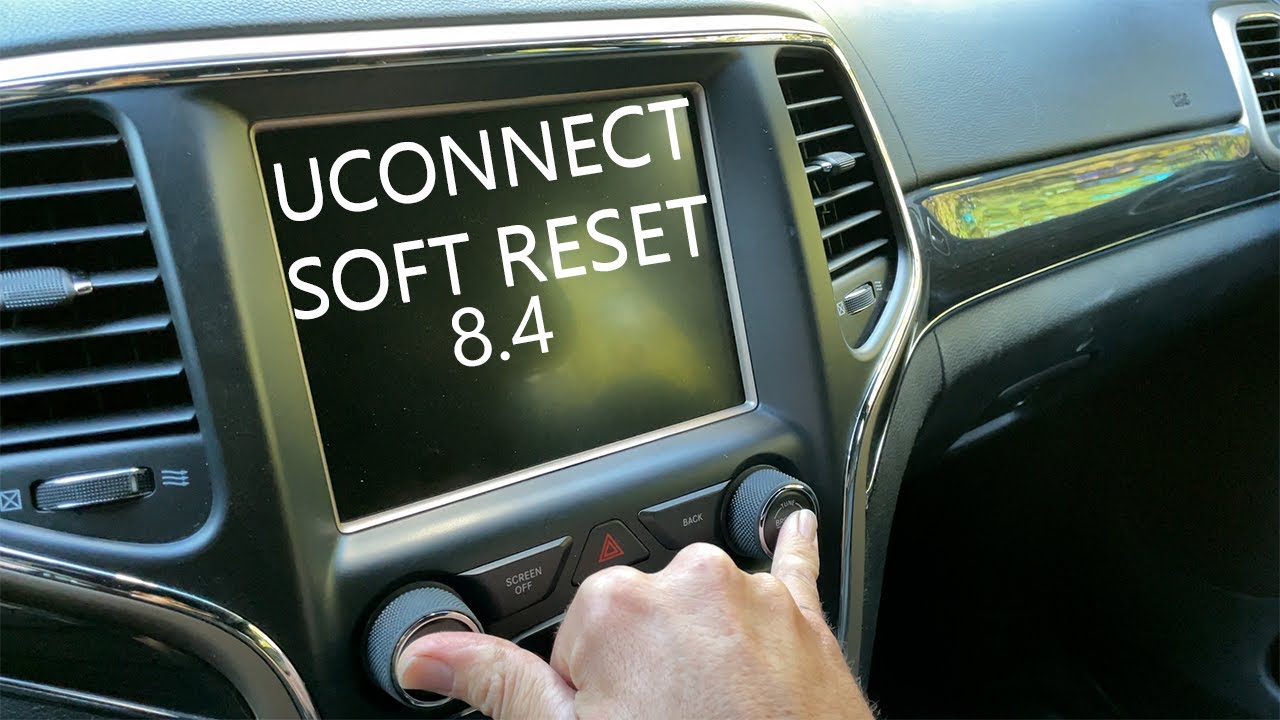
Uconnect soft reset on Jeep, Dodge, Chrysler and Fiat

Soft reset a Uconnect radio on Dodge, Ram, Chrysler and Fiat

Chrysler 200 / 200C Uconnect radio reset on the 5 inch screen

Chrysler, Dodge and Jeep Uconnect hard reset through the engineering menu

How to factory reset the Uconnect 430 and 430N
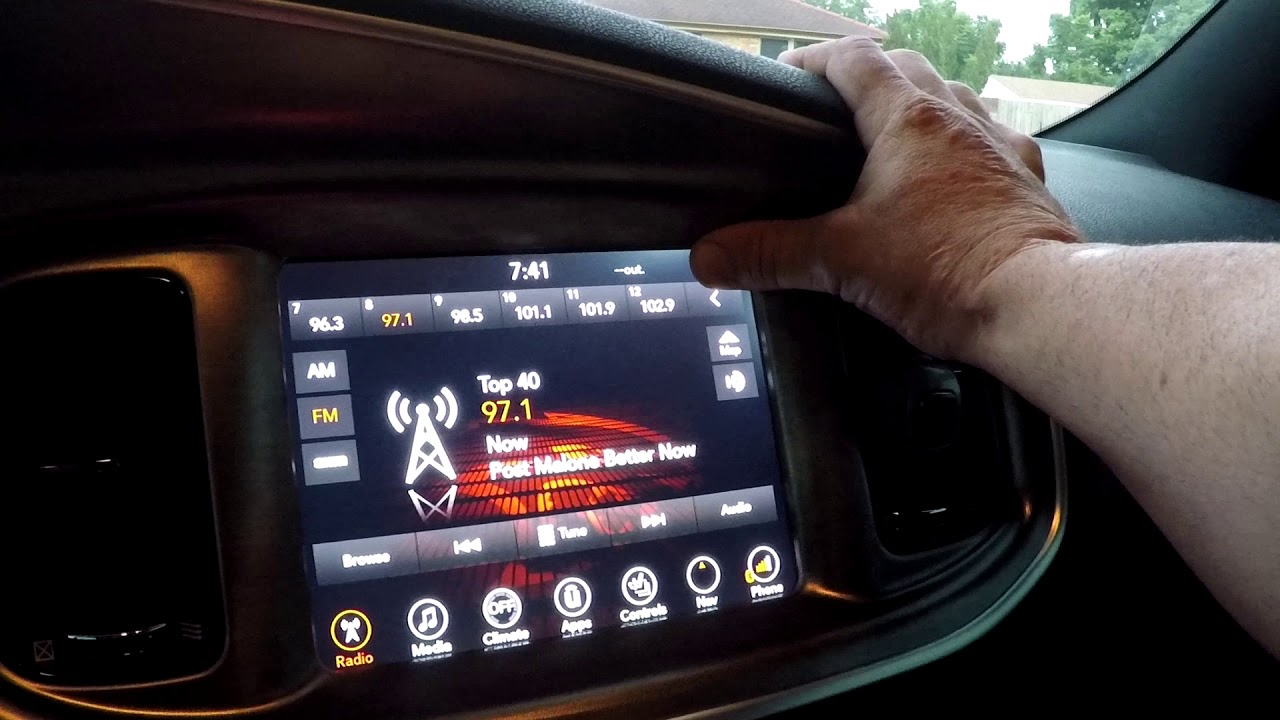
Resetting a Uconnect touchscreen by holding the screen corner
More videos on our YouTube channel
Special Case: RH3 Radio Locked Out Showing Code 0000
On some Ram ProMaster and other RH3 units the radio locks out and displays 0000 instead of a normal code prompt or timer. That is a different fault from a waiting message, so record the exact radio, software version and message and seek support for that specific unit rather than trying generic resets.

Dodge Ram ProMaster 2015 Uconnect RH3 lock-out, code 0000 solution
The Timer Is Gone - Now It Wants a Code
If the radio now allows code entry, confirm that the code matches the serial of the installed unit before entering it. The return of the entry screen does not prove that a particular reset method bypassed the security lockout.
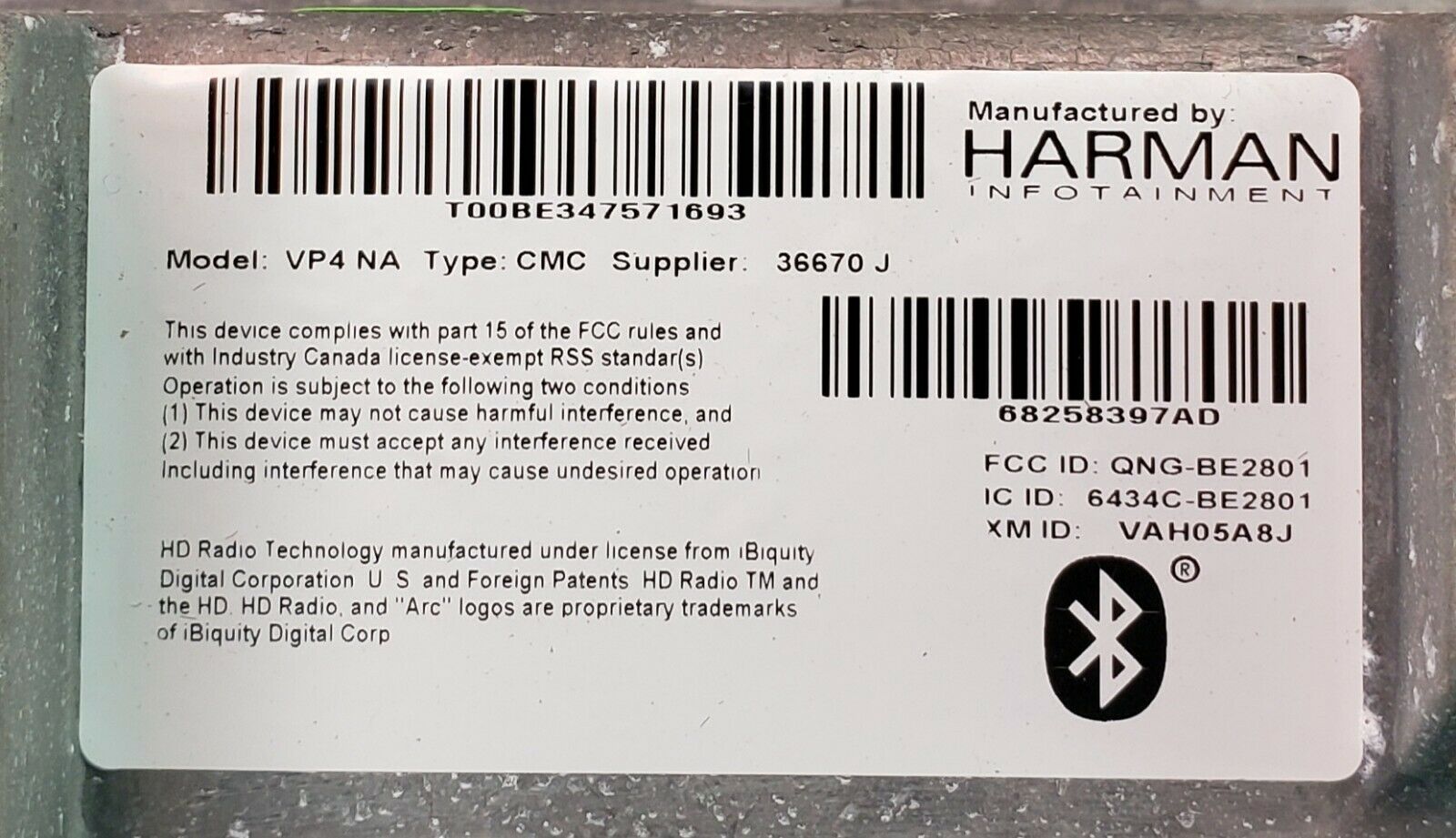
The serial number (starting with T00) on the label of a Harman Uconnect radio - this is what generates your code.
Careful on the next attempt: entering the wrong code again restarts the lockout timer. Get the correct code first, then enter it once.
What If It Asks for a PIN After the Reset?
Some units come back from a reset asking for a dealer PIN or a security code instead of the usual radio code. If that happens, note your exact year, model and radio type - the correct procedure and the location of the backup security card differ between model years. Send those details to our support team and we will confirm which path applies to your unit.
Wait Messages on Other Car Radios
The Uconnect waiting message is one version of a rule almost every coded radio follows: count the wrong codes, then refuse new ones for a while. What changes from maker to maker is the wording on the display, the length of the wait and what keeps the countdown running. Find your radio below - the last column is the one that catches people out.
| Radio | What the display says | How long | What keeps the timer running |
|---|---|---|---|
| Uconnect (Chrysler, Dodge, Jeep, Ram, Fiat) | Use the exact waiting message shown by the installed unit. | Follow the period specified for that unit; do not apply one attempt limit to every Uconnect radio. | Follow the power and ignition conditions specified by the radio instructions before trying another code. |
| Fiat 500 factory radio | RADIO BLOCKED / WAIT | 30 minutes to several hours, longer the more wrong codes were tried - owners report up to 24 hours | Key in MAR with the radio on the whole time. There is no shortcut, so put a battery charger on for a long wait. |
| Ford (Ka and other European models) | WAIT 30, or WAIT on 2050 / 6000 AUX CD units. LOCK 10 or LOCKED after ten wrong codes | 30 minutes. On 2050 / 6000 AUX CD units the wait doubles after every wrong code (1, 2, 4 minutes and so on) | Radio switched on. For 2050 / 6000 AUX CD units Ford's manual warns that switching off during WAIT starts the wait again. LOCK 10 / LOCKED is permanent and needs a Ford dealer. |
| Nissan (Micra, LEAF and others) | WAIT 1 HR on older units, a 60 to 0 minute countdown on newer ones | 60 minutes after 3 wrong codes. Nissan's LEAF manual adds that eight rounds of three wrong codes lock the unit permanently | Key in ACC or ON with the radio on for the full hour. Owners report that switching off starts the hour again. |
| BMW (Business CD and other coded units) | CODE WAIT | About 1 hour - some owners report closer to 90 minutes | Key in position 1 (accessory) with the radio on until the display shows CODE again. |
| Becker (older Mercedes-Benz, Porsche CDR) | WAIT | About 60 minutes after 3 wrong codes, and another 60 after every further 3 | Ignition on AND the radio on - Becker's manual says the waiting time only counts in that state. |
| Volvo cars | OFF instead of CODE | Up to about 2 hours | Key in position I, radio on, lights and other loads off, until OFF changes to CODE. Volvo code guide |
| Honda | E, Err or CODE ERROR E after ten wrong codes | No timer during the ten tries. After the tenth, one hour | Honda's owner's manual: leave the system on for one hour before trying again. How to enter a Honda code |
The rule for every radio: cutting power does not skip the wait
On most radios the countdown only runs while the radio has power, so disconnecting the battery or pulling the fuse does not reset it. At best the time spent disconnected simply does not count; on some units (Ford says so for its 2050 / 6000 AUX CD radios, and Nissan owners report the same) switching off starts the wait from zero. Follow the power and ignition conditions given for your radio, turn off the lights, blower and other loads, and connect a battery charger or maintainer if the wait runs past an hour.
When the display goes back to CODE you can enter a code again - so make the next attempt count. Use a code generated from this radio's own serial number and enter it once. More wrong guesses send the radio back into WAIT - for longer each time on Fiat and some Ford units - and on Ford and some Nissan radios they eventually lock it for good.
Get Your Radio Code From the Serial Number
Once the radio is responsive again, enter your radio serial number and get the working anti-theft code delivered instantly. From $9.99, with a refund if the code does not work.
Not sure which radio you have? Browse Uconnect radio codes by model
Radio code pages for these models
Frequently Asked Questions
Related Articles
Unlock Your Uconnect Radio
The full guide to recovering a Uconnect anti-theft code from the radio serial number.
Read GuideSerial Number From the Screen
Read your Uconnect serial number straight from the touchscreen - no disassembly needed.
Read GuideHow Anti-Theft Codes Work
Why some radios ask for a code after a battery change, and how other radio security systems differ.
Read Guide