Radio Stuck in Dealership Mode: How to Fix It
Leave the hidden service menu, open it on your Uconnect screen, and read the radio serial number on the display.
October 31, 2026 Updated: October 31, 2026
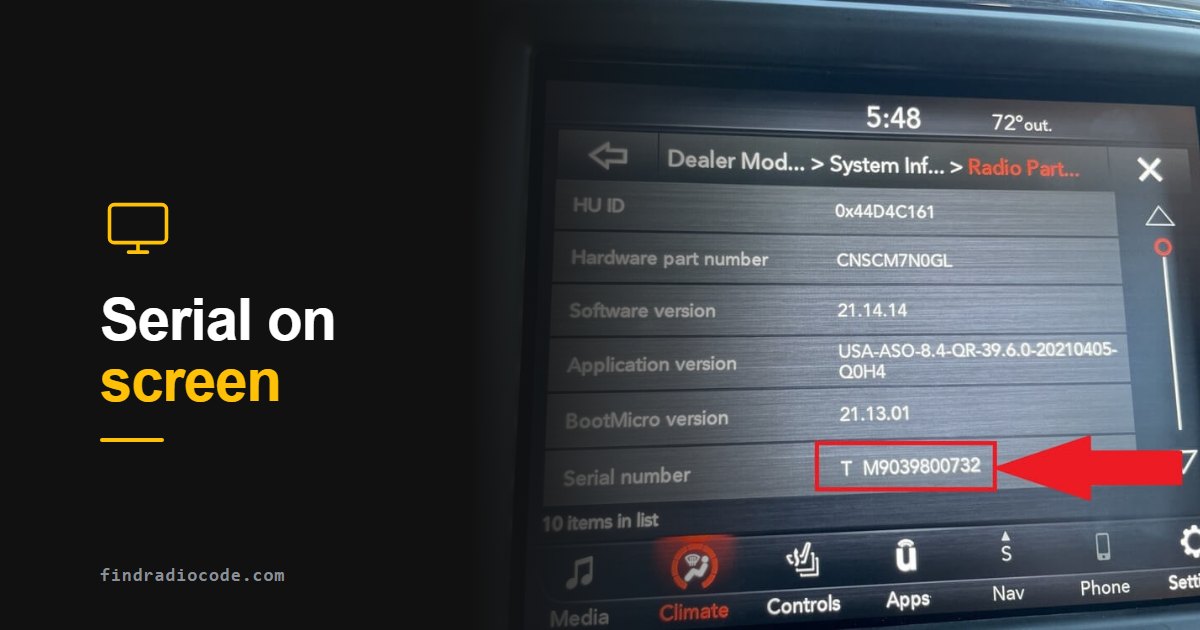
Quick answer: Dealership mode is a hidden service menu, not a fault. To leave it, park and press the back arrow or close (X) button until the normal screen returns. If it stays open, switch the vehicle off, let the radio shut down, then restart. You do not need a radio code to exit.
What dealership mode is
Dealership mode, also called dealer mode, engineering mode or service mode, is a hidden diagnostic menu. Technicians use it to read radio information without removing the unit.
It opens with a button combination held for several seconds, so it can also appear after buttons were pressed by accident.
We document it for Uconnect radios in Chrysler, Dodge, Jeep and Ram vehicles, and for Maserati Panasonic radios. Other makes can have similar service menus, with their own names and button combinations.
How to exit dealership mode, step by step
- Park the vehicle. Never try button combinations while driving.
- Press the back arrow or the close (X) button on the screen until the normal display returns.
- If the menu stays open, switch the vehicle off and let the radio shut down completely, then start it again.
- If it still comes back, the radio needs a service check. Do not select reset or update options to try to clear it.
How to open dealer mode on a Uconnect screen
Park the vehicle and turn the radio on. The combination depends on your screen. Press everything at the same time and keep holding until the menu appears.

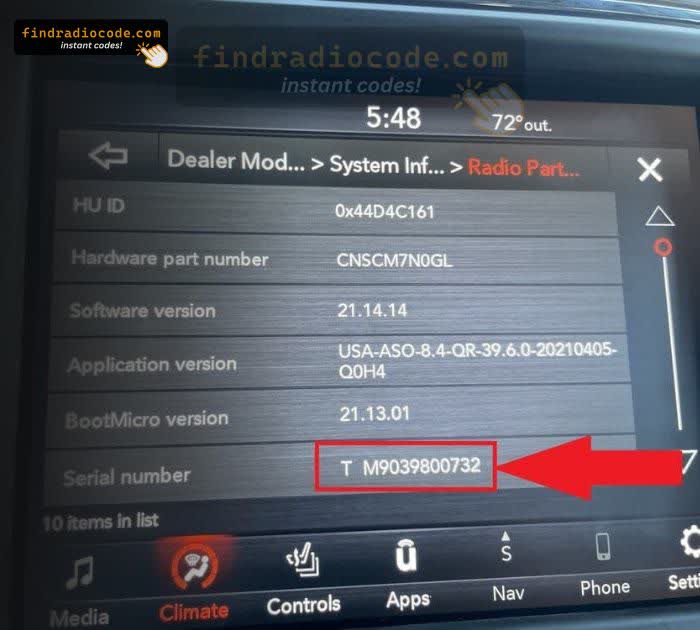
How to get the Uconnect serial number from Dealer Mode without removing the radio
Uconnect 8.4-inch (RA3 / RA4, 2013-2018)
- Press and hold the driver temp up, temp down and front defrost buttons together until the dealer mode screen appears.
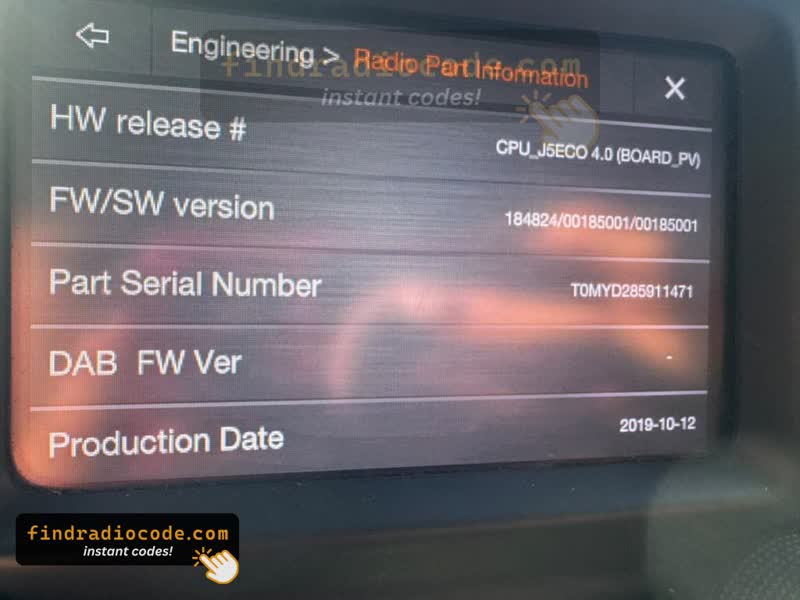
- Open Dealer Mode, then System Info, then Radio Part Info.
- Read the Serial Number, if your radio lists it.
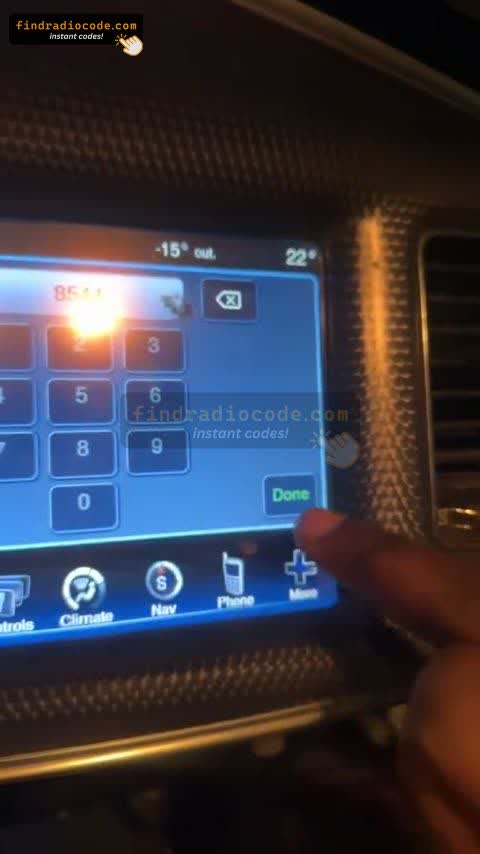
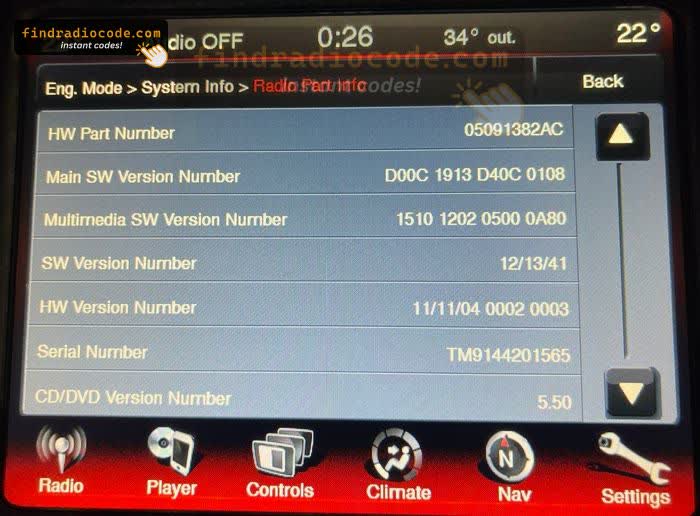
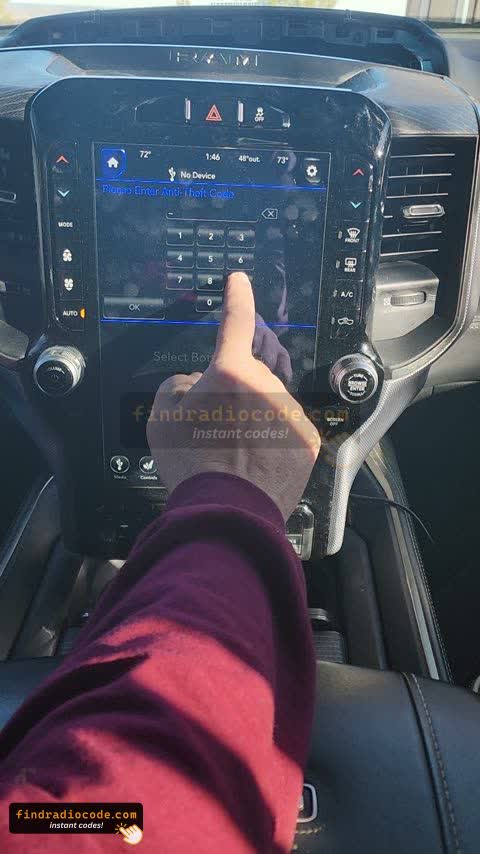
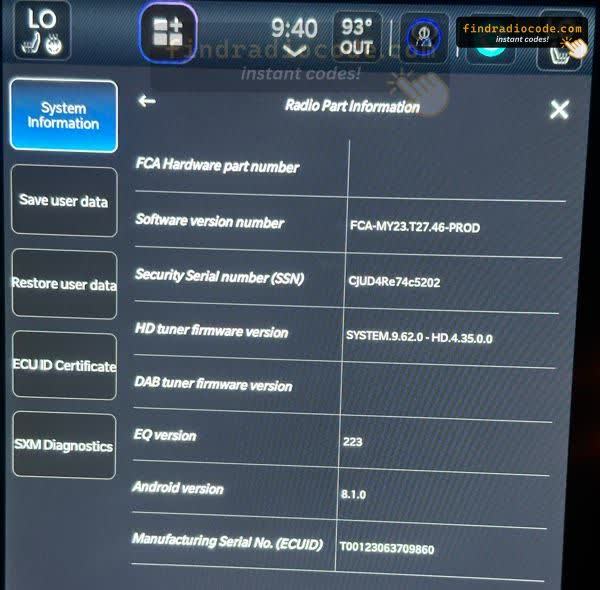
Uconnect 4C NAV 8.4-inch and 12-inch (2018 and later)
- Press and hold both lower corners of the display together until Dealer Mode appears (about 7 seconds).
- If nothing opens, early software on some radios uses the temp up, temp down and front defrost buttons instead.
- Open System Info, then Radio Part Info, and read the Serial Number. On the 12-inch screen it is listed as Manufacturing Serial No.
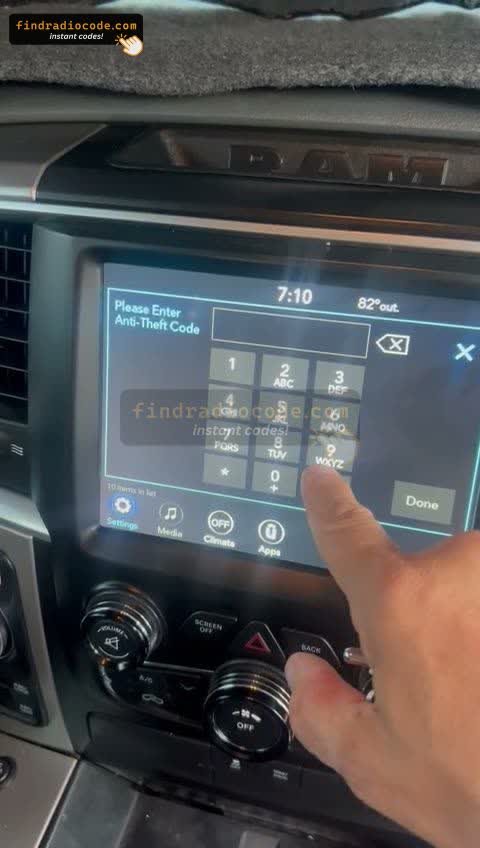
Uconnect 5-inch with knobs (2020 Ram and similar)
- Turn the ignition ON with the engine OFF.
- Hold RADIO, MEDIA and the BROWSE/ENTER knob together for 5-8 seconds.
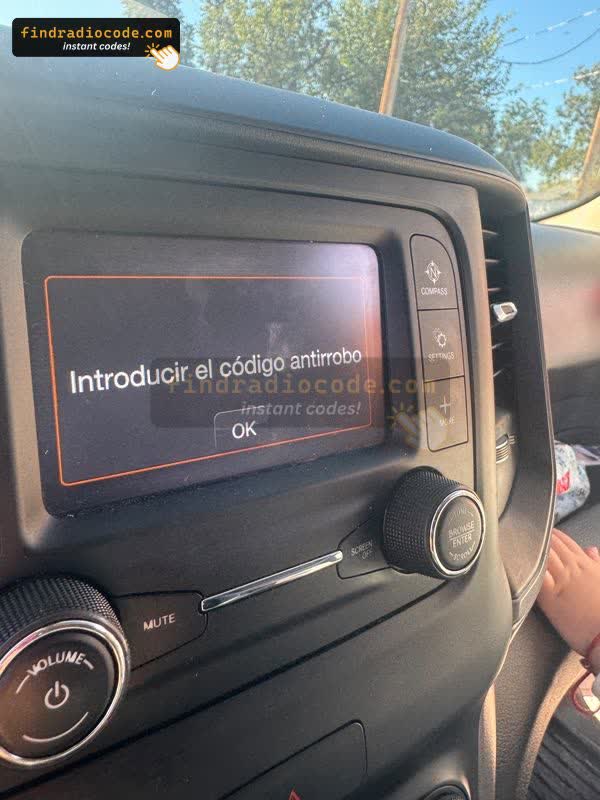
- If nothing opens, go to the code screen and hold MUTE or SCREEN OFF with the TUNE/BROWSE knob for 5-10 seconds. This varies by unit and may not work on yours.
Uconnect 7-inch or another screen? We have no confirmed combination for it, so read the serial from the label on the radio. See the Uconnect radio removal guide.
How to read the serial number on the display
- In the menu, open Radio Part Information. It can also appear as Radio Part Info or Part Info, and some menus need scrolling.
- Find Serial Number, Serial No., S/N, Part Serial Number or Manufacturing Serial No.
- Do not use the Part Number. It identifies the part, not your radio.
- Take a photo of the screen so you can check every character. One wrong character gives a wrong code.
- Back out of the menu without selecting calibration, update or reset options.
When you need a radio code
You do not need a code to leave dealership mode. You need one only if the radio shows a code or anti-theft prompt, usually after a battery change or other power interruption.
Radio asking for a code?
Enter the serial number you read from the screen or label to get your code, from $9.99.
Not sure which radio you have? Browse Uconnect radio codes by model
Dealership mode FAQ
Related Articles
Uconnect Dealer Mode Guide
More detail and videos for reading the Uconnect serial number on screen.
Read GuideJeep Anti-Theft Code
Tell a code prompt from a frozen unit, and find the right serial format.
Read Guide