How to Remove Your Uconnect Radio
Watch step-by-step video tutorials to find your radio serial number and unlock your radio
Already see the serial label on your radio?
No need to read the whole guide. Enter your Uconnect serial number and get your unlock code instantly on screen and by email, from $9.99.
Get My Uconnect CodeInstant for most models. Money-back guarantee if the code does not work.
What You'll Learn in This Guide
Understanding Uconnect Radio Removal
Uconnect is Chrysler's infotainment system found in vehicles manufactured by Dodge, Jeep, RAM, Fiat, and Chrysler brands. When your Uconnect radio displays an anti-theft security code request, you'll need to locate the radio's serial number to retrieve your unlock code.
The serial number is printed on a white or silver label affixed to the radio unit itself. In most cases, this label is only accessible by physically removing the radio from the dashboard. This comprehensive guide provides video tutorials for the most common Uconnect-equipped vehicles to help you safely remove your radio and find this critical serial number. If you would rather not pull the unit at all, Uconnect Support is the official Stellantis channel for software updates, map updates and Mopar owner support.
When Do You Need This?
- After disconnecting or replacing your car battery
- Following electrical system repairs or maintenance
- When purchasing a used vehicle with a locked radio
- After a complete power loss or electrical fault
- When upgrading from a factory radio to an aftermarket unit
Uconnect Generations & Screen Sizes
Uconnect systems have evolved through multiple generations since 2008. Understanding which generation you have can help you locate the correct removal tutorial and identify your serial number format.
5" Uconnect (2011-2018)
- Radio Models: RA2, RA3, VP3
- Common In: Dodge Charger, Challenger, Durango
- Features: Touchscreen, navigation (optional)
- Serial Format: T00AM, T00BE, or TM9
7" Uconnect (2013-2020)
- Radio Models: VP4, RA4
- Common In: Jeep Wrangler JL, Cherokee
- Features: HD touchscreen, CarPlay/Android Auto
- Serial Format: T00AM, T00BE, U-series
Fiat Uconnect
- Radio Models: A2C, Harman variants
- Common In: Fiat 500e, Ducato, commercial vans
- Features: Compact European design
- Serial Format: Varies, Continental/Harman
All Formats Supported
Our service works with ALL Uconnect radio models from all years (2008-2025). Whether you have a 4.3" basic model or the latest 12" display, we can generate your unlock code instantly from the serial number.
Tools & Preparation
Required Tools
- Plastic trim removal tools (recommended) or flathead screwdriver wrapped in cloth
- Flashlight or phone light to read serial numbers
- Smartphone camera to photograph the serial number label
- T10, T15, or T20 Torx screwdriver (vehicle-specific)
- Socket set (for some models)
Safety Tips
- Park on a level surface with the parking brake engaged
- Disconnect the negative battery terminal if you're uncomfortable working with electronics
- Work in good lighting conditions
- Take photos at each step for reassembly reference
- Keep track of all screws and clips you remove
- Be gentle with plastic clips - they break easily
Radio Removal by Vehicle and Year (Ram, Jeep)
Find your truck or Jeep below. Each generation lists the trim route, the fasteners and tools, where to look for the serial label and which video in this guide matches it. Screw counts come from dash-kit installation manuals and factory service instructions; where those sources disagree, we describe the route without a number.
Ram 1500 Radio Removal by Year (2009-2024)
2009-2012 Ram 1500 (DS)
Route
- Trucks with a console shifter: take the console top off first (screws in the cup holders and in the pocket below the climate controls, then pull the shifter knob straight up and unclip the console top). Column-shift trucks skip this step.
- Peel the rubber mat out of the tray on top of the dash and remove the two Torx screws under it, then unclip the small trim around the power outlet and remove the Torx screw behind it.
- Pull the radio bezel off evenly, starting at the top, and unplug it. It comes out together with the climate controls.
- Remove the four 7 mm (9/32-inch) screws holding the radio, slide it out and unplug it.
- Tools: Plastic trim tool, Torx drivers (guides differ between T20 and T25, so have both), 7 mm socket with extension, Phillips screwdriver for console trucks.
- Serial label: On the white or silver label on the radio housing, usually the top or a side. Photograph it before you reinstall anything.
- Matching video: No video for this exact generation in this guide; the 2013-2018 Ram videos below show the same pull-the-bezel, four-screw layout.
2013-2018 Ram 1500 (DS) and 2019-2024 Ram 1500 Classic
Route
- Peel the rubber liner out of the tray on top of the dash and remove the two Torx T20 screws under it.
- Check the small pocket on the passenger side of the center panel for one more T20 screw under its liner. Trucks with a center console also have Phillips screws under the console liners that hold the console top.
- Pry the center bezel off by its outer edge only, never against the screen face. It is held by clips; unplug the switches and power outlets behind it.
- Remove the four 7 mm (9/32-inch) screws holding the radio, slide it out and unplug it.
- Tools: Plastic trim tool, Torx T20 driver, 7 mm (9/32-inch) socket with extension, Phillips screwdriver for console trucks.
- Serial label: On the white or silver label on the radio housing, usually the top or a side. Photograph it before you reinstall anything.
- Matching video: See the 2013-2015 Ram, 2018 Ram 2500 and Dodge 1500 5-inch videos below. The 2013-2018 Ram 2500/3500 use the same center stack.
2019 and later Ram 1500 (DT), 8.4-inch and 12-inch
On the DT the screen is the radio. Release the center trim around the screen, unbolt the screen/radio assembly from the dash and disconnect the plugs at the back. Car audio retailers note that none of the factory DT radios can be swapped for an aftermarket unit without major custom work, so this is a careful remove-and-reinstall job.
The trim route and screw count differ between the 8.4-inch and 12-inch dashboards, and we have not verified one count that fits both, so follow the closest video instead of a generic number.
- Serial label: On the white or silver label on the radio housing, usually the top or a side. Photograph it before you reinstall anything.
- Matching video: The 2019-2022 Ram 2500/3500 12-inch and 2022 Ram 8.4-inch videos in this guide. Ram Heavy Duty trucks from 2019 use the same instrument panel as the DT 1500.
Jeep Wrangler Radio Removal: JK (2007-2018) and JL (2018-2023)
Wrangler JK 2007-2018
The JK dash changed for 2011, so the route depends on the year. In both versions four 7 mm screws hold the radio.
2007-2010: unclip the small trim pieces above and below the center stack to reach the screws behind them, remove those screws, then pull the whole panel around the radio, climate controls and vents off its clips.
Route - 2011-2018:
- Unclip the knee panel under the steering column and swing it down.
- Remove the two 7 mm screws on the bottom edge of the dash panel, one on each side of the steering column.
- Pry out the power-window switch pod (or storage pocket) below the radio, unplug it and remove the 7 mm screw inside the opening.
- Peel the rubber mat out of the tray on top of the dash and remove the 7 mm screw under it.
- Pull the lower edge of the panel through the switch opening, then the top edge to release the upper clips. Lower the steering wheel and lift the panel (it covers the radio and the gauges) out.
- Remove the four 7 mm screws holding the radio, slide it out and unplug it.
- Tools: 7 mm socket with extension, plastic trim tool; 2007-2010 panels also use Phillips screws.
- Serial label: On the white or silver label on the radio housing, usually the top or a side. Photograph it before you reinstall anything.
- Matching video: No JK video in this guide yet - follow the steps above.
Wrangler JL 2018-2023 (and Gladiator JT)
Route
- Pull the knee bolster under the steering column off its clips, starting at the top.
- Unclip the climate control panel starting at its exposed left edge, then unplug the push-to-start button and the climate connectors behind it.
- Remove the two 7 mm screws holding the radio bezel and pull the bezel out.
- Remove the four 7 mm screws holding the radio, lift it out and disconnect the antenna, USB and the large main connector.
2024 and later Wranglers got a redesigned dash with a bigger screen, and dash-kit makers list a different route for them. These steps are for 2018-2023.
- Tools: 7 mm socket with extension, plastic trim tool.
- Serial label: On the white or silver label on the radio housing, usually the top or a side. Photograph it before you reinstall anything.
- Matching video: The Wrangler JL video below.
Jeep Grand Cherokee Radio Removal: WK2 (2011-2021) and WL
Grand Cherokee WK2 2011-2021
Route
- Pry the center trim panel around the radio off, starting at the bottom edge. It is held mainly by clips; some guides also show screws along its lower edge, so check before you pull hard.
- Unplug the trim panel and set it aside.
- Remove the four screws holding the radio, slide it out and disconnect it.
- Tools: Plastic trim tool and a socket set.
- Serial label: On the white or silver label on the radio housing, usually the top or a side. Photograph it before you reinstall anything.
- Matching video: No WK2 video in this guide yet - follow the steps above.
Grand Cherokee WL (Grand Cherokee L from 2021, two-row from 2022)
The WL uses Uconnect 5 with an 8.4-inch, 10.1-inch or 12-inch screen in an all-new dash. We have not verified a screw-by-screw removal route for it, so we do not publish one. Check Settings → System Information first (see the on-screen guide); if you need the label, a dealer or car audio shop can pull the unit. A replaced Uconnect 5 radio also needs dealer configuration, so this is rarely a driveway job.
Swapping In a Used or Replacement Radio?
- It needs its own code. The code belongs to the radio serial, not to the vehicle, so a used radio from another vehicle needs the code for its own serial. Read the new label before you install it.
- Some vehicles also need a dealer configuration step. Stellantis dealers run a "PROXI configuration alignment" (sometimes after "Restore Vehicle Configuration") with the wiTECH scan tool so the radio matches the vehicle's equipment. Without it, features can go missing - Stellantis bulletins describe lost connected services after a radio swap and hidden heated-seat controls until the configuration was restored. Independent shops with a capable scan tool can also do it.
- Same part number, different code. Two radios with identical part numbers still have different serials and different codes.
Installed a used or replacement Uconnect radio? See which serial number to use and what to do if it asks for a code.
Video Tutorials by Vehicle Brand
Click your vehicle brand to watch step-by-step radio removal tutorials.
Dodge Charger 2 Videos
Dodge Charger: Dodge Charger: Trim panel removal, radio disconnection, and serial number location for 2011-2015 models with 5" or 8.4" Uconnect.
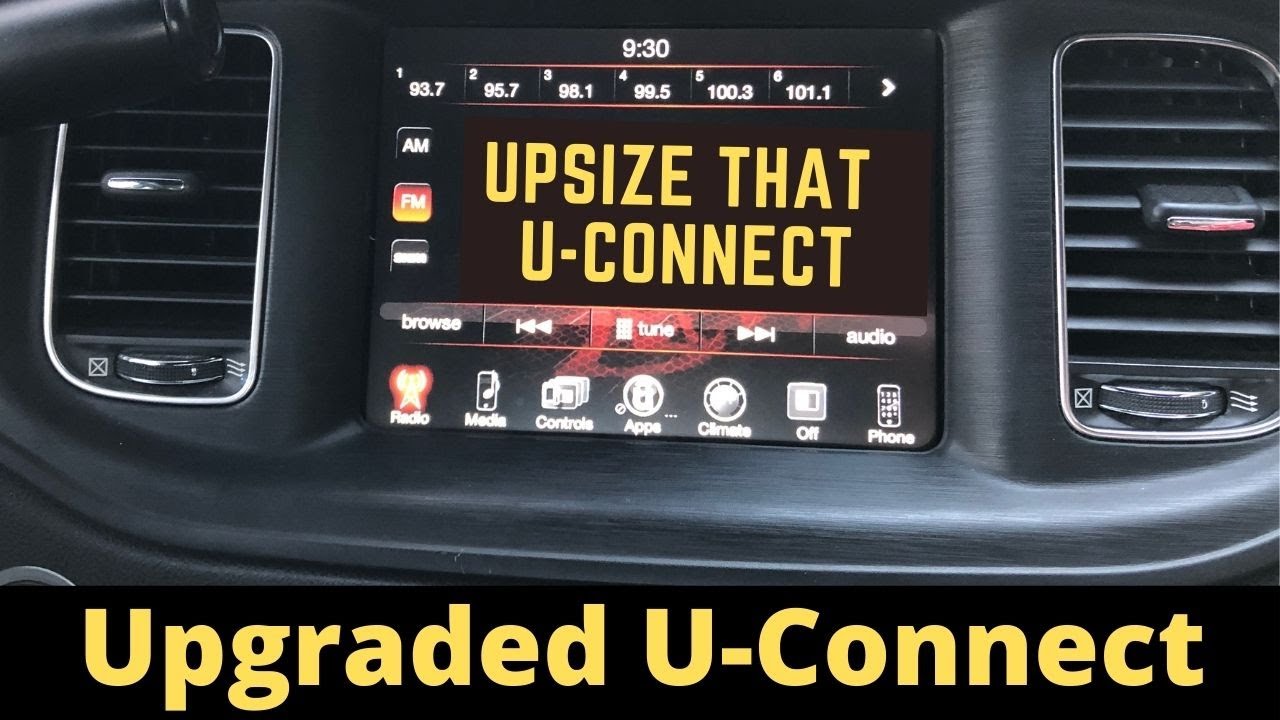
2015 Charger - 5" to 8.4"

2011-14 SRT8 - 8.4" RB5
Dodge Ram / RAM - Uconnect Radio Removal 2 Videos
For RAM truck owners: For RAM truck owners: These tutorials walk you through removing the Uconnect radio from various RAM truck models. Learn the proper technique to remove dash trim panels without damage, safely disconnect wiring harnesses, and access the radio serial number. Covers 2018-2022 RAM 2500/3500 models with different Uconnect configurations.
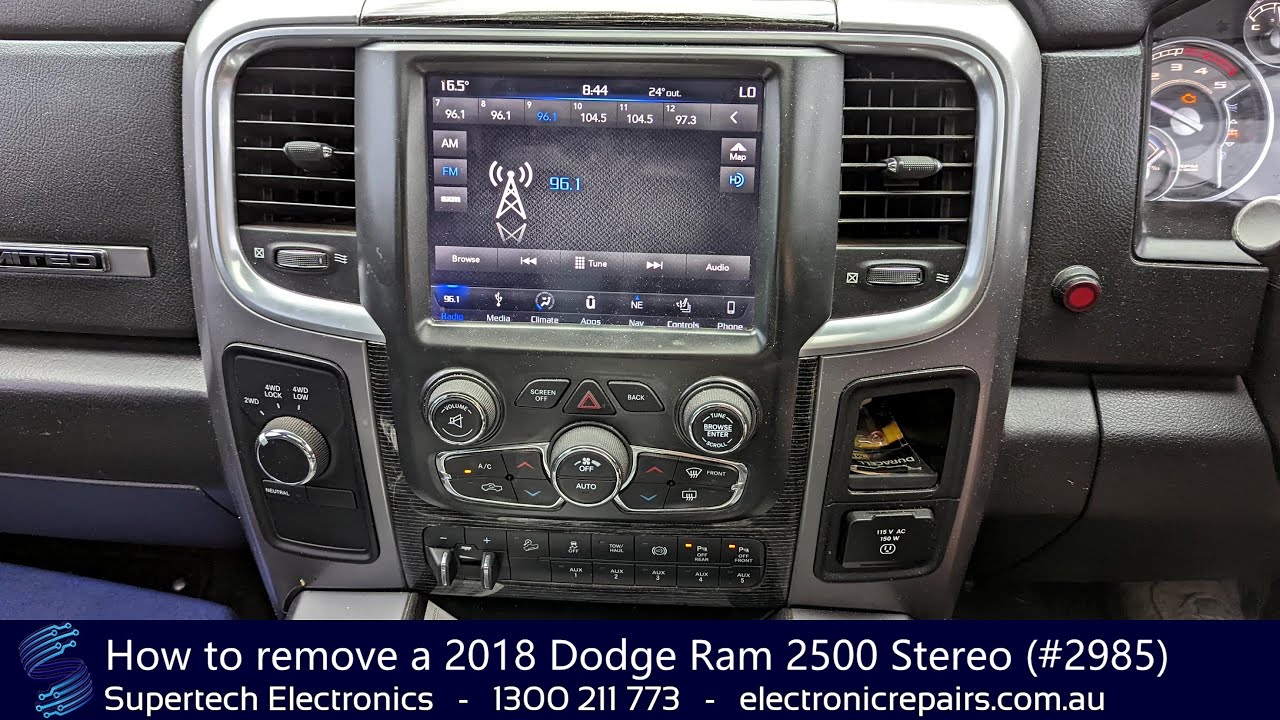
2018 Dodge Ram 2500 - Stereo Removal
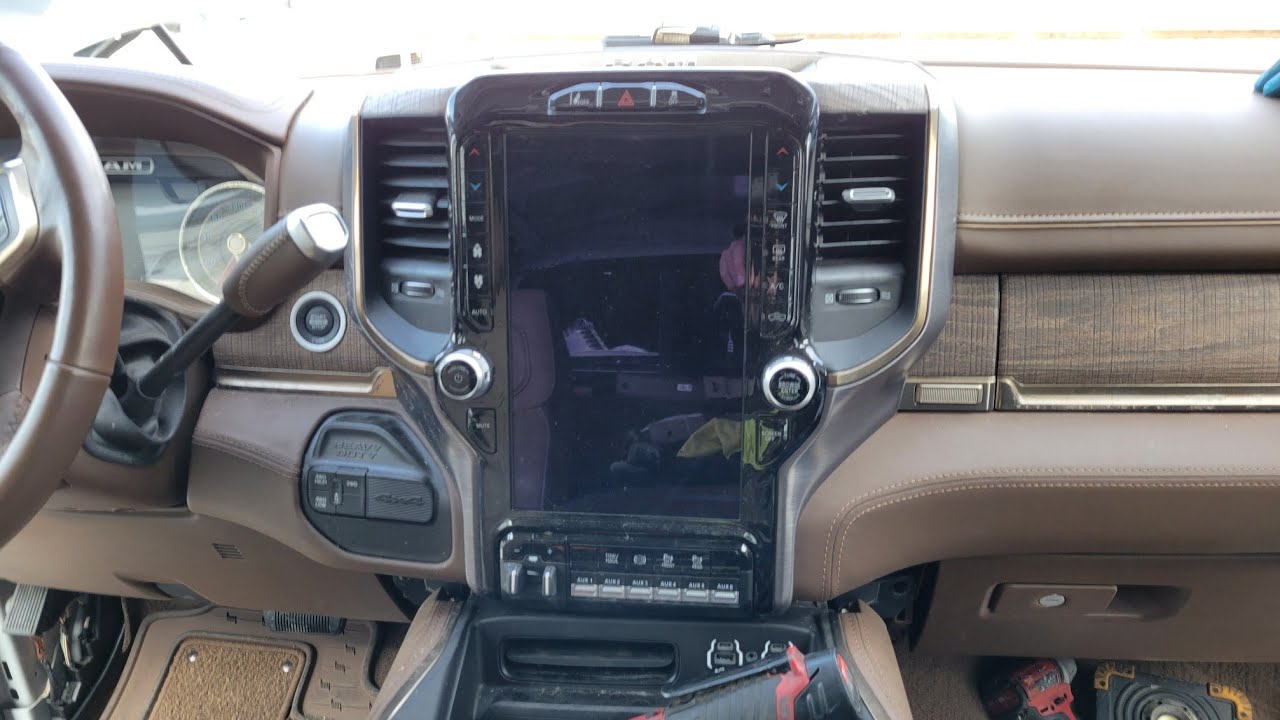
2019-2022 Ram 2500/3500 - Radio Removal
Jeep - Uconnect Radio Removal 2 Videos
For Jeep owners: For Jeep owners: Detailed removal instructions specifically for Jeep Wrangler JL and Cherokee models. These videos show you how to access the radio through the dashboard, proper tool usage, and where the serial number label is located. Ideal for 2013-2021 Jeep models with 7" Uconnect screens.
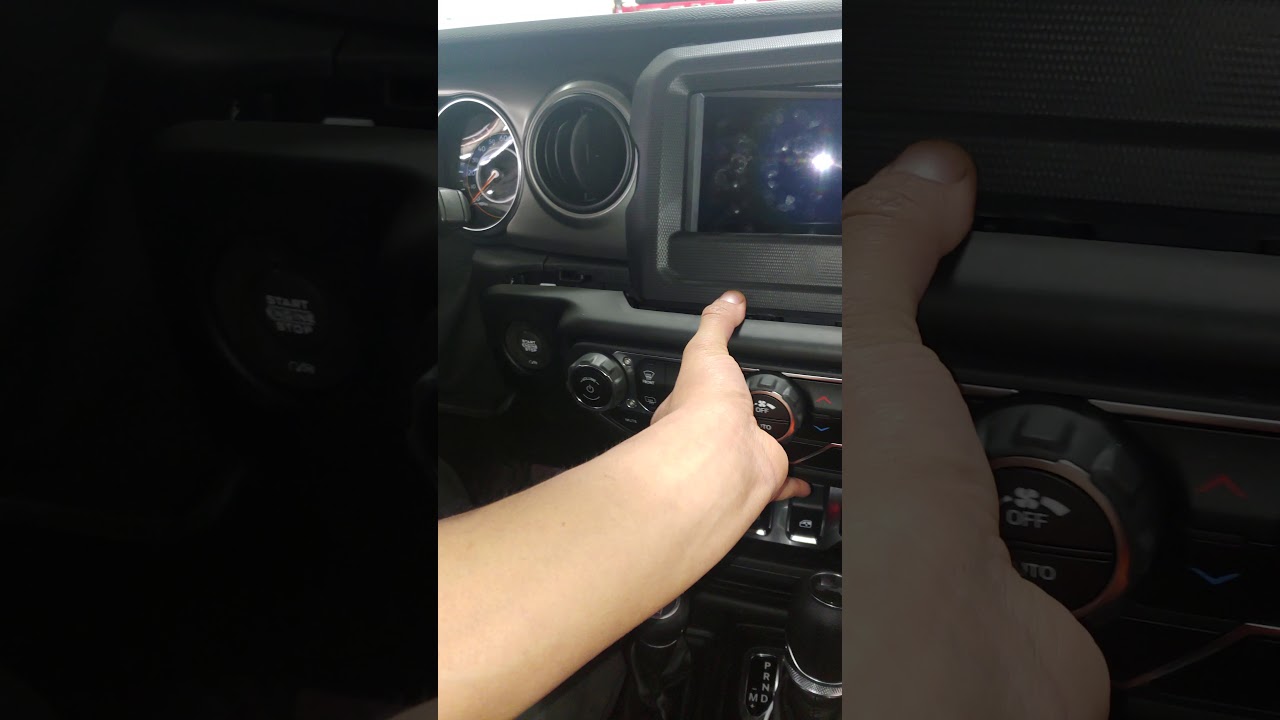
2018-2021 Jeep Wrangler JL - 7" Radio Removal
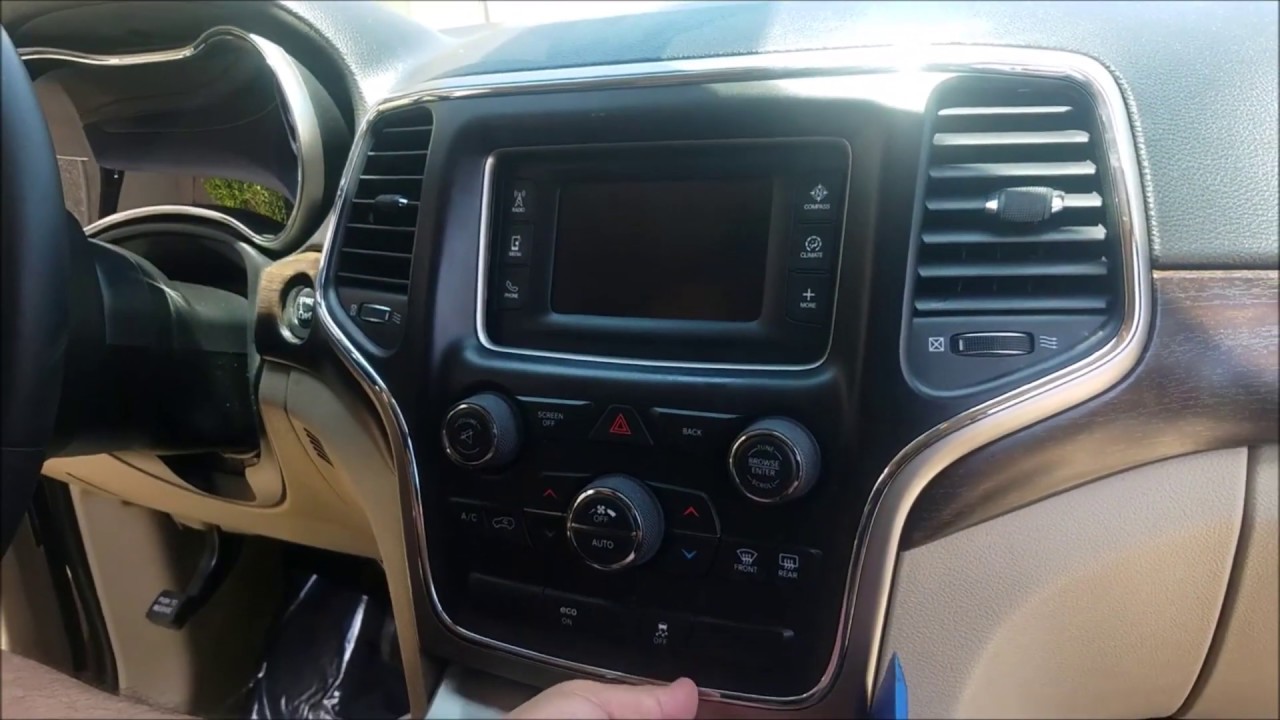
2013 Jeep Cherokee - Radio Removal
Fiat - Uconnect Radio Removal 2 Videos
For Fiat owners: For Fiat owners: Specific instructions for removing Uconnect radios from Fiat vehicles including the 500e and commercial vans. Includes the unique "nails method" for certain Fiat models. These tutorials are essential for Fiat Ducato, Citroen Relay, and Peugeot Boxer van owners.
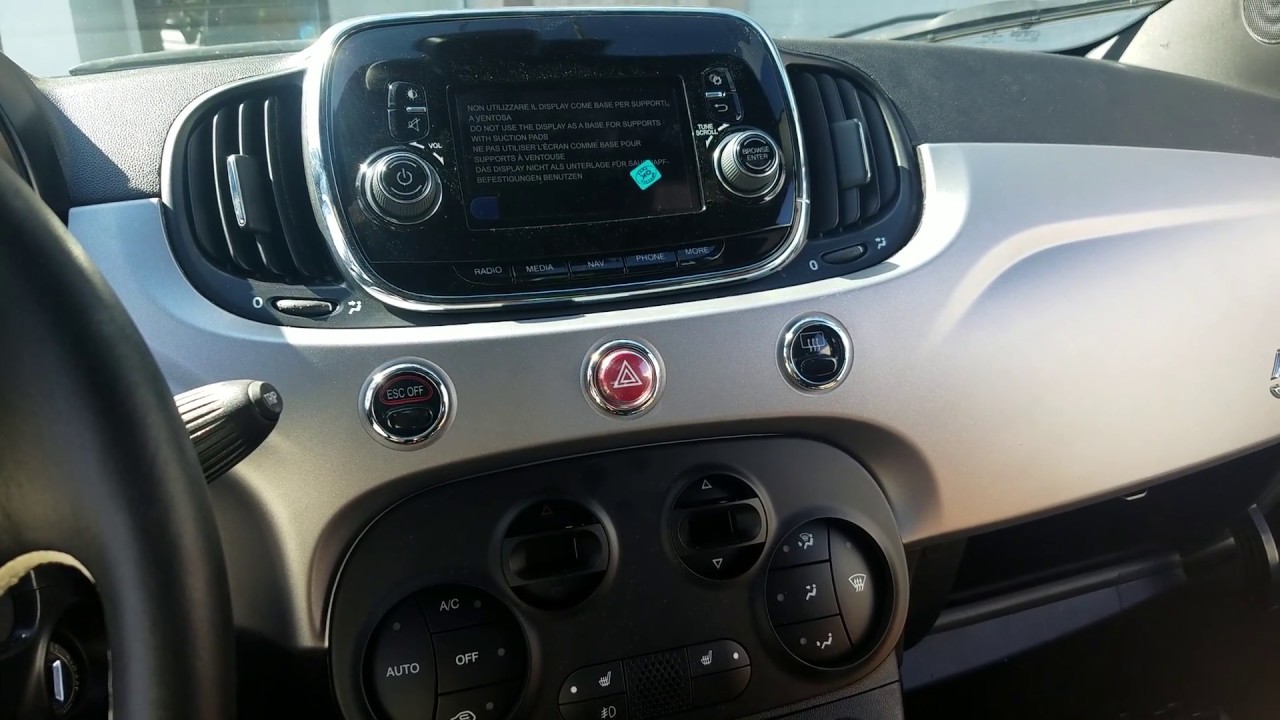
2018 Fiat 500e - Uconnect A2C Removal
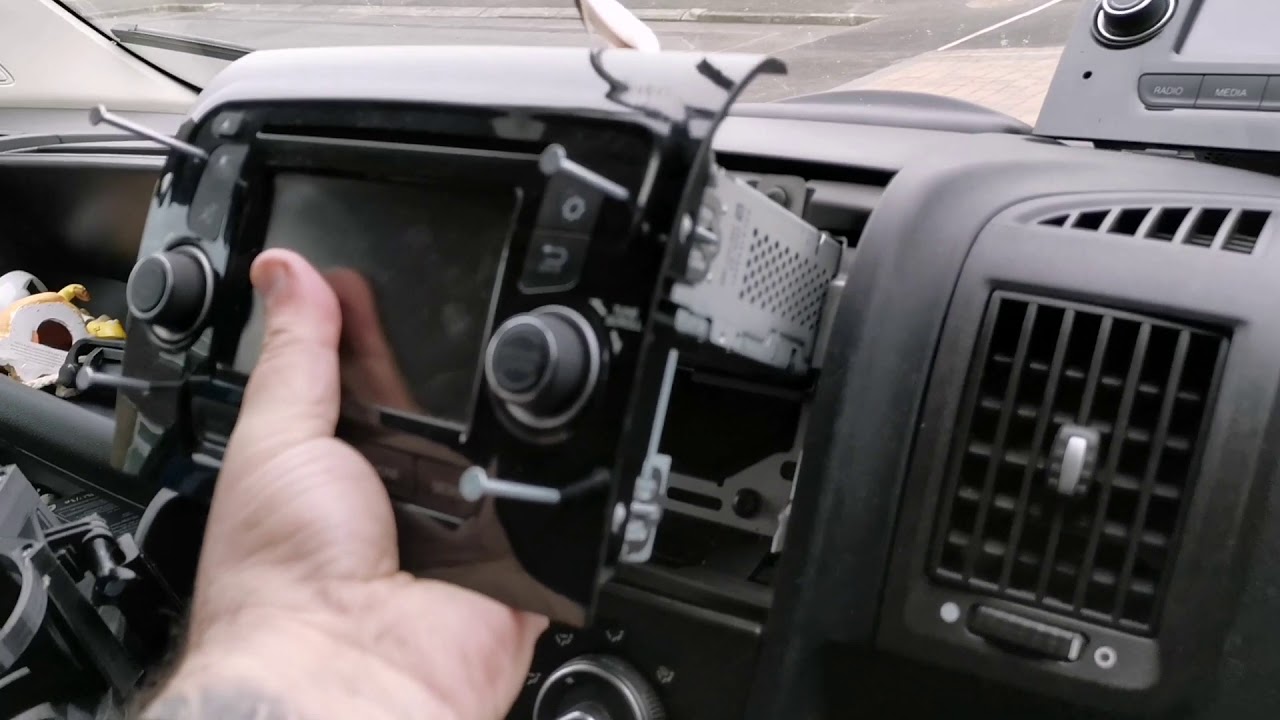
Fiat Ducato / Citroen / Peugeot - Removal with Nails Method
RAM ProMaster - Uconnect Radio Removal 2 Videos
For RAM ProMaster van owners: For RAM ProMaster van owners: Quick and efficient guides specifically designed for ProMaster vans. One video demonstrates rapid removal in under 60 seconds! Perfect for commercial van owners who need fast access to their radio serial numbers.
2022 RAM - 8.4" Uconnect in Under 1 Minute

RAM ProMaster - UConnect Removal
Other Models - Dodge Durango, Journey, and More 4 Videos
For other Chrysler, Dodge, and RAM models: For other Chrysler, Dodge, and RAM models: Additional comprehensive removal guides covering Dodge Durango (7" Uconnect), Dodge Journey, and various RAM models with 4.3" and 5" TVPQN radios. These videos include upgrade scenarios and different radio configurations.
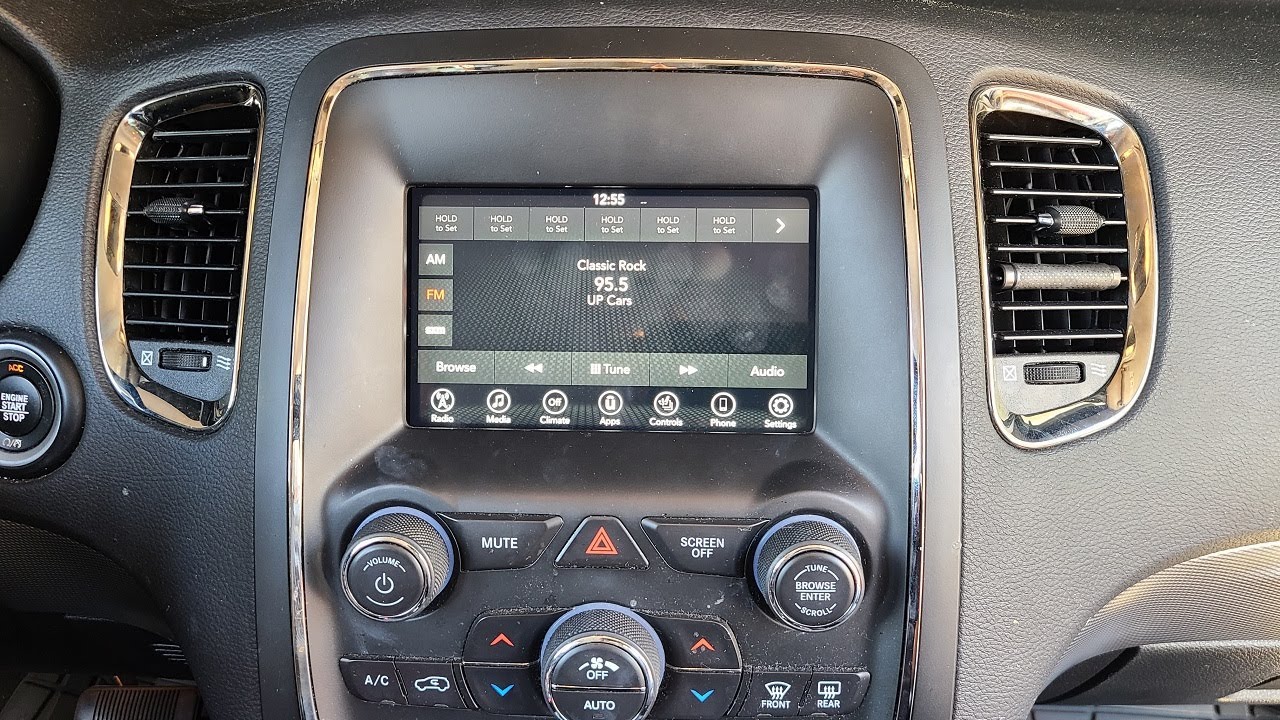
2018 Dodge Durango - 7" Uconnect Removal
Dodge 1500 - 5" Uconnect Stereo TVPQN
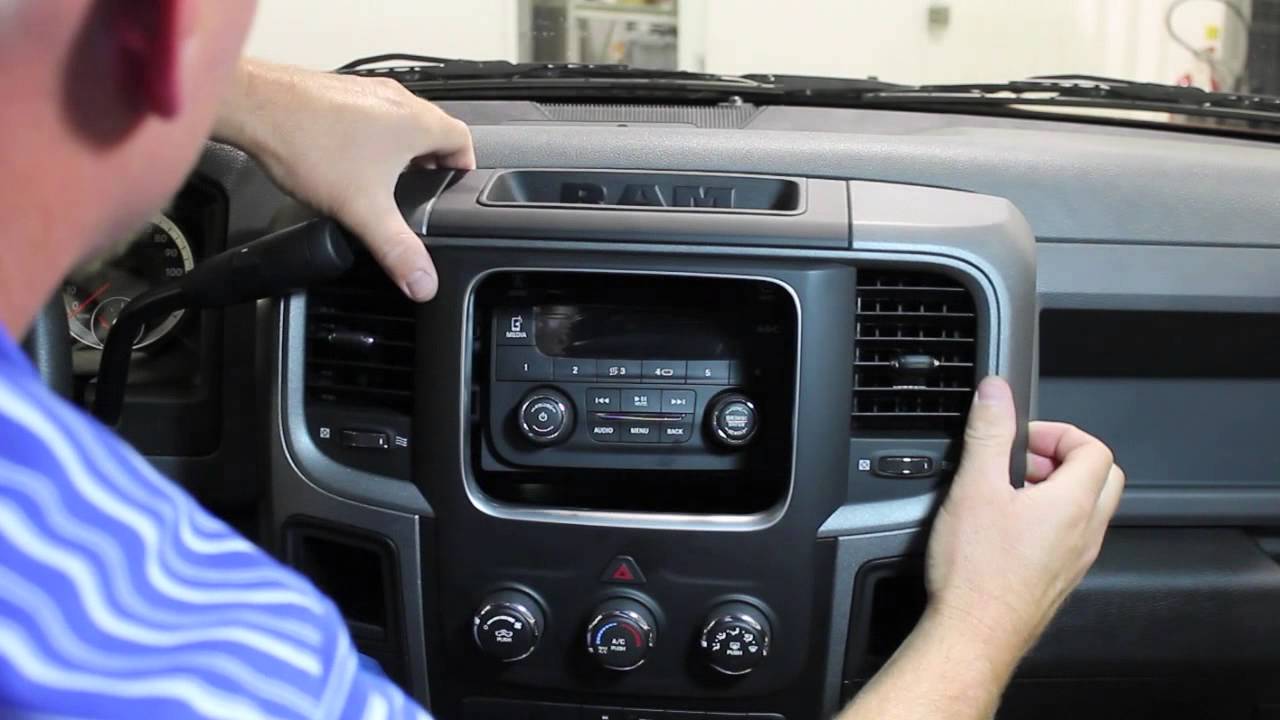
2013-2015 Ram - 4.3" Uconnect TVPQN
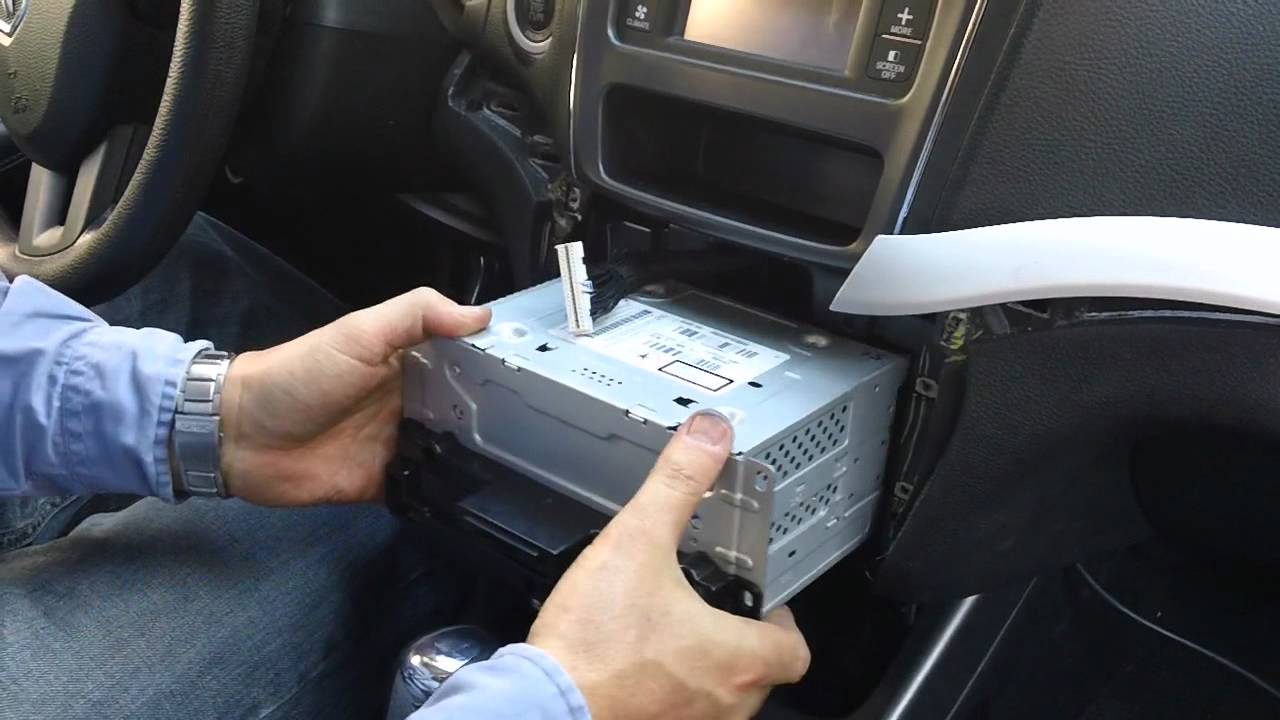
2011 Dodge Journey - 4.3" to 8.4" Upgrade
Get Your Uconnect Radio Code in 4 Simple Steps
Find Serial Number
Watch video tutorials above to remove your radio and find the S/N label
No VIN required
Enter Serial Number
Type the S/N from your radio label into our online form
Secure & Private
Get Code Instantly
Receive your 4 or 5-digit unlock code on screen and via email
Instant delivery
Unlock Your Radio
Enter the code into your Uconnect system and enjoy your radio
Done!
Find Serial Number
Watch video tutorials above to remove your radio and find the S/N label
No VIN required
Enter Serial Number
Type the S/N from your radio label into our online form
Secure & Private
Get Code Instantly
Receive your 4 or 5-digit unlock code on screen and via email
Instant delivery
Unlock Your Radio
Enter the code into your Uconnect system and enjoy your radio
Done!
Got the Serial From the Label? Enter It Here
Not sure which radio you have? Browse Uconnect radio codes by model
Why Choose Our Service?
Instant Delivery
Get your Uconnect unlock code immediately - 24/7 automated service
Money-Back Guarantee
100% refund if your code doesn't work - risk-free service
All Uconnect Models
Works with 5", 7", 8.4", and 12" Uconnect systems from all years
Save 80% vs Dealer
Pay from $9.99 instead of $120+ at the dealership
Understanding Uconnect Serial Numbers
The serial number (S/N) is the key to unlocking your Uconnect radio. This unique identifier is printed on a label attached to the radio unit and typically follows specific formats depending on the radio model and manufacturer.
Common Serial Number Formats
- VP2/VP3/VP4 Format: T00AM1234567
- RA2/RA3/RA4 Format: T00BE1234567
- RHR Format: TM91234567
- Harman Format: U1234L5678 or similar
- Continental Format: Varies by model year
Where to Find the Serial Number
- White or silver label on the radio chassis
- Usually on the top or side of the radio unit
- Sometimes visible without full removal (use a mirror)
- May also be accessible via on-screen Dealer Mode on some models
- Look for "S/N:" or "Serial Number:" on the label
Pro Tip
Take a clear, well-lit photo of the entire serial number label before reassembling. This saves you from having to remove the radio again if you need the information later. Make sure all characters are clearly visible in your photo.
Frequently Asked Questions
While not always required, disconnecting the negative battery terminal is recommended as a safety precaution, especially if you're inexperienced with automotive electronics. However, note that disconnecting the battery will reset your radio and other vehicle settings. Many technicians work with the battery connected, being careful not to short any connections.
Simply removing and reinstalling your factory radio for the purpose of reading the serial number should not void your warranty, provided you don't damage any components in the process. However, if you're still under warranty and uncomfortable with the procedure, you can ask your dealership to provide the serial number or use the on-screen method if your vehicle supports it.
Most Uconnect radio removals take between 5-20 minutes depending on your vehicle model and experience level. Some models like the RAM ProMaster can be done in under 60 seconds, while others with more complex dash trim may take longer. Watching the specific video tutorial for your vehicle model beforehand will significantly reduce your time.
Yes! Many newer Uconnect systems (2013+) allow you to access the serial number through the on-screen menu system using Dealer Mode or Engineering Mode. This method doesn't require any tools or physical radio removal.
Dashboard trim clips can be fragile, especially on older vehicles. If you break a clip, replacement clips are widely available online and at auto parts stores for $5-15 per set. Search for your specific vehicle model and year with "dash trim clips" or "panel clips." Most clips are simple push-pin style fasteners that are easy to replace.
Uconnect radios have an anti-theft security feature that locks the radio if power is interrupted. This happens most commonly when the battery is disconnected, replaced, or dies completely. The security code requirement helps prevent radio theft, as a stolen radio becomes useless without the proper unlock code. Once you enter the correct code, the radio will function normally and won't ask again unless power is interrupted.
Uconnect gives you 3 tries. After the third wrong code the screen shows "Incorrect Code. Radio locked. Please wait 30 minutes". Leave the ignition in RUN with the radio on for the full 30 minutes, then try again - switching off can stop the timer. That is why it pays to have the correct code before you start; ours comes with a money-back guarantee if it does not work.
If you remove the radio with the battery still connected, your presets should remain intact. However, if you disconnect the battery or the radio loses power during the process, you will likely lose your saved radio stations, clock settings, and other customizations. You'll need to reprogram these after entering your unlock code and restoring radio functionality.
A plastic trim tool, a Torx T20 driver for the screws under the rubber liner in the top dash tray, and a 7 mm (9/32-inch) socket with an extension for the four screws that hold the radio. Trucks with a center console also need a Phillips screwdriver for the console screws.
Yes. The code is calculated from the radio serial number, so a used radio needs the code for its own serial, not the one from your old radio. Some vehicles also need a dealer configuration step (PROXI alignment) so the replacement radio matches the vehicle's equipment.
Troubleshooting Common Issues
Problem: Trim panel won't budge
Solution: Double-check that all screws have been removed. Some panels have hidden screws under trim caps or in adjacent areas. Apply gentle, even pressure and work around the edges systematically. Use a plastic trim tool to avoid damage.
Problem: Can't read the serial number label
Solution: Use a bright flashlight and try different angles. If the label is worn or faded, try using your phone camera with flash - sometimes the camera picks up details better than the naked eye. Clean any dust or debris carefully with a soft cloth.
Problem: Radio connector is stuck
Solution: Most Uconnect radios have a release tab or button on the wiring harness connector. Look for a small tab on top or side of the connector and press it while gently pulling the connector away from the radio. Never force it - there's always a release mechanism.
Problem: Radio won't come out after removing screws
Solution: Many radios are held by mounting brackets from the sides. After removing the visible screws, you may need to gently pull the radio straight out while wiggling it slightly. Some models require removing additional side panels or HVAC controls for clearance.
Problem: Dashboard warning lights after reinstallation
Solution: Ensure all connectors are fully seated and clicked into place. A loose connection can trigger warning lights. Disconnect and reconnect each connector firmly. If lights persist after a few drive cycles, have the system scanned for error codes.
Problem: Climate controls not working after reinstalling
Solution: On integrated systems, climate control connectors may share space with radio connectors. Verify that all connectors behind the radio are properly reattached. Refer to your removal photos to ensure nothing was left disconnected.
Can't Find Your Model?
Search YouTube for more Uconnect removal videos specific to your vehicle.
Search YouTubePrefer the On-Screen Method?
Access your serial number directly from the Uconnect screen without removing the radio.
View Screen MethodRelated Articles
On-Screen Method
No tools needed! Access Dealer Mode to get your serial number directly from the Uconnect screen.
View MethodVerify Service Legitimacy
Learn how to identify trustworthy radio code services and avoid scams with our 12-step guide.
Read GuideHonda/Acura Guide
Different car brand? Check out our complete guide for Honda and Acura radio code retrieval.
View GuideReady to Unlock Your Radio?
Once you have your serial number, get your unlock code in seconds!
Get Your Unlock Code Now - From $9.99