Dodge Radio Anti-Theft Code: How to Get It and Enter It
Charger, Challenger, Durango, Journey, Grand Caravan or Dart asking for a code after battery work? The code comes from the radio serial number, and on most Uconnect touchscreens you can read that serial without taking anything apart.
October 20, 2026 Updated: October 20, 2026
Quick answer: A Dodge radio anti-theft code comes from the radio serial number, not from the VIN. Read the serial in the Uconnect information screen or on the label on the radio, get the 4-digit code for that serial, and type it in once on the screen. Most codes are delivered instantly.
Why the VIN Does Not Give You the Code
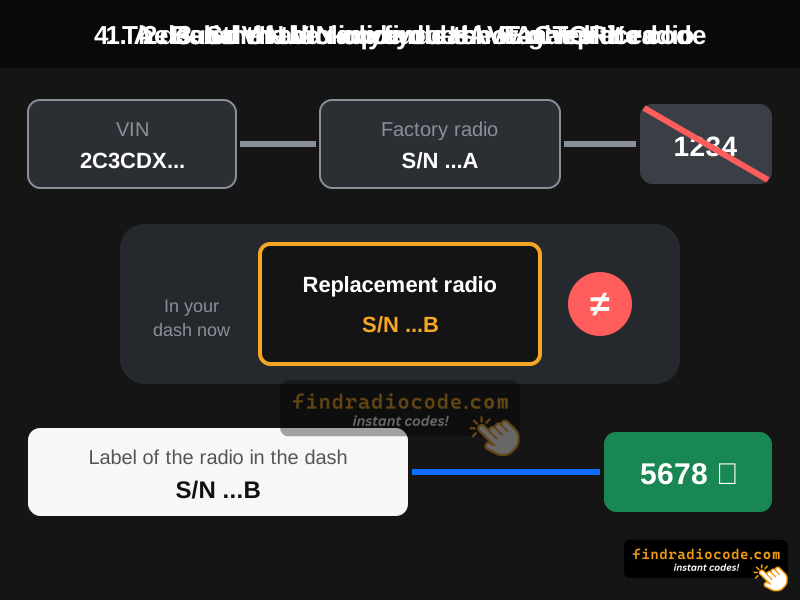
This is the most common search, so here is the straight answer: a Dodge radio code is calculated from the serial number of the radio itself. The VIN identifies the vehicle, not the head unit. A dealer may ask for the VIN and your documents, but only to confirm that you own the car.
It matters most after a radio swap. A VIN lookup can only point to the radio the vehicle was built with. If the radio in the dash came from another car, the code for the original radio will be rejected, and only the serial of the radio now installed gives the right code.
Renault and Dacia are the only makes where a radio code really comes from the VIN. Our guide on getting a radio code from the VIN covers it brand by brand.
Which Radio Is in Your Dodge?
Dodge shares the Uconnect platform with Jeep, Chrysler and Ram. You do not need to know who built the unit, but the screen tells you how to read the serial and how to type the code.
- Uconnect 130 / 430 / 430N: a 6.5 inch screen or a plain display surrounded by physical buttons, common in older Charger, Challenger, Durango, Journey, Grand Caravan, Caliber, Avenger and Nitro.
- Uconnect 5.0 / 8.4: 5 or 8.4 inch touchscreen with climate buttons below it, common in Charger, Challenger, Durango, Journey and Dart from the early 2010s.
- Uconnect 4 / 4C: gloss edge-to-edge 7 or 8.4 inch screen in later Charger, Challenger and Durango.
- Uconnect 5: the newest units, for example in the Hornet.
Your exact model and year page lists the radios we see most often: Charger, Challenger, Durango, Journey, Grand Caravan and Dart.
Step 1: Read the Serial Number
Try the screen before the screwdriver. Most Uconnect touchscreens show the serial in a hidden information screen (often called Dealer Mode), so you can read it without removing the radio.
- Turn the ignition to RUN and let the radio finish starting.
- Open the radio information screen with the button combination for your Uconnect generation. Our Dealer Mode guide shows it for each one.
- Find the line marked Serial number and copy it exactly, letters and zeros included.

Read the Uconnect serial number on the screen without removing the radio
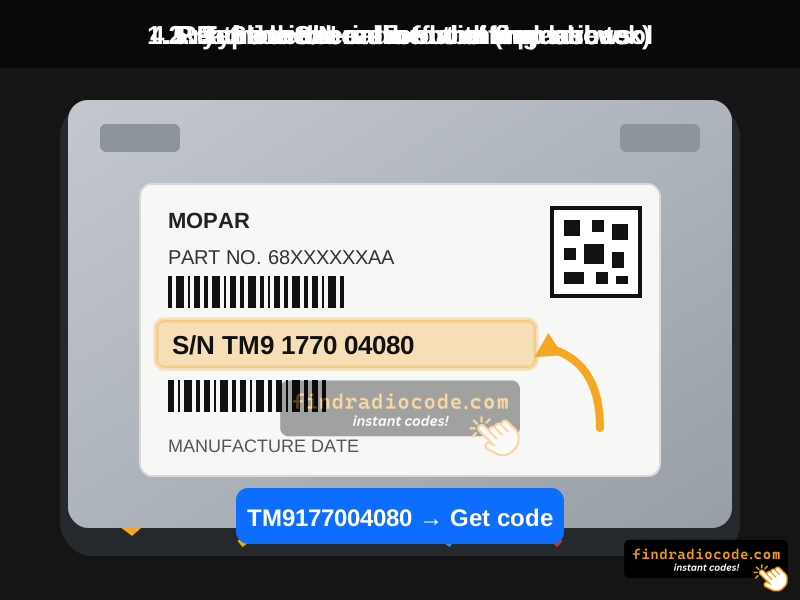
If the screen will not open the menu, the serial is printed on the label on the radio case and the unit has to come out. The Uconnect removal guide shows how for each model.
What a Dodge Radio Serial Looks Like
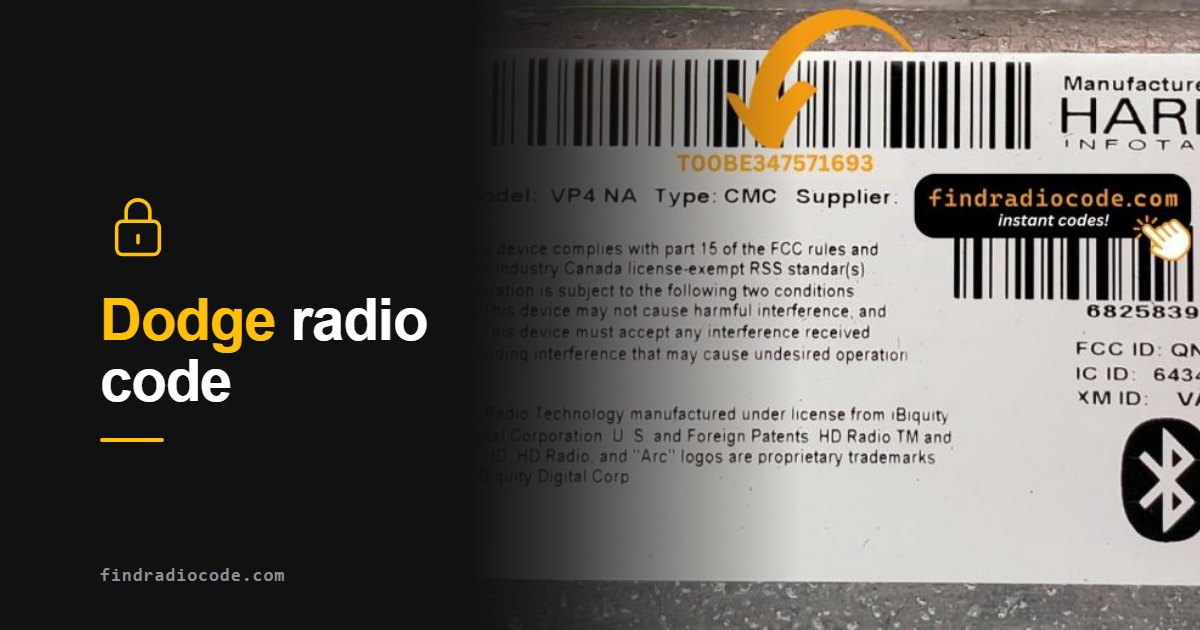
These are real Uconnect labels of the kinds fitted in Dodge vehicles. The serial is the marked number, not the long part number that usually starts with P or 68.
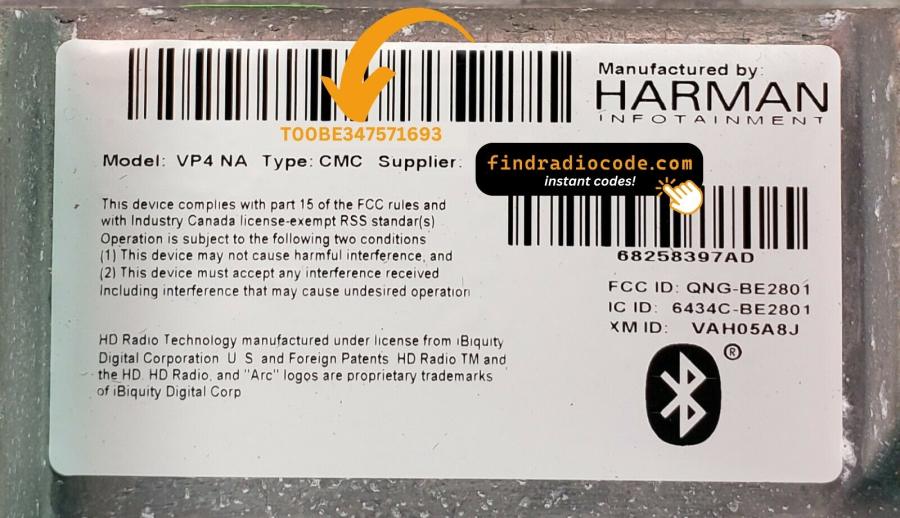
Harman Uconnect 8.4. 14 characters.
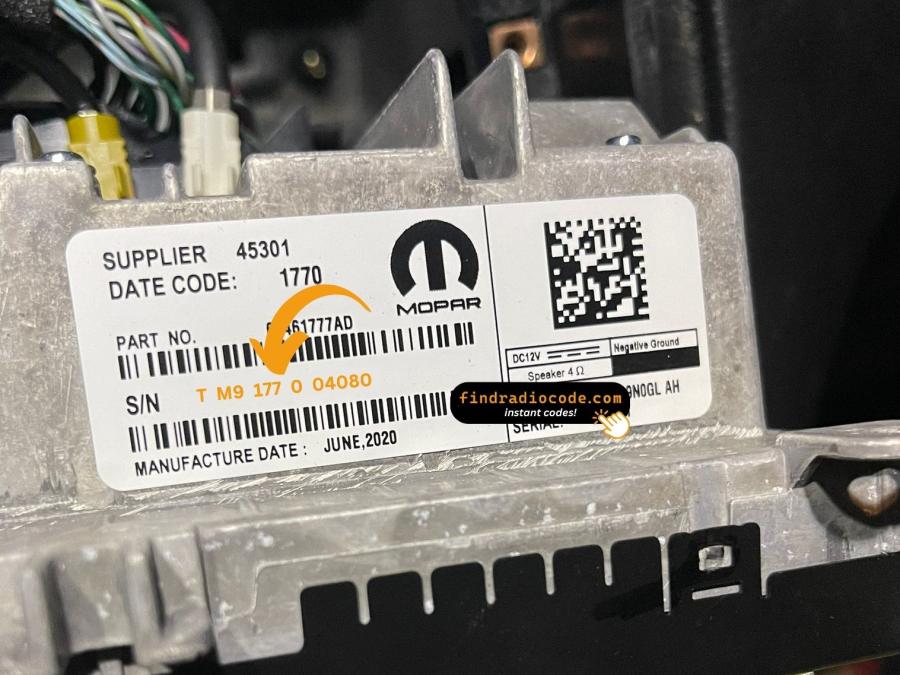
Panasonic Uconnect 8.4. Copy it without spaces.
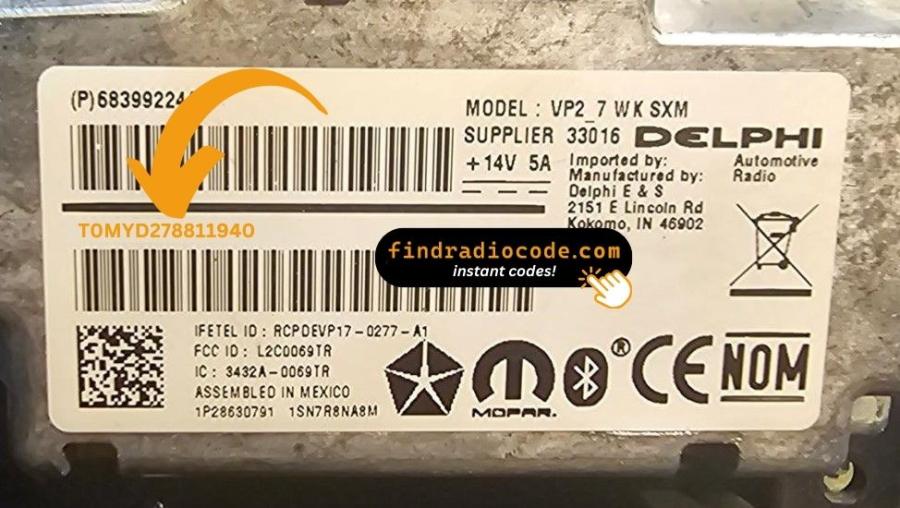
Delphi / Aptiv Uconnect 7 inch. 14 characters.
P68.... That number describes the model, not your radio, and it will not give a code.
Step 2: Get the Code for That Serial
Type the serial below. Supported Dodge serials usually get the code instantly, shown on screen and sent by email. The price depends on the radio and is shown before you pay.
Get Your Dodge Radio Code
Enter the serial number of the radio in your dash.
Not sure which radio you have? Browse Dodge radio codes by model
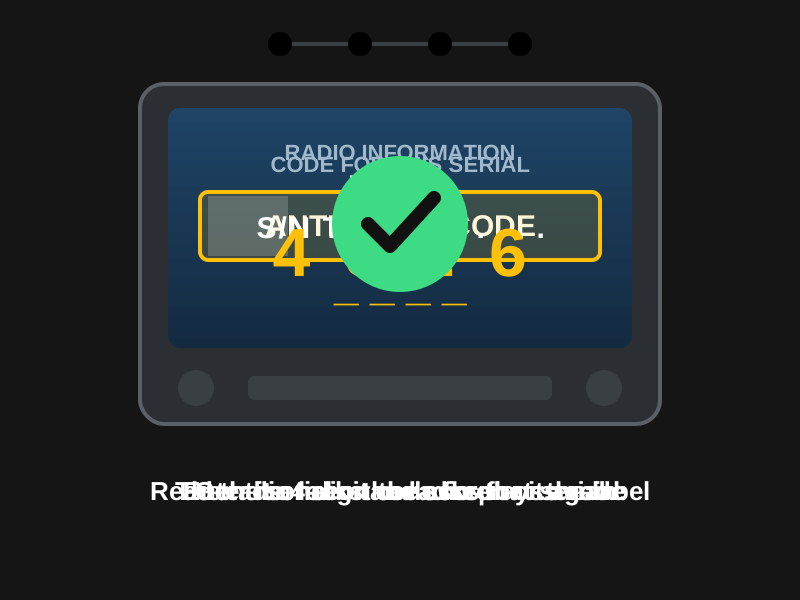
Step 3: Enter the Code
Uconnect touchscreens use the on-screen keypad. Units with physical buttons around the display use those buttons instead.
- Ignition in RUN, and wait until the code screen is ready.
- Type the four digits of the code.
- Confirm if the screen shows a button for it. The radio unlocks and keeps your presets.
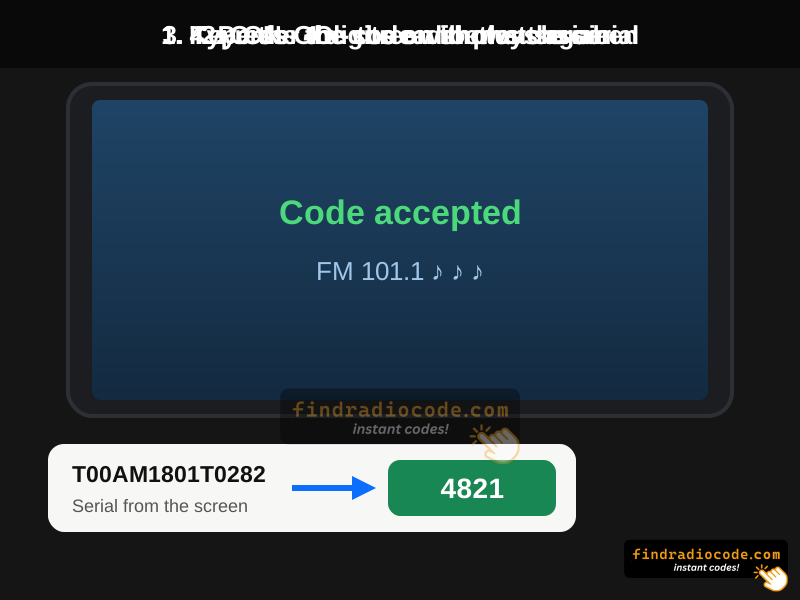

Dodge Charger radio code from the serial number
Write the code down and keep it outside the car. It never changes, so the next battery change takes ten seconds.
If the Radio Says WAIT
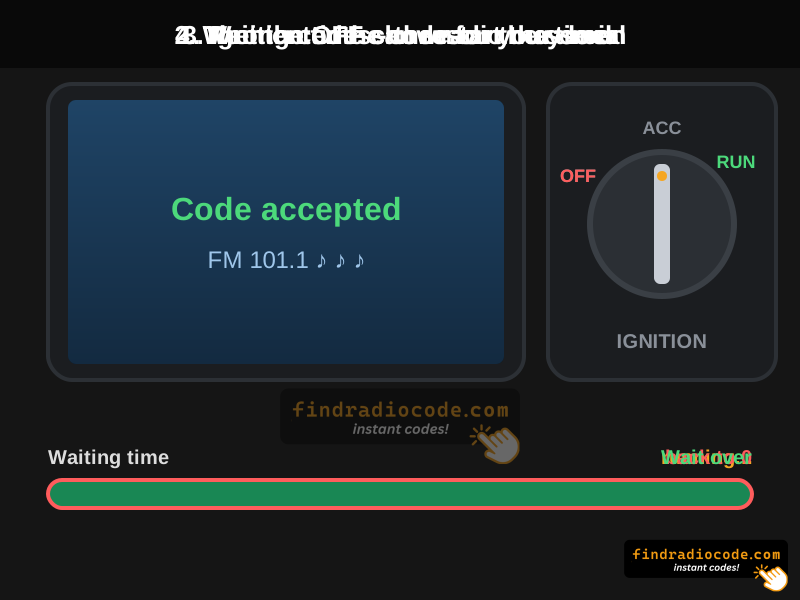
After repeated wrong codes, many Uconnect radios block entry and show WAIT or a waiting time. Follow what the screen says and keep the radio powered; on some units switching the ignition off restarts the timer. Do not keep guessing, and check the serial before the next try.
Still stuck? Our guide to the WAIT message covers a timer that never counts down.