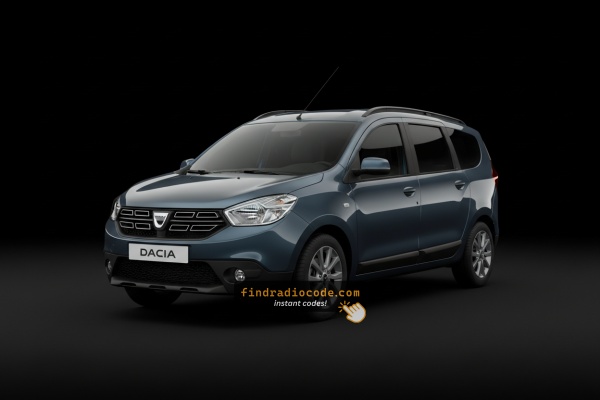
Where to Search for the Serial No.
To retrieve the correct radio code, you will need the radio serial number from your Dacia Lodgy's head unit.
You may be able to find it in one of two places. Common labels to look for: S/N, SN, Serial, Serial Number.
1. Find the S/N on Dacia Lodgy's Screen
Hold 1 + 6 or 1 + 5 while switching on the radio to check for on-screen serial display. If nothing shows, the unit must be extracted.
2. How to Find the S/N on the Radio Unit
The serial number is usually found on a label attached to the radio casing.
Step 1: Turn off the the ignition.
Step 2: After that, remove the dashboard.
Step 3: Then unscrew the radio brackets.
Step 4: Carefully pull the radio forward partially (Be careful not to damage the cables).
Step 5: Search for the serial number on the side of the unit.
Step 6: Write down the full number carefully and come back here so that we can generate the code.
Important: Be careful not to mix the Serial Number and the Part Number!
Removing the Dacia Lodgy Radio
Dacia radios use the same Renault-style extraction keys. Insert into the holes on both sides, release the clips, and pull the unit forward. The serial sticker is on the housing.
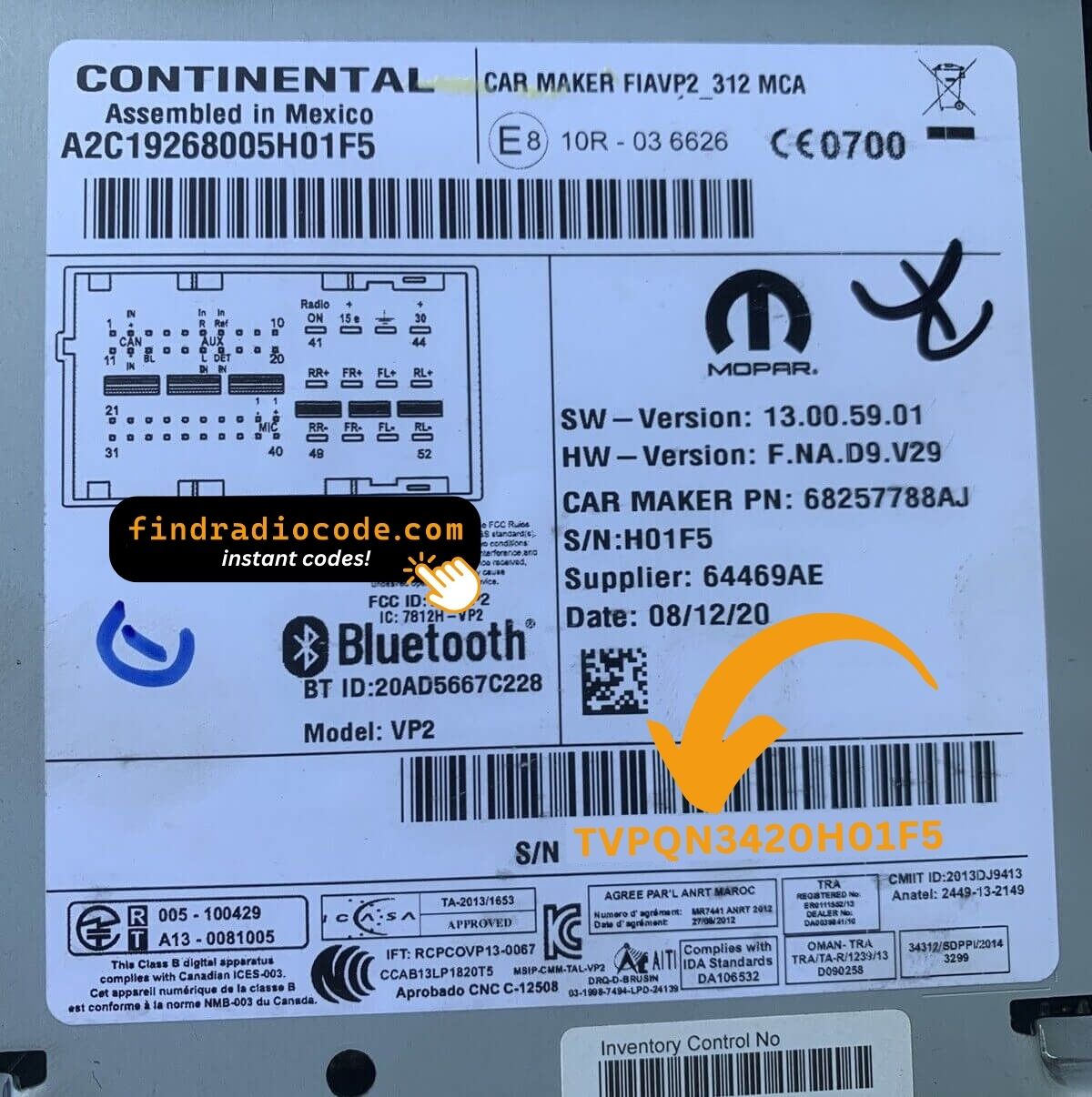
Example: Dacia Lodgy serial number label location
Usual Serial Prefixes on Dacia Lodgy Radios
To unlock the radio, find the serial (8200####, 2811####, or 7700####) on the radio label, or the Precode (A123) from the glovebox card.
Common Dacia Lodgy Radio Code Situations
Facing a locked Dacia Lodgy radio? Usually, it was triggered by one of these well-known situations.
Battery Change Lock (Most Common)
A replaced battery is the most common reason a Dacia Lodgy radio asks for a code.
Even a brief power loss is enough to trigger the built-in anti-theft lock.
Additional Scenarios Where Radio Requires a Code
- Jump-starting the vehicle can reset the radio, requiring the unlock code.
- Installing a replacement head unit will require the original radio code.
- A fuse removal can cause the Dacia Lodgy radio to lock.
- After an ECU or software reset, the radio may lock.
Possible Free Options
Before you pay for it, you should check a few places where the code is often already written down.
Some drivers find their Dacia Lodgy radio code without needing any tools or paperwork.
Here are the easiest things to check first.
Check the Vehicle Documents
- On the radio unit itself, if it was serviced earlier.
- Inside the glovebox, sometimes on a small card.
- In the boot compartment, on a radio label.
- In the owner's manual, often on a code card.
- In your maintenance booklet from the previous owner.
Getting It from the Dealer
Dealerships can retrieve your radio code by checking the vehicle records in their system.
They typically require proof of ownership before sharing the unlock code.
This is the official way to restore access to the factory radio.
Things to Consider:
- Some imported or older radios may not be in their database.
- The lookup is often not instant and may require waiting.
- You may need to contact service support during business hours.
- Dealers frequently charge a service fee (sometimes more than 100$).
You've Got the Corresponding Security Code. How Entering Works?
Once you have the unlock code, it's time to enter it into the Dacia Lodgy's radio.
The locked radio will usually show a blank screen with dashes.
Use the radio presets or a rotary dial to select each number, then press OK to activate the stereo.
If you make a mistake multiple times, you may cause the Lodgy's head unit to block further attempts.
When this happens, the screen can display messages like "CODE ERR", "ERROR", or a blank screen.
To unlock it, you usually need to keep the ignition on for a waiting period that is shown or up to a full hour before trying again.
Dacia Lodgy Radio Code - Frequently Asked Questions
Free security codes are rarely available.
Some manuals may help, but most codes require a serial number lookup.
The only no-cost option would be to check your car and its glovebox to see if you have it written down.
Many original head units use a security code, but some versions require one.
Whether a code is needed varies by the radio unit and the model year.
Yes. Each head unit has its own unique code.
If you install a replacement radio, you'll need the code for that specific unit.