
Where to Locate the Serial Number on Your Fiat Radio
The serial number identifies your specific Fiat radio and allows the system to calculate the correct code.
Remove the Radio Unit
Generally, the serial number is found on a label fixed to the back, side or the top of the stereo.
To access it, you'll need to slightly extract the stereo using standard removal keys.
- Locate a prominent sticker marked "Serial No.".
- The serial number is typically an alphanumeric code.
- It may include prefixes such as "M" / "V" / "CL" / "TM" / "T00AM".
- Do not mistake it for the part number, which is not used for code generation.
Typical for factory-installed radios.
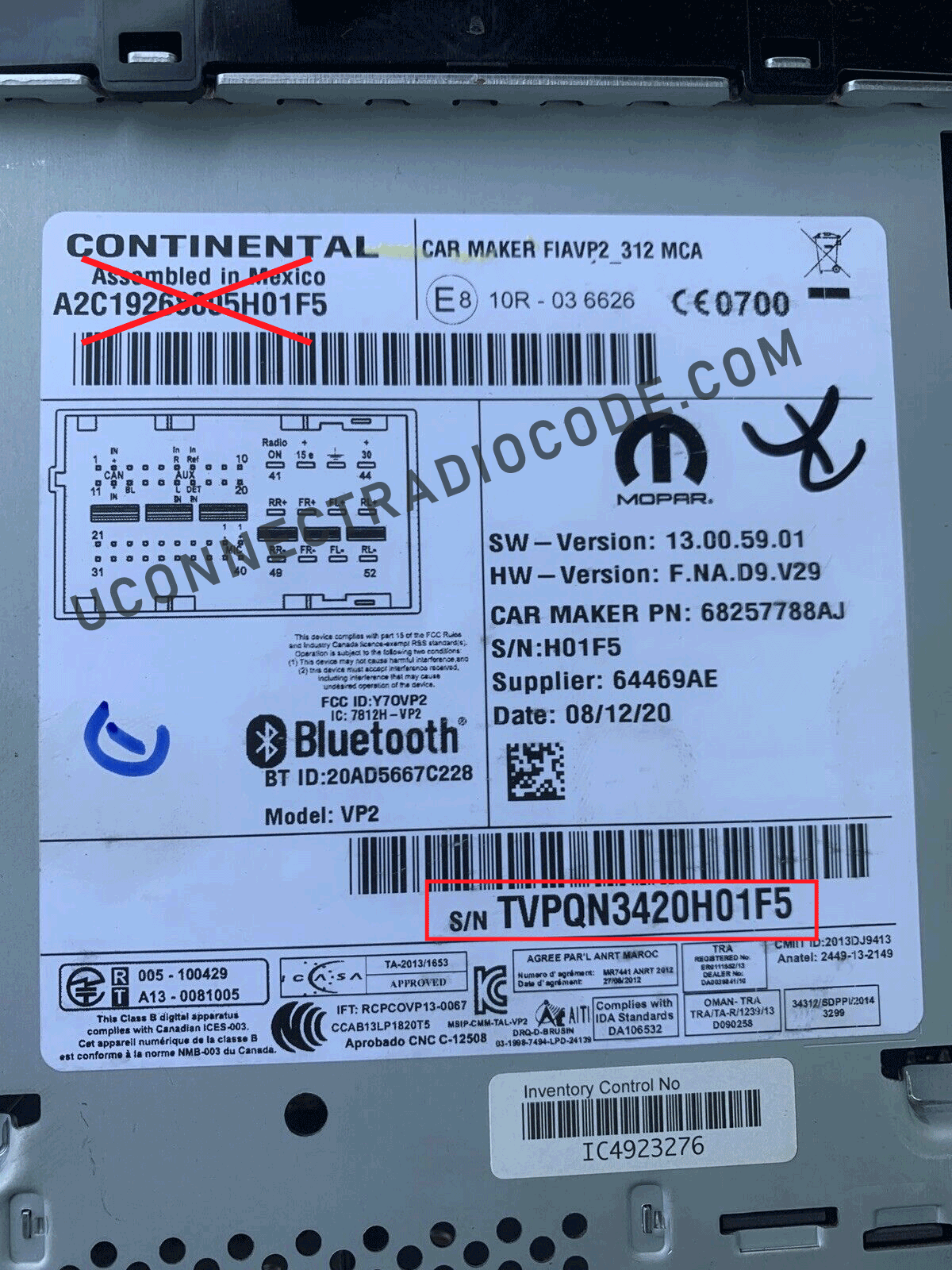
Continental VP2 Label — A2C / TVPQN prefix
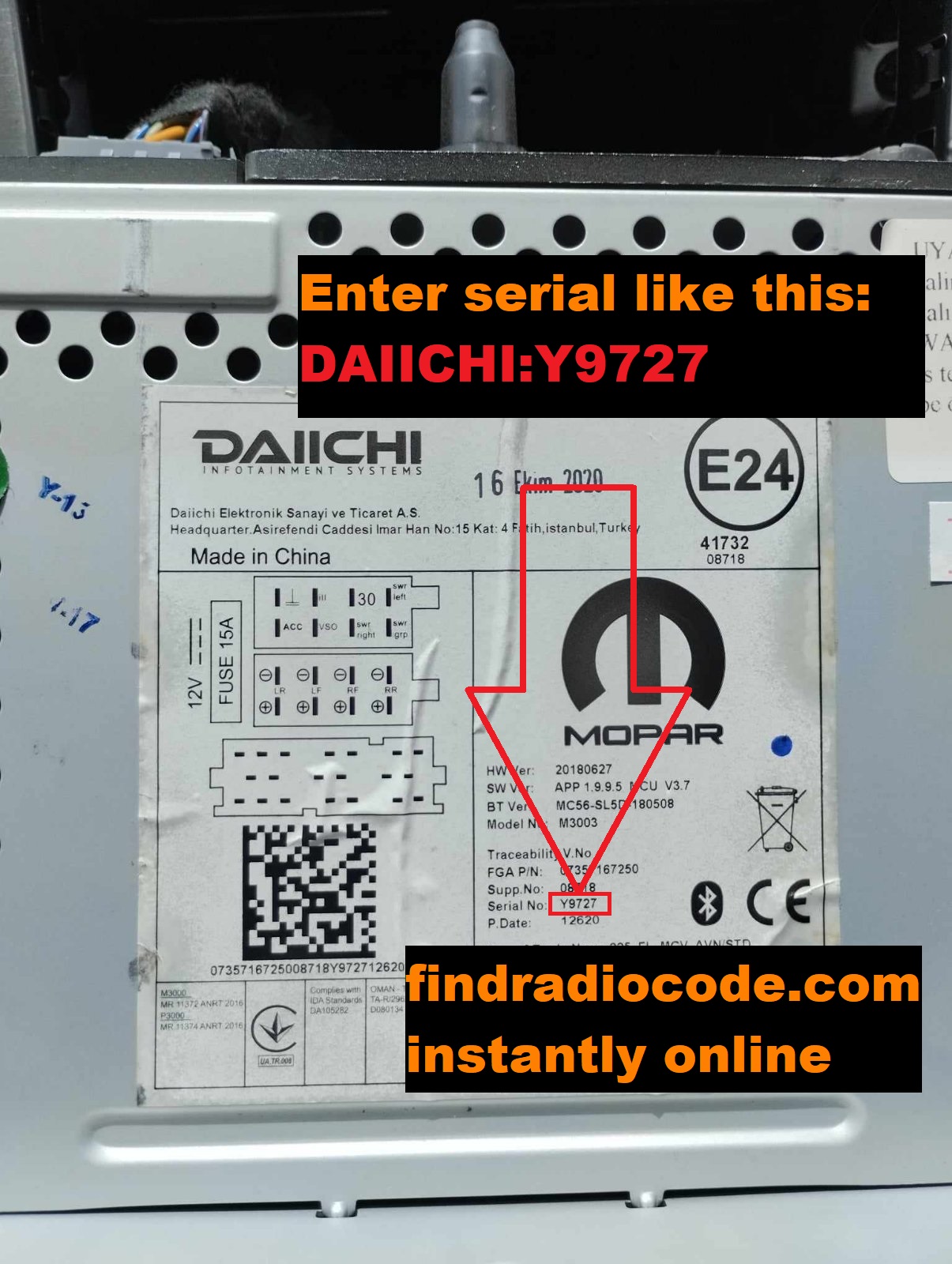
Daiichi Serial Label
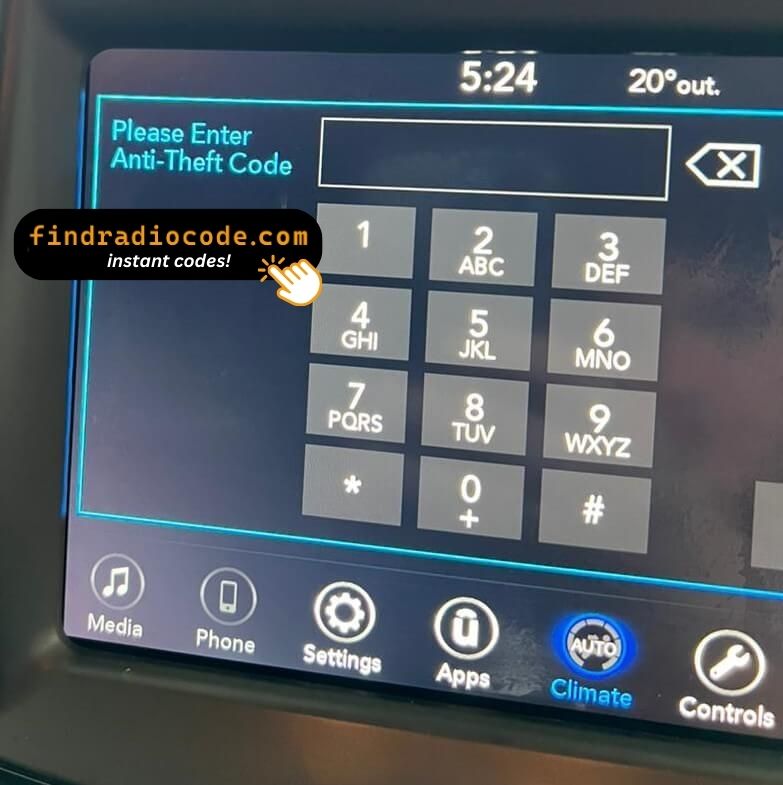
VP2 8.4" Display Asking for Code
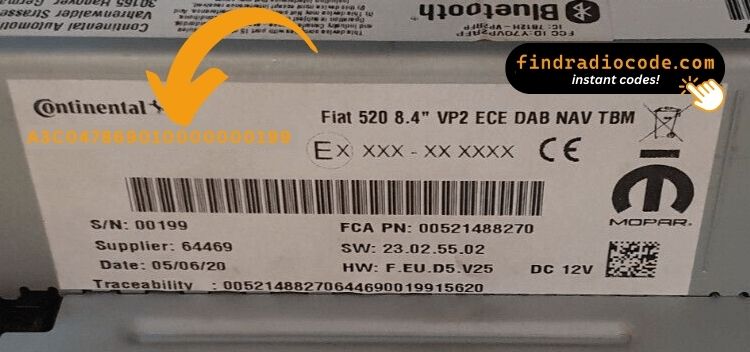
VP2 8.4" Serial Label Location
Checking the S/N on the Screen
Some modern radios allow you to see the S/N using a button sequence.
- Try holding 1 & 6, 2 & 6 or INFO + MENU while switching the radio on.
- The S/N may briefly appear.
- The menu path for different radios is model-specific.
Only some radios allow this, but it's worth checking first before extracting the stereo.
Steps to Enter Fiat Radio Code
Entering the code into your unit takes only a few steps.
You will usually see four dashes after power loss.
Use the radio preset buttons to select the numbers.
Some models auto-confirm on final digit - like pressing 5, Enter or OK to confirm or holding preset key, Seek or Tune.
Be careful not to enter incorrect codes multiple times.
After several failed attempts the radio may temporarily disable input.
Different radios use different timers, before another attempt is allowed.
If you're unsure about the entry method, check the manual or our guides.
How to Retrieve a Fiat Radio Code?
A missing PIN can be retrieved through a few different options:
Dealer Retrieval (Slower Process)
One way to get the radio code is by contacting a Fiat dealer, manufacturer, or authorized service center.
They usually require your VIN, proof of ownership, and vehicle documentation.
In some cases, additional verification such as a registration certificate may also be required.
The process is usually slow. Depending on the each dealer and database of records, retrieving it may take half a day or even a few days.
Some dealers provide the code for free, while others charge a fee - which can sometimes be quite expensive.
Online Radio Code Generator - Fast and Secure
There's a quite faster alternative to the dealer method - our Fiat radio code generator.
The only requirements are the radio's serial number, which can be found on the sticker, the unit or the display.
There's no need to provide a VIN. Once the payment is done, the correct PIN code is displayed instantly and sent to your email.
The database includes thousands of supported Fiat radio units.
Find Radio Code handles everything automatically. If the code doesn't work, you're protected by a 100% refund.
Help & FAQs
Many factory radios will ask for a PIN code after a vehicle electrical reset.
This happens because the radio includes an built-in protection feature designed to prevent theft.
When power is restored, the unit displays a CODE prompt before normal operation resumes.
The required code is a short numeric password that unlocks the radio.
- You purchased a used vehicle without the unlock code
- You installed a new or used radio
- Too many failed code entries triggered a lockout
- Inactivity can cause the anti-theft lock to engage
- The car experienced a sudden loss of power
- There was an electrical issue affecting the radio fuse
- Service work affected radio power
- Your vehicle battery died or was replaced
- Radio was reset to factory settings
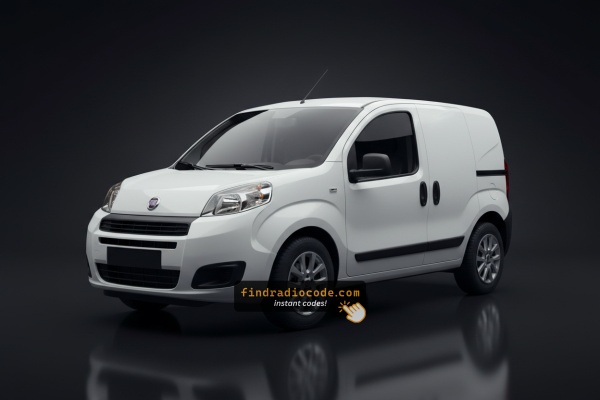
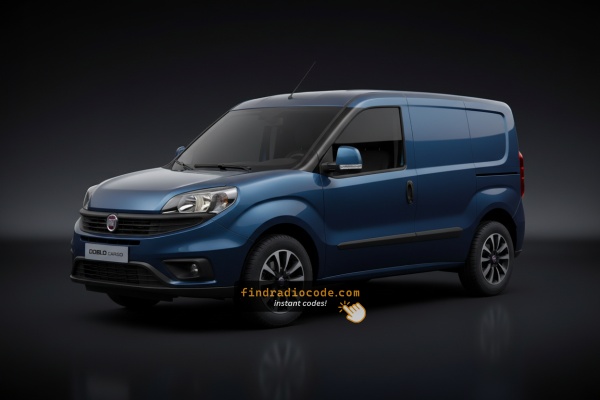
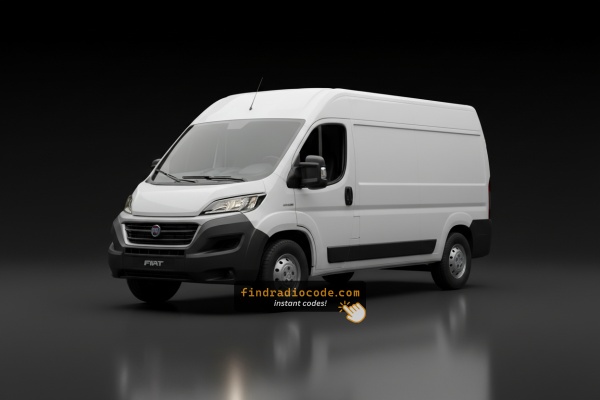
Yes, all Fiat Profesional commercial vans with factory-installed Continental VP1 and VP2 radios require a code after battery disconnection or radio replacement. This applies to the Fiorino Professional, Doblò Professional, Scudo, and Ducato Professional across all production years.
The serial number is found on a label on the back of the radio unit — you'll need to remove it from the dashboard to read it. The serial begins with A2C, TVPQN, BP, or BE. No VIN or vehicle documentation is required.
Start by checking the vehicle handbook. The code is sometimes found on a label or written directly on a section.
You can also check the glovebox or trunk, where dealers or previous owners may have placed a sticker with the code. Some also search for it behind trim pieces or inside the fuse box.
If you have the original manufacturer label, that's the most reliable place to find the code - it usually includes both the serial number and unlock key.
There are a few options - but they aren't guaranteed.
- Contact your dealership - some offer free code retrieval if you're the original owner and can provide proof of ownership.
- For most users, our system is the easiest way to retrieve the correct code instantly.
- Check your owner's manual or code card - some vehicles came with the code printed at delivery.
- Some online communities share generic code info, but you risk using incorrect or locked codes.