
What Exactly is a Radio Anti-Theft Code?
A radio code, also known as an anti-theft code is a security PIN that restores access to your car stereo after it has been locked.
This security code is triggered when the radio loses power.
Car manufacturers use this security system to prevent stolen radios from being reused.
If power is lost, the radio disables itself and asks for the CODE before it can be used again.
Once the valid numbers combination is entered, the stereo is unlocked.
Common Situations Requiring a Code
Dealing with a locked Honda Ridgeline radio? Usually, it was triggered by one of these well-known events.
Radio Locked After Battery Swap
When the battery is removed, the Honda Ridgeline radio locks automatically.
This factory protection system is designed to protect the original head unit by disabling the radio after electrical reset.
More Situations Causing This Problem
- Installing a used head unit will trigger the original radio code.
- After an ECU or software reset, the radio may lock.
- A blown fuse can cause the Honda Ridgeline radio to lock.
- Jump-starting the vehicle can trigger anti-theft mode, requiring the unlock code.
Free Things to Try
There is a chance your Honda Ridgeline radio code is written down in your documents.
Before using a paid service, quickly check the places below - you might be surprised.
Look Through Car Documentation
- In your maintenance booklet from the previous owner.
- In the owner's manual, often on a sticker page.
- In the boot compartment, on a radio label.
- On the head unit itself, if it was removed before.
- Inside the glovebox, sometimes on a label.
Dealer Retrieval Process
Dealerships can generate your radio code by checking the vehicle records in their system.
They typically ask for registration and ID before sharing the security PIN.
This is the official way to restore access to the factory radio.
Things to Consider:
- The lookup is often not instant and may require waiting.
- You may need to contact service support during business hours.
- Some imported or older radios may not be in their database.
- Dealers frequently bill for the code (sometimes more than 100$).
How to Find the Serial No. on a Radio
The only thing you'll need to find the corresponding code is your radio's radio serial. No VIN is needed.
On many Honda vehicles, you can find it in one of the following locations:
- Shown on the radio screen (in some cases by using button combinations)
- On the radio unit itself - you'll need to pull it out and write down serial (which is fairly easy)
Search for a label such as: Serial Num. or SN.
1. Displaying the Serial Number on the Ridgeline Screen
Accessing the Serial Number in Honda Ridgeline
The Honda Ridgeline pickup truck features the same user-friendly serial display system found across Honda's vehicle lineup. From 2006-2025 models, you can retrieve the radio serial number using a simple button combination.
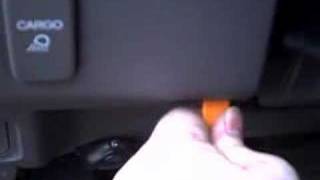
Display Method:
- Turn on the radio — If locked, the display shows "CODE".
- Press and hold preset buttons 1 and 6 together for 2-5 seconds.
- The serial number appears — Typically 10 characters like
U1234L5678orA1234B5678.
Ridgeline-Specific Details:
- 2017-2025 Ridgeline (2nd gen) — All trims feature either the 5-inch Display Audio (base RT) or 8-inch touchscreen (Sport, RTL, RTL-E, Black Edition). Both systems support the 1+6 button method.
- 2006-2014 Ridgeline (1st gen) — Base models have a CD/XM radio, while higher trims feature a navigation system. Both respond to the 1+6 combination.
Note: The Ridgeline shares its platform with the Honda Pilot, so the radio hardware is nearly identical. If you've unlocked a Pilot radio before, the process is the same.
2. The Serial Number on the Radio Sticker
The serial number is usually printed on a label attached to the radio casing.
Step 1: Turn off the the ignition.
Step 2: After that, remove the dashboard trim.
Step 3: Then unscrew the radio brackets.
Step 4: Carefully pull the radio forward partially (Be careful not to damage the cables).
Step 5: Look for the serial on the side of the unit.
Step 6: Write down the full Serial Number carefully and come back to our website so that we can generate your code.
Important: Differentiate the Serial Number and the Part Number!
Alternative: Removing the Honda Radio
If you cannot retrieve the serial on screen, the radio must be physically removed. The radio is held in by DIN clips or surrounded by a trim panel that pops off. The serial label sits on the radio housing.
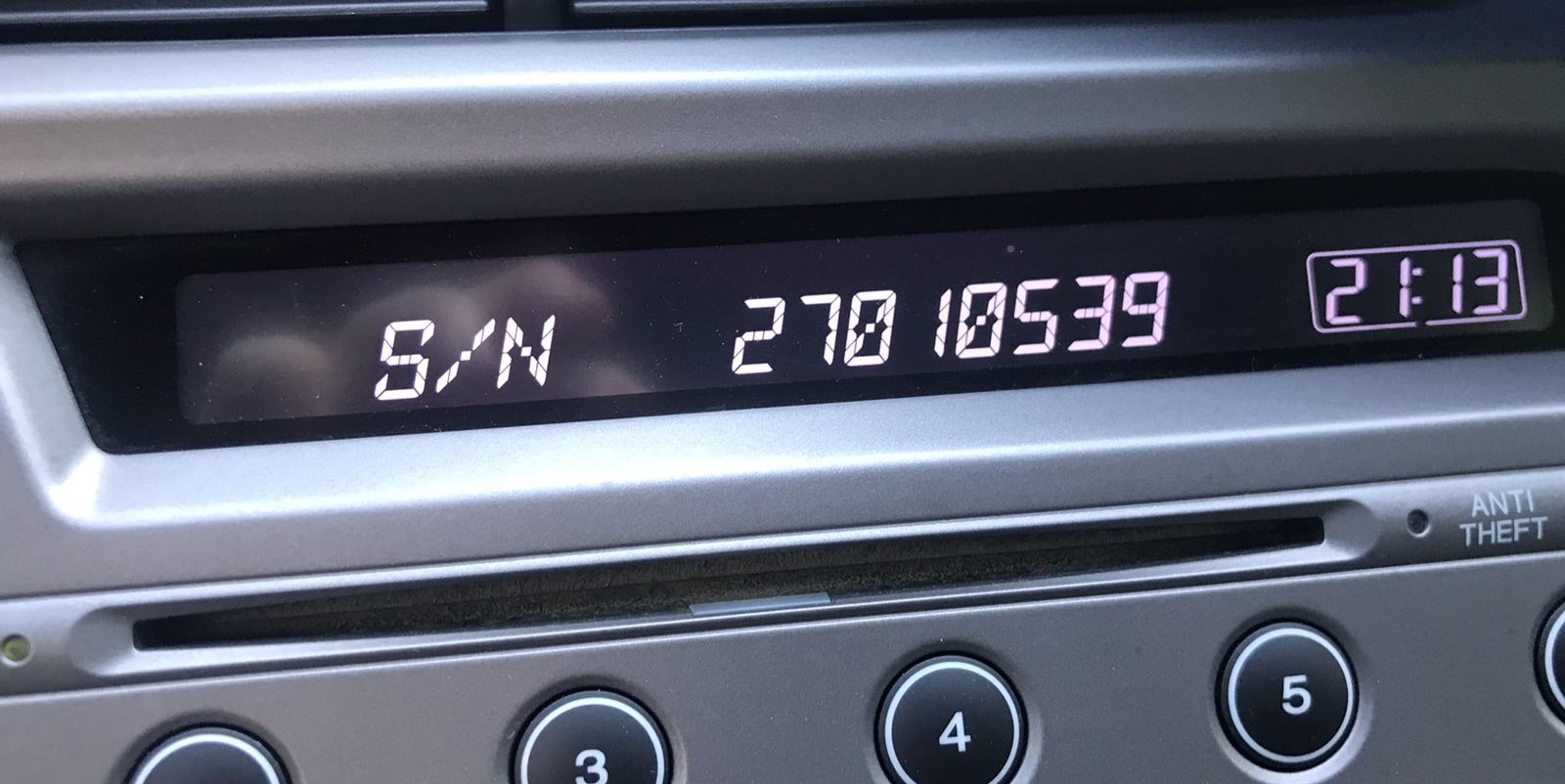
Example: Honda Ridgeline serial number label location
Common Serial Prefixes on Honda Ridgeline Factory Units
To unlock your radio, locate the serial number in U####L#### format — for example U4567 L8901. Navigation units use GNA or HBM prefixes instead.
How to Enter the Radio Code on Honda Ridgeline
Once you have the Honda's radio code, you can type it in using the infotainment controls.
Most radios display "ENTER CODE", "----" or "XXXX" message when they are locked.
You typically use the preset buttons to input the code.
After entering the full code, the radio will unlock automatically.
Entering your unlock code in the Honda Ridgeline:
- Turn on the ignition — The radio displays "CODE".
- Use preset buttons 1-5 to enter your 5-digit code:
- Press button 1 repeatedly to set the first digit
- Press button 2 repeatedly to set the second digit
- Continue for all 5 digits
- Confirm by pressing and holding button 6 for 2-5 seconds.
For Touchscreen Models: If your Ridgeline has the 8-inch Display Audio system, it may show an on-screen numeric keypad. Simply tap each digit and press "Enter".
Lockout Warning: After 3 incorrect attempts, the radio locks for 1 hour. The ignition must remain ON during this period — turning it off resets the timer.
Honda Ridgeline Radio Code - Frequently Asked Questions
Yes. Each factory radio has its own unique security code.
A second-hand radio will need its original code to work.
Free codes are rare.
You might find the code in the paperwork or from a service center, but most require a database lookup.
Not all of them require a radio code, but many factory radios use it as an anti-theft feature.
Certain series may not require a code depending on the head unit.
For most Honda radios: turn the ignition ON, turn the radio OFF, then hold preset buttons 1 and 6 while turning the radio back ON. The serial number will appear on the screen as a complete number or in two parts (U#### and L####).
For navigation-equipped models (2008–2019), press and hold CANCEL + MAP + MENU simultaneously to access the diagnostic menu, then navigate to Detail Information → Unit Check → ECU Information. See our full Honda serial number guide for all methods.
Honda and Acura radio codes are 5 digits long, using only digits 1 through 6 (no zeros, sevens, eights, or nines). This is different from most other manufacturers that use 4-digit codes.
You enter the code using the preset buttons 1–5 on the radio. Each button press corresponds to one digit of the code.